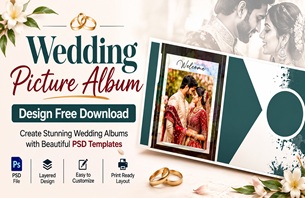
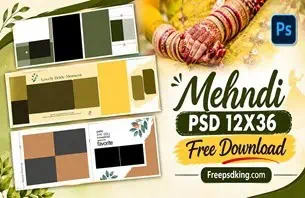
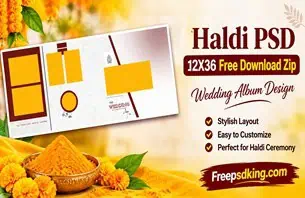
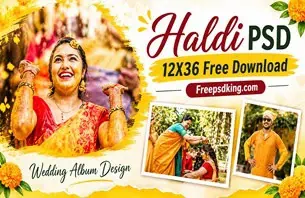
Indian weddings bring together several beautiful ceremonies, emotional family moments, and memorable celebrations. From Mehendi and Haldi to the wedding ceremony and reception, photographers capture hundreds of photographs that deserve an attractive presentation. A well-planned wedding album brings these memories together in a meaningful way.
For photographers and graphic designers, choosing the right Wedding Photo Album Design is an important part of completing a wedding photography project. The layout should highlight important photographs, maintain visual balance, and create a consistent appearance across the album.
At Freepsdking.com, this article explores wedding album design ideas and practical editing guidance for Photoshop users. Whether you are preparing an Indian wedding album or working on a client project, understanding layout styles and customization techniques can help you create a more professional presentation.
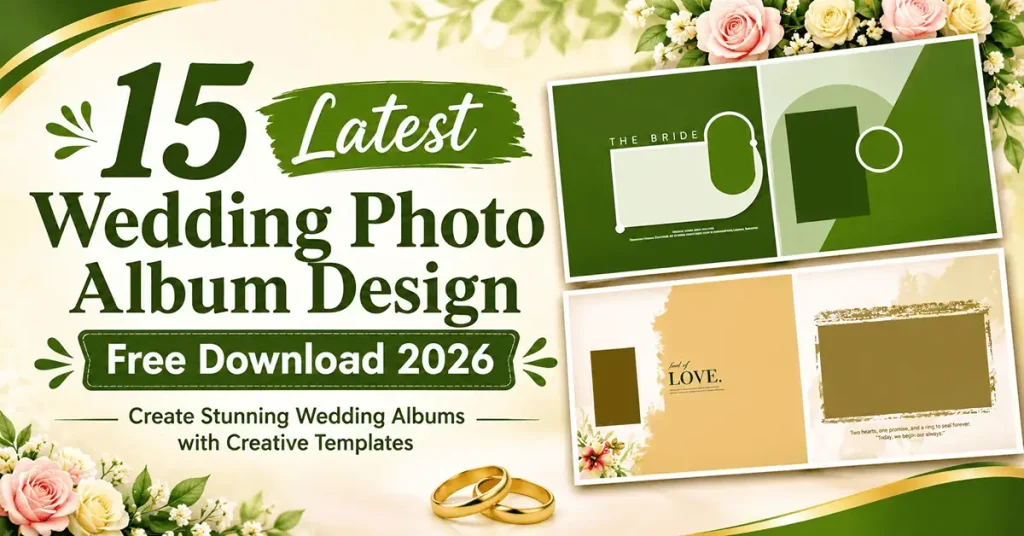
Wedding Photo Album Design
Table of Contents
Wedding Photo Album Design — Understanding Layouts and Creative Styles
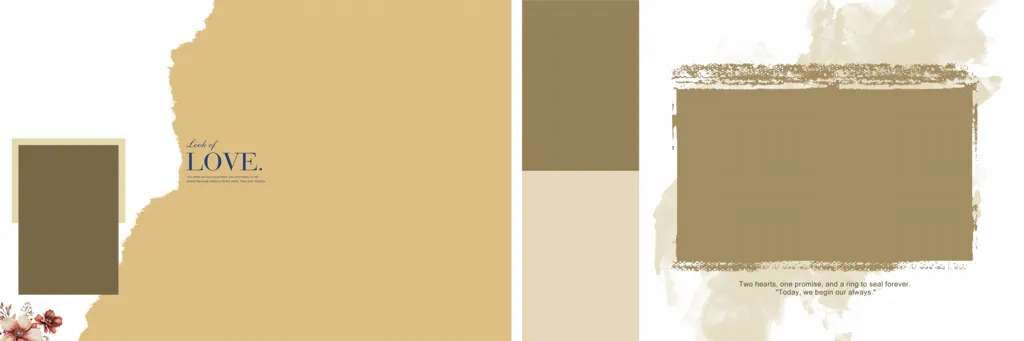
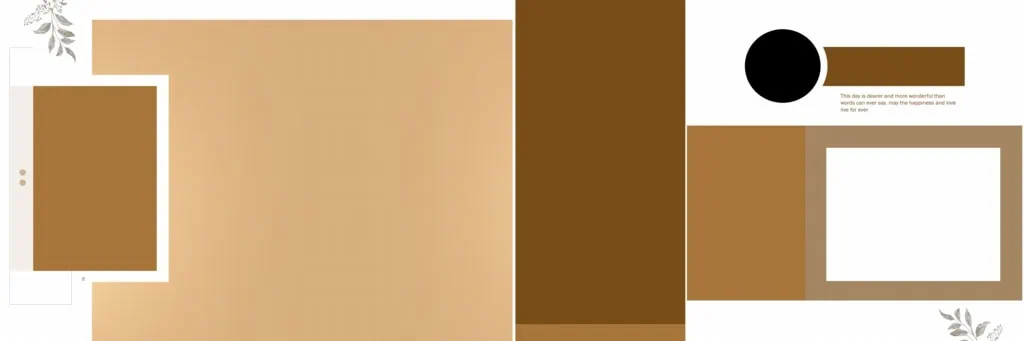
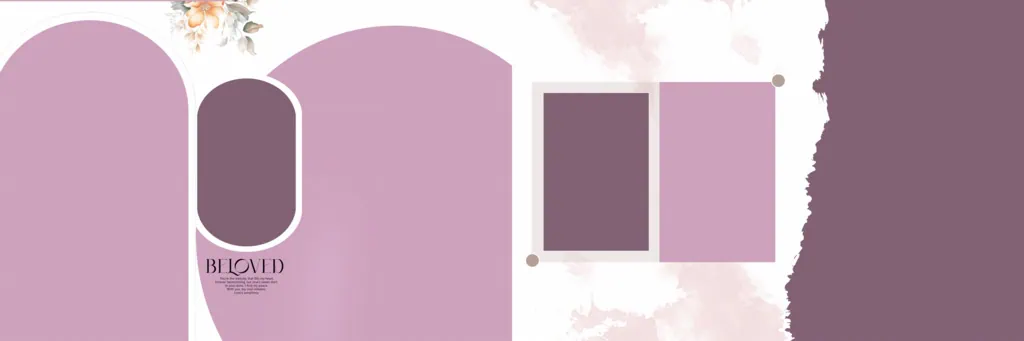
Wedding photo album design is the process of arranging wedding photographs, decorative elements, backgrounds, and text into organized pages that tell the story of a wedding. It combines photo composition, typography, colors, and page layouts to create a memorable printed or digital album.
A good wedding album layout gives important photographs enough space while keeping supporting pictures properly arranged. Designers can use full-page portraits, couple photographs, family pictures, and ceremony highlights to create visual variety throughout the album.
Photoshop is commonly used for this work because it provides tools for photo adjustment, background editing, typography, and layer management. Depending on the supplied template, designers may also be able to replace photographs and customize decorative elements.
#01

#02
#03

#04

#05
#06

#07
#08

#09

#10
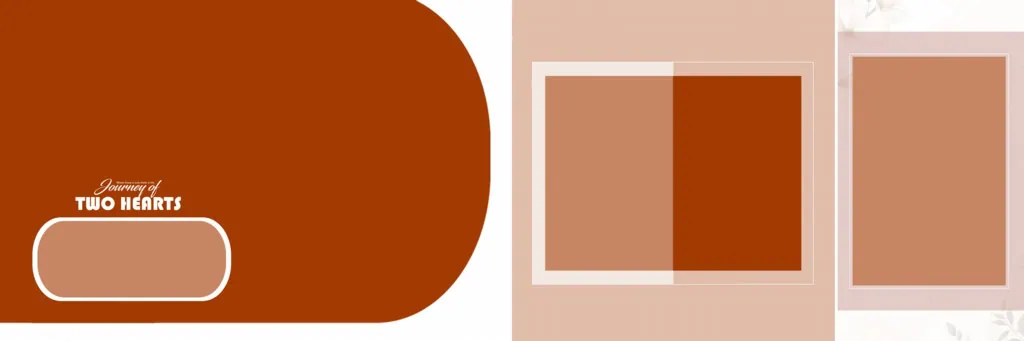
Explore Wedding Album Design Resources on Freepsdking.com
Finding a suitable template can save time during wedding album projects. Instead of creating every page from the beginning, designers can explore existing wedding album design resources and choose layouts that match the photography style and client’s expectations.
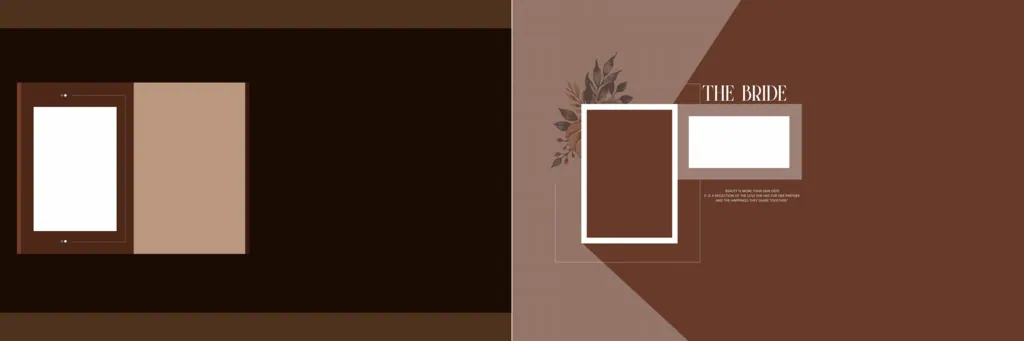
The wedding album collection featured through this topic focuses on creative possibilities for wedding photographers, photo studios, and graphic designers. Different layout approaches can help present traditional ceremonies, couple portraits, candid photographs, and family celebrations.
When selecting a template, check its actual file information before downloading. Important details include:
- File format: Confirm whether the resource is supplied as PSD or another format.
- Document dimensions: Check the page size and whether it matches your intended album format.
- Layer structure: Determine which photographs, text elements, and decorations can be edited.
- Image resolution: Check the available pixel dimensions before preparing photographs for printing.
- Software compatibility: Confirm that your editing software supports the supplied file.
Freepsdking.com provides the subject-specific content for designers exploring wedding album resources. Individual download availability, file specifications, and licensing conditions should be confirmed on the relevant resource page.
#11
#12

#13

#14

#15

How to Download and Customize a Wedding Album Design
Follow these steps when working with a wedding album PSD resource:
- Download the resource: Visit the relevant Freepsdking.com resource page, locate the required design, and follow the available download instructions. Check the file information before proceeding.
- Extract the archive: If the downloaded resource comes in ZIP format, extract it using suitable archive software. Keep the original compressed file as a backup.
- Open the PSD file: Launch Adobe Photoshop or compatible editing software and open the document. Check its dimensions, resolution, color mode, and available layers.
- Replace wedding photographs: If the template contains editable image layers or Smart Objects, replace the sample photographs with the client’s selected pictures. Otherwise, use the available layers and selection tools to position images manually.
- Customize the layout: Adjust names, wedding dates, text, colors, decorative elements, and photograph placement. Maintain a consistent visual style across all album pages.
- Prepare the final output: Review the complete album, check image quality and document dimensions, and confirm bleed and binding requirements with the printer. Save an editable PSD backup before exporting the final files.
Designing Wedding Albums Around Client Expectations
A wedding album is more than a collection of photographs. It is a visual record of an important family occasion. Therefore, the arrangement of photographs should reflect the moments that matter most to the couple.
For example, an Indian wedding album may include separate sections for Haldi, Mehendi, Sangeet, the wedding ceremony, and reception. Keeping these events in a logical order helps viewers follow the celebration naturally.
The wedding album cover design also plays an important role in the overall presentation. A carefully selected cover photograph, readable typography, and balanced decorative elements can establish the visual identity of the album.
When planning a marriage album design, discuss the client’s preferred photographs and overall style before completing the pages. Some clients may prefer traditional arrangements, while others may want a cleaner modern wedding album design with fewer decorative elements.
Designers should also avoid overcrowding pages with too many photographs. Giving important portraits enough space creates a better visual balance and makes the album easier to enjoy.
Practical Tips for Better Wedding Album Results
- Check photograph resolution: Use sufficiently detailed original photographs. A 300 DPI document setting does not automatically improve the quality of low-resolution images.
- Confirm printing requirements: Ask the printing service about document dimensions, color profiles, and preferred export formats before preparing the final album.
- Allow space for binding: Keep important faces, text, and design elements away from the center binding area. Follow the printer’s specified safe margins and bleed measurements.
- Maintain editable backups: Save the original PSD and a separate working copy. This makes future corrections easier if the client requests changes.
Frequently Asked Questions
1. Are wedding photo album design PSD files free to download?
Download conditions depend on the individual resource page. Check the available download instructions and terms before assuming that a particular design is available without payment.
2. Which software is needed to edit wedding album designs?
Adobe Photoshop is commonly used for PSD editing. Other compatible applications may also open PSD files, but layer support and editing features can vary.
3. Can I use wedding album designs for paid client projects?
Commercial usage depends on the individual resource’s license. Always review the licensing terms before using a downloaded design in paid photography or studio projects.
4. What makes a good wedding album layout?
A good layout balances photographs, text, spacing, and decorative elements. It should highlight important wedding moments while maintaining a consistent appearance throughout the album.
5. How can I prepare a wedding album for printing?
Check document dimensions, image resolution, color settings, bleed, and binding margins. Confirm the printer’s requirements and export the final pages in the requested format.
Conclusion
Choosing the right Wedding Photo Album Design helps photographers and designers present wedding memories in an organized and attractive format. From traditional Indian ceremonies to modern couple portraits, thoughtful photo placement and a consistent wedding album layout can improve the overall presentation.
Explore wedding album design resources on Freepsdking.com, compare available styles, and customize suitable templates according to your project requirements. Always verify file specifications and licensing terms before using a design for professional printing or client delivery.