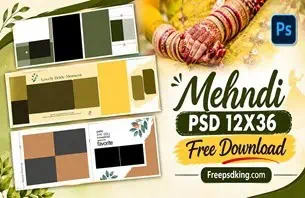
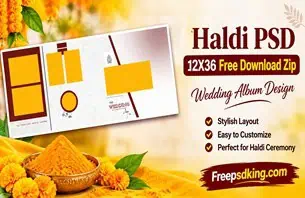
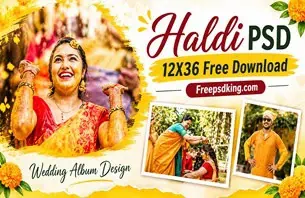
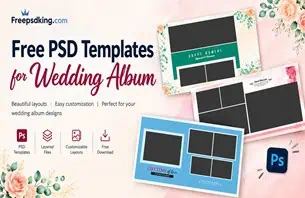
Indian weddings are filled with memorable occasions, from Mehendi and Haldi ceremonies to the wedding rituals, reception, and family celebrations. After capturing hundreds of photographs, the next challenge for photographers and album designers is arranging those moments into a beautiful and meaningful collection. A well-planned Wedding Picture Album helps preserve these memories in a format that families can enjoy for years.
Creating an attractive album layout takes time. Designers need to select suitable photographs, balance images across pages, choose appropriate backgrounds, and maintain a consistent visual style. Without a proper design structure, even beautiful wedding photographs can lose their impact when arranged poorly.
At Freepsdking.com, wedding album design resources are intended to help graphic designers, photographers, and Photoshop users explore creative possibilities for their projects. This guide explains how to approach a wedding picture album design, customize a suitable resource, and prepare the final layout for printing.
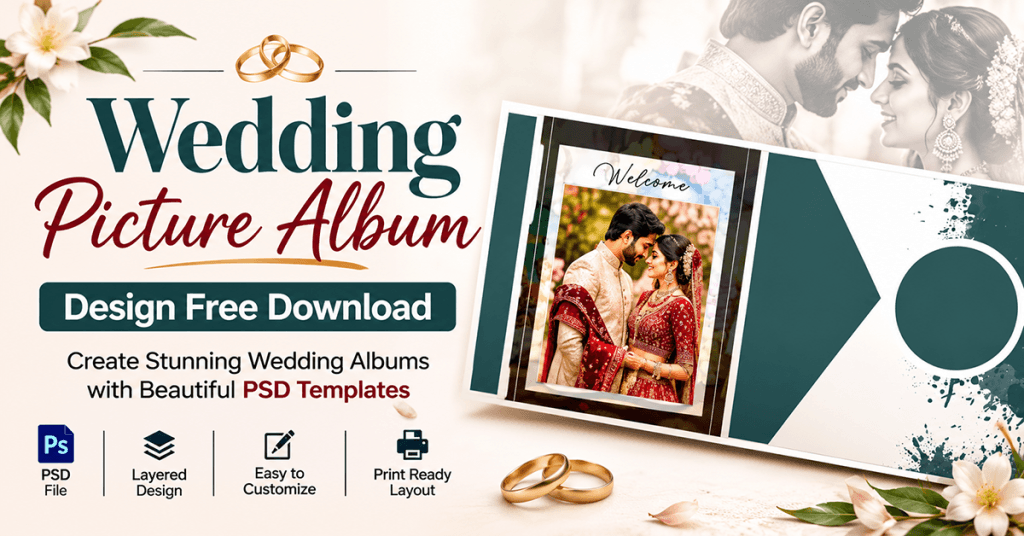
Wedding Picture Album
Table of Contents
Wedding Picture Album — A Meaningful Way to Preserve Wedding Memories
A Wedding Picture Album is a professionally arranged collection of wedding photographs presented through coordinated page layouts. It combines photographs, backgrounds, decorative elements, and typography to tell the story of a couple’s special day. Designers use album layouts to organize important moments into a visually connected presentation.
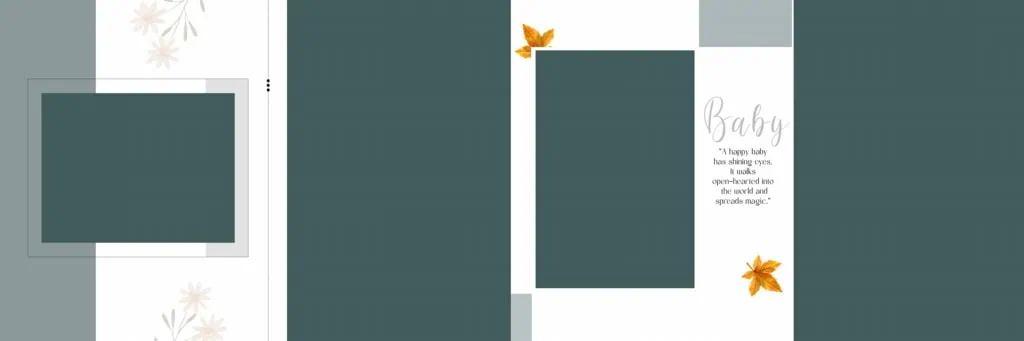
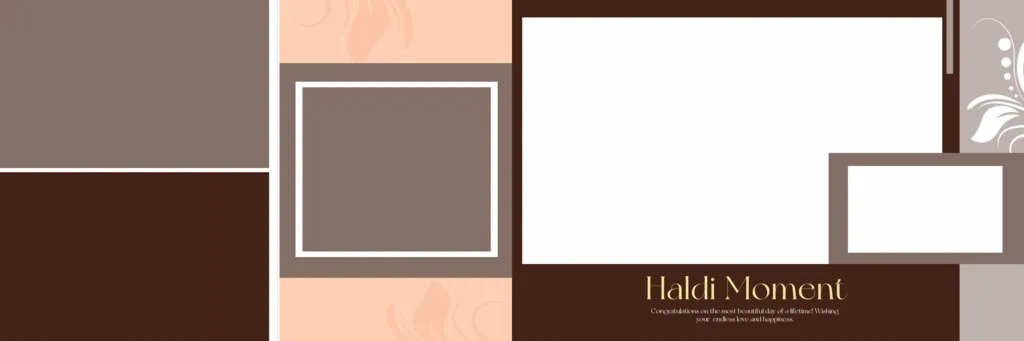
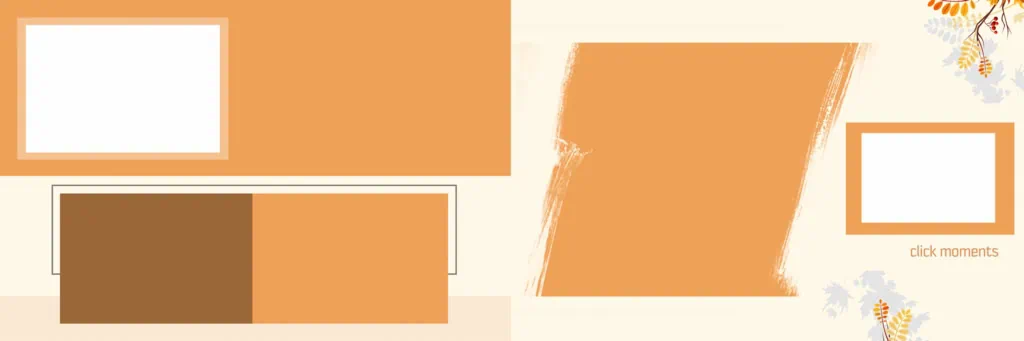
Unlike a simple collection of digital photographs, a wedding photo album follows a planned composition. Each page can highlight a different ceremony, family group, or emotional moment. The arrangement should create a natural flow from the beginning of the wedding celebrations to the final photographs.
For Indian weddings, an album may include traditional ceremonies, candid portraits, couple photography, family photographs, and reception highlights. A carefully selected wedding picture book makes these moments easier to revisit and share with family members.
#01

#02
#03

#04

#05
#06

#07

#08
#09
#10

Explore Wedding Album Design Resources on Freepsdking.com
Choosing an appropriate design is an important part of the album creation process. A suitable layout can help designers organize photographs while maintaining visual consistency throughout the project.
Freepsdking.com focuses on graphic design resources, including wedding album designs and other creative materials. Visitors can explore the relevant wedding album collection and select a design that matches their project requirements.
Before downloading any particular resource, check its individual page for important information. The exact file format, document dimensions, resolution, software compatibility, and available editing features should be confirmed before starting your work.
Designers looking for the best wedding photo albums should consider more than decorative backgrounds. Photo placement, page balance, readability, and consistency are equally important when selecting a suitable layout.
#11
#12
#13
#14
#15

How to Download and Customize a Wedding Picture Album Design
Once you have selected a suitable resource, follow these steps to prepare it for your wedding photography project.
- Find the Relevant Design: Visit Freepsdking.com and browse the wedding album design resources. Open the relevant resource page and follow its available download instructions. Check the file information before downloading.
- Extract the Downloaded Archive: If the resource is provided as a ZIP file, extract it using suitable archive software. Keep the original downloaded archive as a backup in case you need to access it again.
- Open the Design File: If the download includes a PSD file, open it in a compatible version of Adobe Photoshop. Check the document dimensions, resolution, color mode, and layer structure before editing.
- Replace the Wedding Photographs: Add your selected photographs to the available image areas. If the PSD contains Smart Objects, use them according to their structure. Otherwise, replace images through the available editable layers.
- Customize the Album Layout: Adjust text, colors, backgrounds, and photograph positioning to suit the wedding theme. Use suitable images from ceremonies such as Haldi, Mehendi, Sangeet, and the reception. Maintain consistent spacing and visual balance across pages.
- Prepare the Final Output: Review the complete album before exporting. Confirm the printer’s required dimensions, image resolution, color profile, bleed margins, and binding allowances. Save an editable backup and export the final file in the format requested by the printing service.
Designing an Album That Matches Client Expectations
A wedding album is more than a collection of attractive pages. It represents an important family occasion, so the final presentation should reflect the client’s memories and preferences.
Before starting the design, discuss the client’s expectations. Some couples prefer traditional wedding compositions with family portraits and ceremony highlights. Others may want a more modern presentation with candid photographs, creative image arrangements, and minimal decorative elements.
Photo selection also plays an important role. Avoid filling every available space with photographs simply because they are available. Give important moments enough visual attention. A couple’s wedding portrait, an emotional family moment, or an important ceremony photograph may deserve a larger placement than ordinary supporting images.
Typography should complement the photographs rather than compete with them. Use readable fonts for names, dates, and short captions. Similarly, choose backgrounds that support the wedding theme without making the pages visually crowded.
When preparing the best wedding photo books for clients, consistency matters. Matching colors, balanced layouts, and a logical photo sequence help create a more connected album experience.
Practical Tips for Better Wedding Album Results
A beautiful layout also needs careful technical preparation. Consider these points before sending the album for printing:
- Check image resolution: Use photographs with sufficient pixel detail for their final printed dimensions. Increasing the DPI setting alone cannot restore missing image detail.
- Confirm color requirements: Ask the printing service whether it requires RGB or CMYK files and whether a specific color profile should be used. This helps reduce unexpected color differences.
- Allow for binding and bleed: Keep important faces, text, and design elements away from the binding area. Follow the printer’s specified bleed and safety-margin requirements.
- Maintain an editable backup: Save the original working PSD separately from the exported album. This makes future corrections, photograph replacements, and client revisions easier.
Frequently Asked Questions
1. What is a Wedding Picture Album design?
It is a planned arrangement of wedding photographs across album pages using suitable backgrounds, typography, and decorative elements to present wedding memories in an organized format.
2. Can I download wedding picture album designs for free?
Download conditions depend on the individual resource page. Check the listed access requirements before downloading, and review any applicable usage conditions.
3. Which software is required to edit wedding album PSD files?
Adobe Photoshop is commonly used for PSD editing. Check the individual resource specifications for compatibility with your installed software version.
4. Can I use wedding album designs for paid client projects?
Commercial usage depends on the license attached to the individual resource. Review the applicable terms before using a design in paid photography or album-printing projects.
5. How can I prepare a wedding album design for printing?
Check document dimensions, image resolution, color settings, bleed margins, and binding allowances. Follow your printing service’s specifications before exporting the final album.
Conclusion
A thoughtfully designed Wedding Picture Album turns wedding photographs into a lasting collection of family memories. From selecting meaningful images to arranging balanced layouts and preparing files for printing, every design decision contributes to the final presentation. Choosing suitable wedding album designs and understanding the editing process can also help photographers and designers manage their projects more effectively.
Explore the wedding album design resources available on Freepsdking.com to find creative inspiration for your next project. Whether you are creating a traditional Indian wedding album or a modern wedding picture book, focus on meaningful photo arrangements, consistent styling, and careful print preparation.