Wedding album designers often need fresh backgrounds to create attractive layouts for different ceremonies, couple portraits, and family photographs. Reusing the same background style can make multiple album pages look repetitive, especially when a client expects a unique presentation for every important moment.
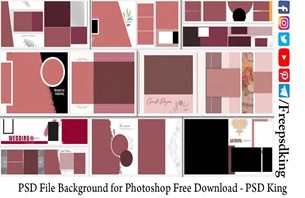
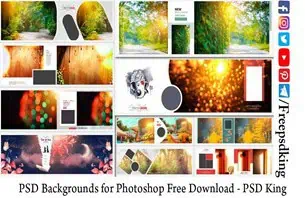
A suitable Photo Album Design Background can help solve this problem by providing a creative base for arranging photographs, decorative elements, and text. Background selection plays an important role in the overall appearance of a wedding album because it supports the photographs without distracting from the people and emotions captured in them.
At Freepsdking.com, wedding album designers, Photoshop users, and photo studio professionals can explore creative design resource ideas for their album projects. Choosing the right background can help you maintain a consistent style while making every page look visually different and memorable.
Photo Album Design Background
Table of Contents
Photo Album Design Background and Its Role in Wedding Layouts
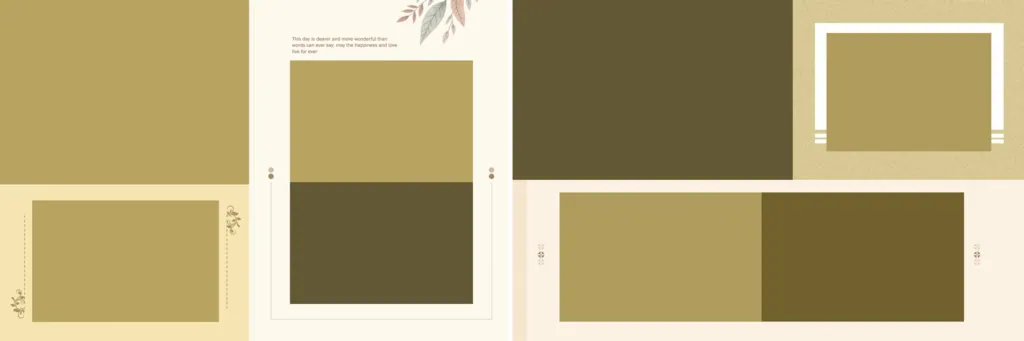
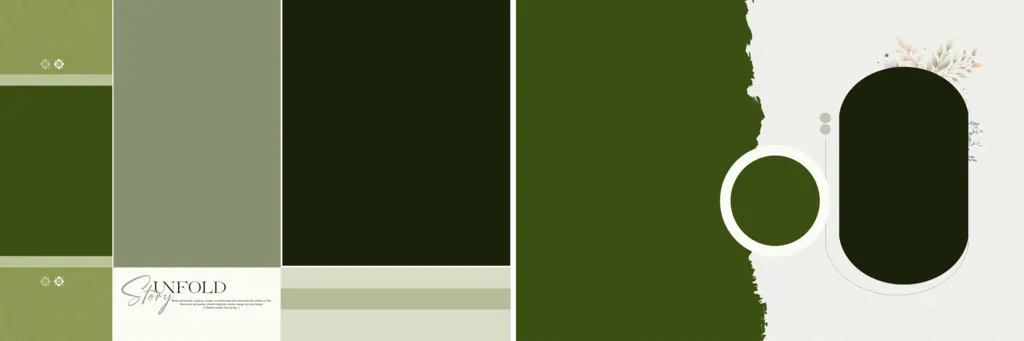
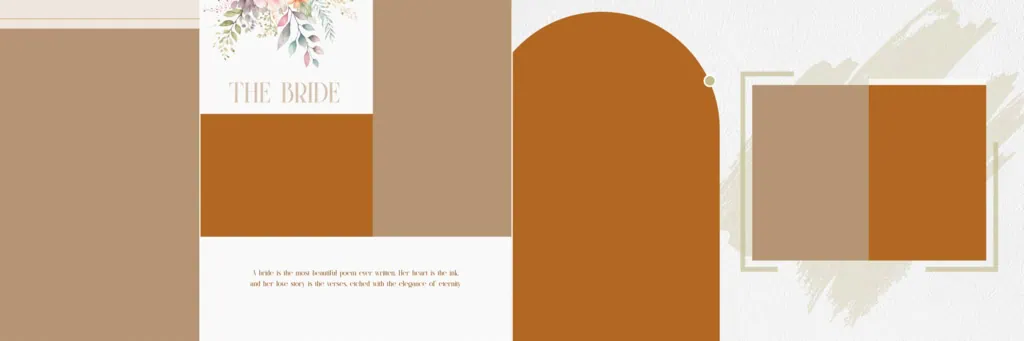
A photo album design background is the decorative base used behind photographs, text, frames, and other design elements in an album layout. It helps create the visual mood of a page while maintaining a balanced composition between photographs and decoration.
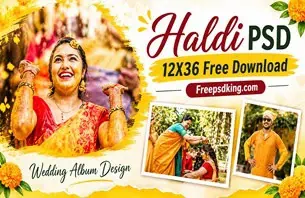
For Indian wedding albums, backgrounds may be selected according to different occasions, including Mehendi, Haldi, wedding ceremonies, reception photographs, couple portraits, and family moments. A subtle background can complement traditional photographs, while a modern design can work well with pre-wedding shoots and cinematic photography.
A good background should not overpower the photographs. The colors, patterns, textures, and decorative details should support the main images and create a natural visual flow throughout the album.
#01
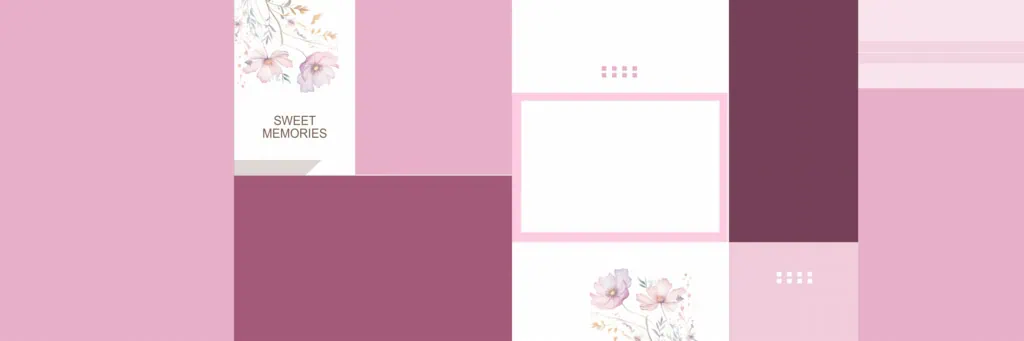
#02

#03
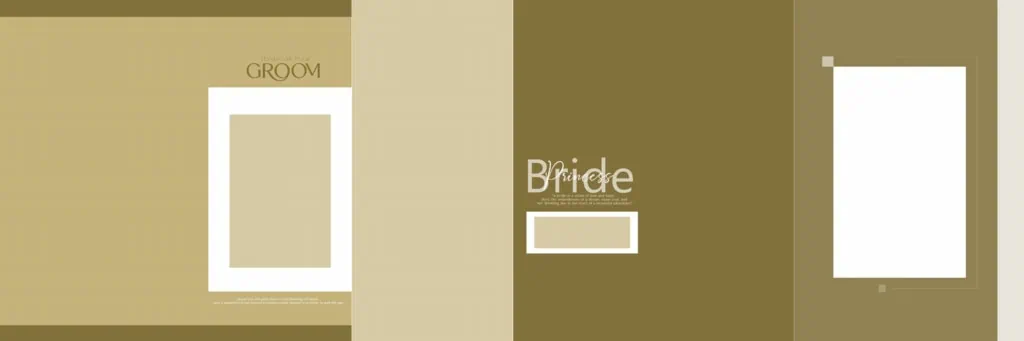
#04
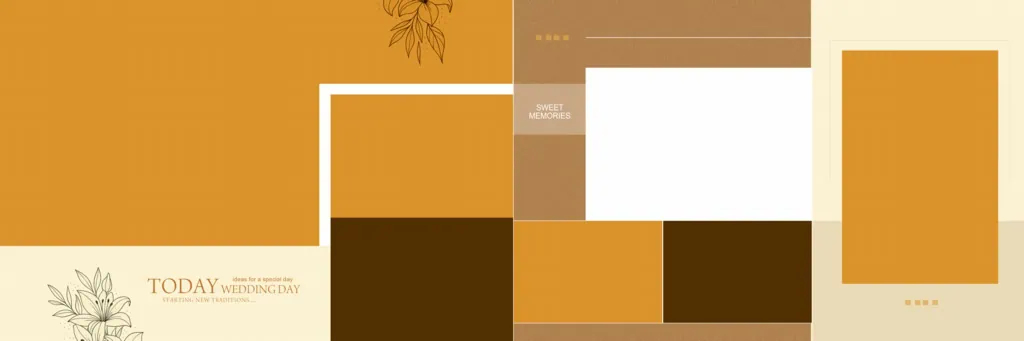
#05
#06
#07

#08
#09

#10
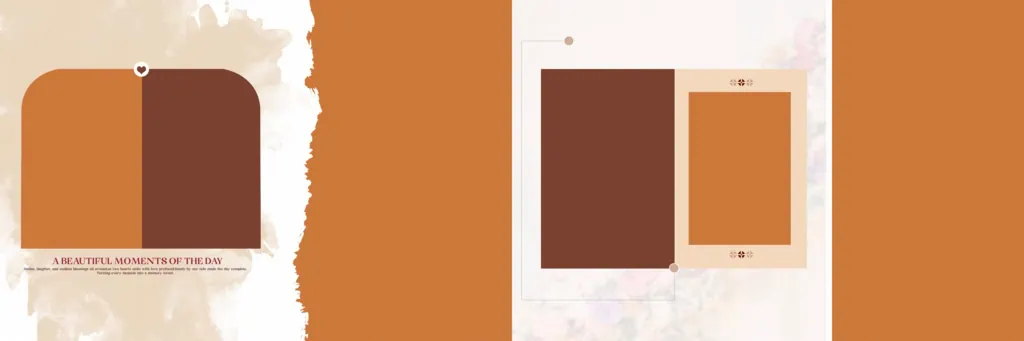
Explore Creative Album Background Ideas on Freepsdking.com
When designing a wedding album, the background needs to match the photographs and the overall theme of the project. Some photographs look better with minimal textures, while others can be presented with floral decorations, elegant patterns, or artistic color combinations.
Designers working with a 12×36 album design PSD should consider the placement of photographs across the complete spread. A wide layout requires careful attention to balance, especially when placing important faces near the center binding area.
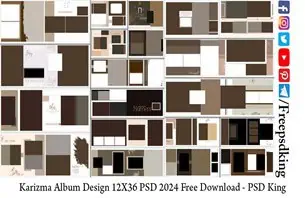
A 12×36 Karizma album PSD workflow can be useful for organizing photographs into a wide panoramic composition. Before selecting any background, consider the colors of the outfits, the lighting of the photographs, and the type of album presentation the client prefers.
Freepsdking.com is the website for this resource article. Check the relevant resource page for available files, download information, and confirmed details before using a particular background in your project.
How to Use a Photo Album Design Background in Photoshop
Follow these steps to prepare your album design and customize the background according to your photographs.
1. Download the design resource: Visit the relevant resource page on Freepsdking.com and follow the available download instructions. Confirm the file format before downloading.
2. Extract the downloaded file: If the background is provided in a ZIP archive, extract it using a compatible archive utility. Keep the original download saved as a backup.
3. Open the design in Photoshop: Open the background or PSD file in Photoshop and inspect the document dimensions, resolution, and available layers. Check the file structure before making changes.
4. Place your photographs: Add wedding or pre-wedding photographs to the layout. Adjust the image placement, cropping, and size so the main subjects remain clearly visible.
5. Customize the background: Modify colors, decorative elements, text, and photo frames according to the album theme. Make sure the background does not compete with the photographs.
6. Prepare the final album page: Check the layout dimensions, resolution, color mode, bleed, and binding margins according to the album printer’s requirements. Save an editable copy and export the final version in the required format.
Saving Time During Wedding Album Design Projects
Wedding album projects often involve a large number of photographs and several rounds of client changes. Designers may need to prepare layouts for different ceremonies while maintaining a consistent visual style across the complete album.
Using a suitable album background can help reduce repetitive work. Instead of creating every page decoration from scratch, designers can focus on selecting photographs, adjusting composition, and customizing the layout according to the event.
For a 12×36 wedding album PSD free download, the main benefit of a reusable design workflow is flexibility. Photographs can be arranged differently, colors can be adjusted, and decorative details can be changed to suit the client. However, the actual editing options depend on the structure and features of the downloaded file.
A well-organized photo studio workflow also makes it easier to revisit older projects, make corrections, and prepare final album sheets without unnecessary delays.
Practical Tips for Better Photo Album Background Results
- Keep photographs as the main focus: Select backgrounds with colors and decorative elements that support the photographs instead of overpowering them.
- Check the album dimensions: Use the correct sheet size and maintain suitable image proportions to prevent unwanted cropping.
- Consider the binding area: Avoid placing important faces, text, or decorative details too close to the center fold.
- Maintain an editable backup: Save your original PSD or working file before exporting the final album sheets for printing.
Frequently Asked Questions
1. What is a photo album design background?
A photo album design background is a decorative layout base used behind photographs. It helps designers create attractive album pages with coordinated colors, textures, patterns, and visual elements.
2. Can I use album backgrounds for wedding photography?
Yes, backgrounds can be used for wedding album layouts featuring Mehendi, Haldi, wedding ceremonies, reception events, couple portraits, and family photographs.
3. Can I edit a photo album background in Photoshop?
If the resource is supplied in a compatible PSD format with editable elements, you can customize its colors, layers, text, decorations, and photograph placement according to the available file structure.
4. Are photo album backgrounds suitable for 12×36 album designs?
They can be suitable for 12×36 layouts, provided the background and document dimensions are appropriate for the album sheet. Always check the size and binding requirements before printing.
5. What should I check before printing a wedding album?
Check the final dimensions, photograph resolution, color profile, bleed requirements, binding margins, and export settings. Follow your album printer’s specifications to prepare the files correctly.
Conclusion
Choosing the right Photo Album Design Background can make wedding album pages more attractive, organized, and visually consistent. A suitable background helps designers present wedding photographs beautifully while maintaining the balance between decoration and image composition.
Explore relevant wedding album design resources on Freepsdking.com and choose a background that matches your project. With thoughtful photo placement, creative customization, and proper print preparation, you can create elegant layouts using your preferred 12×36 album background workflow.