A wedding photography project often involves hundreds of beautiful photographs, but the album cover is what creates the first impression. When a client visits a photo studio to select an album design, they usually want something attractive, personal, and suitable for their wedding memories. Choosing the right wedding photo album cover can make the finished album look more organized and professional.
For graphic designers and wedding photographers, finding suitable cover designs can also save valuable working time. Instead of creating every layout from scratch, designers can explore existing Photoshop design resources and adapt suitable compositions to match their clients’ preferences.
At Freepsdking.com, designers can explore graphic design resources related to wedding albums and Photoshop creativity. This guide explains how to choose a suitable cover, customize a design, and prepare the final artwork for album printing. It also highlights ten important design considerations when selecting a wedding album cover.
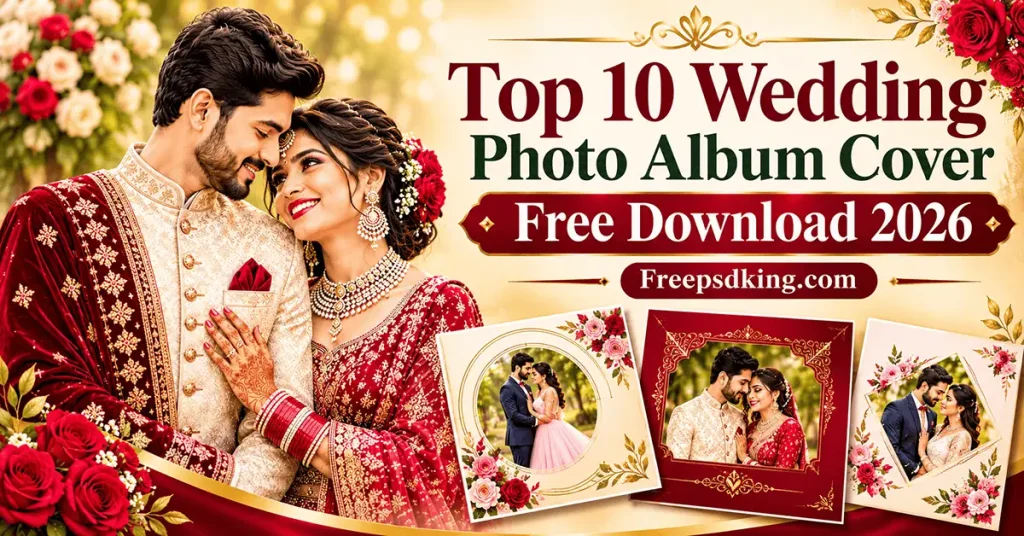
Wedding Photo Album Cover
Table of Contents
Wedding Photo Album Cover — Understanding Its Design and Purpose
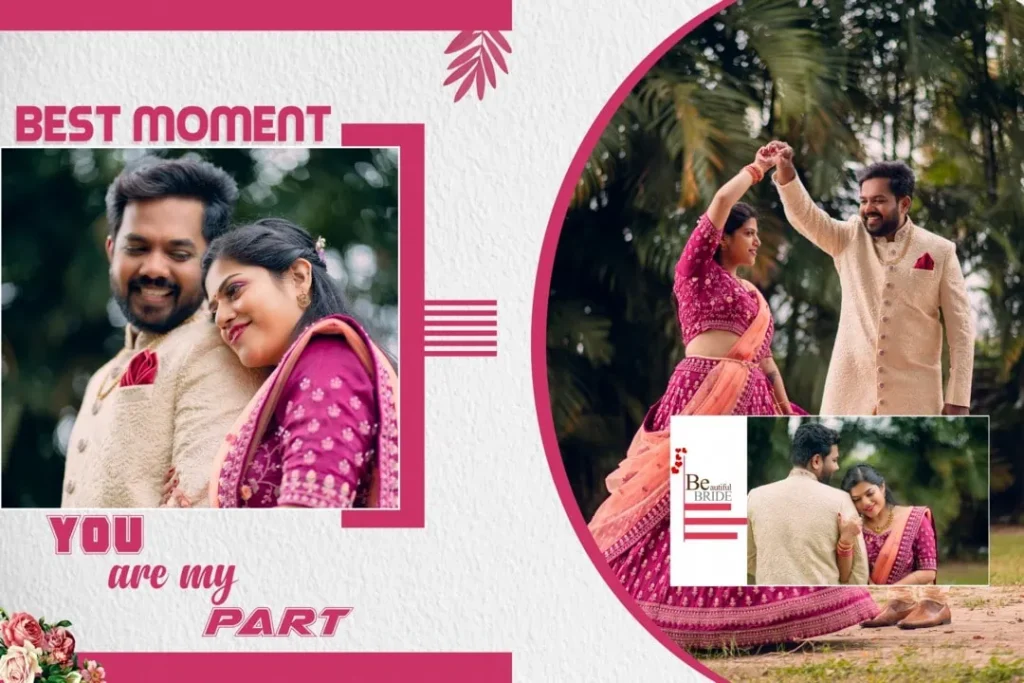
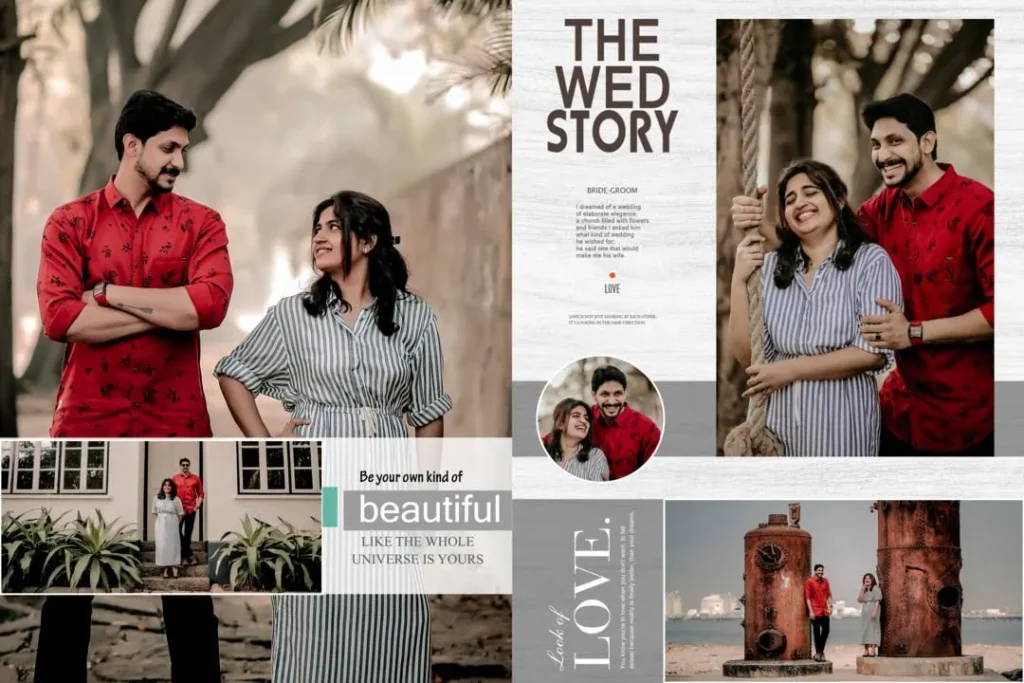
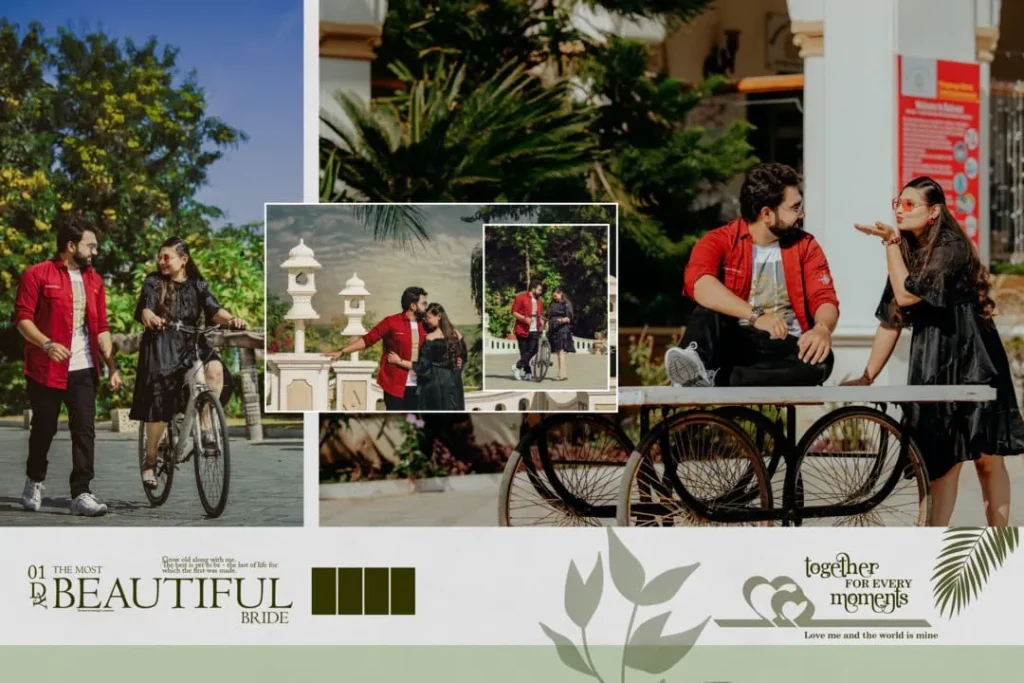
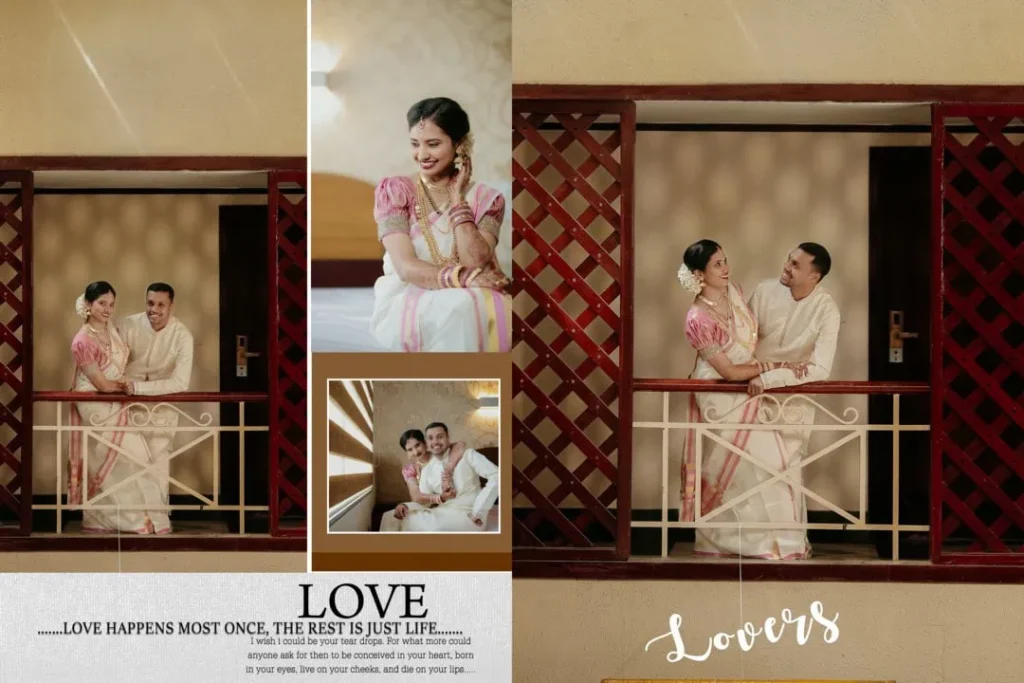
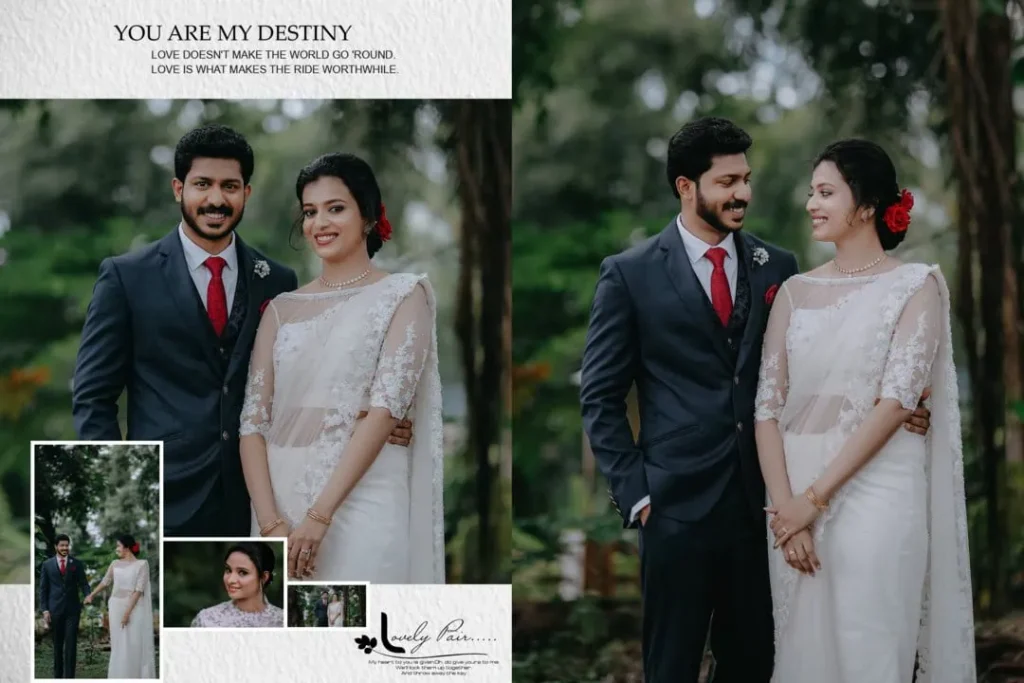
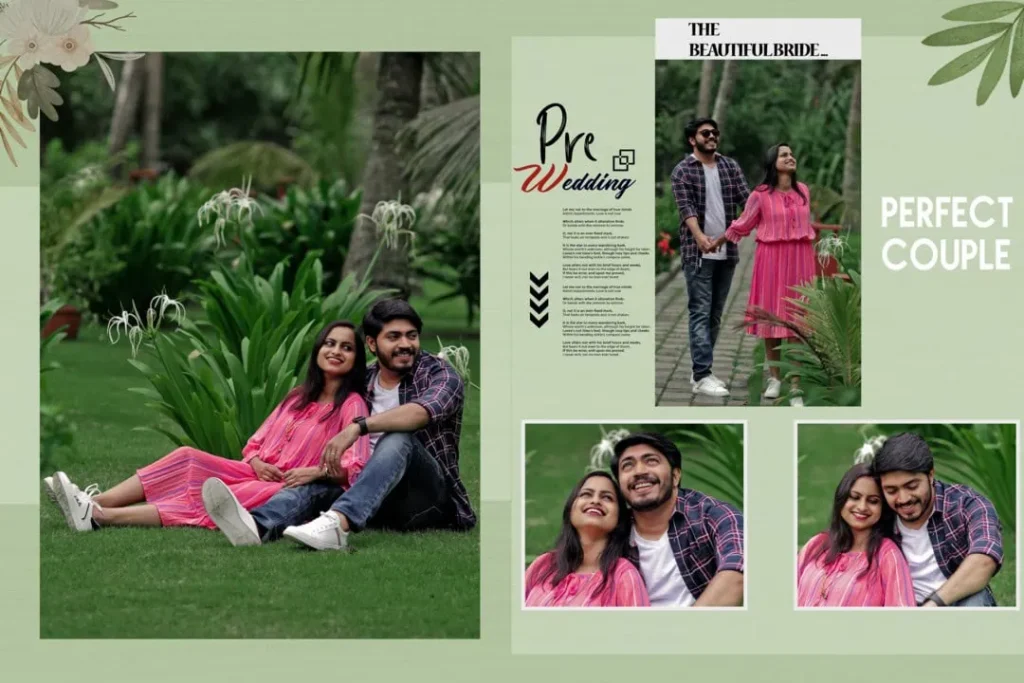
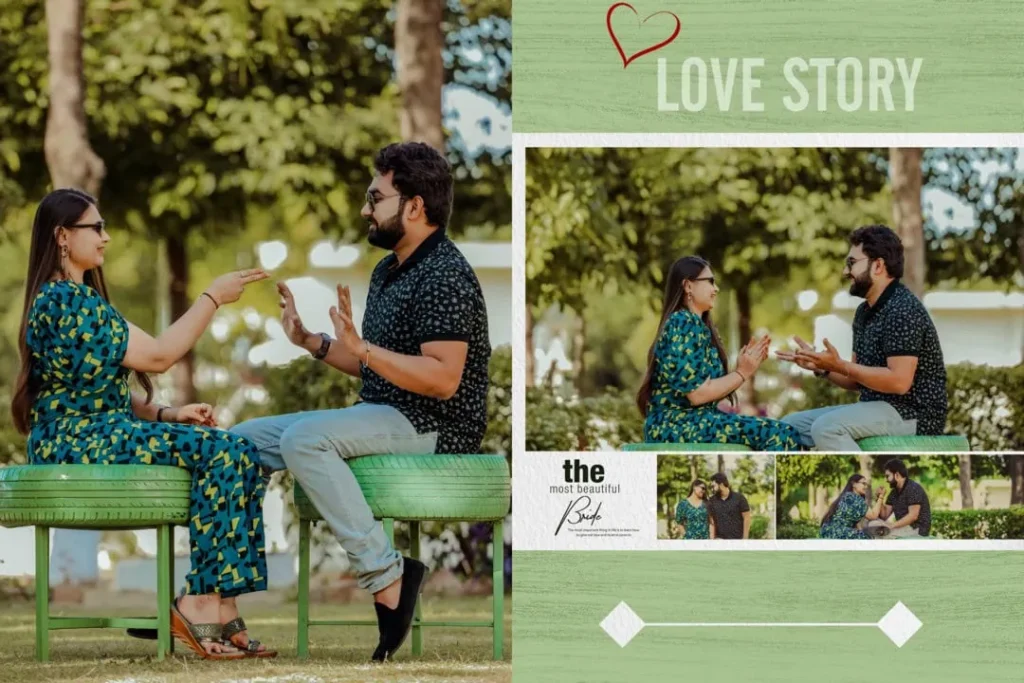
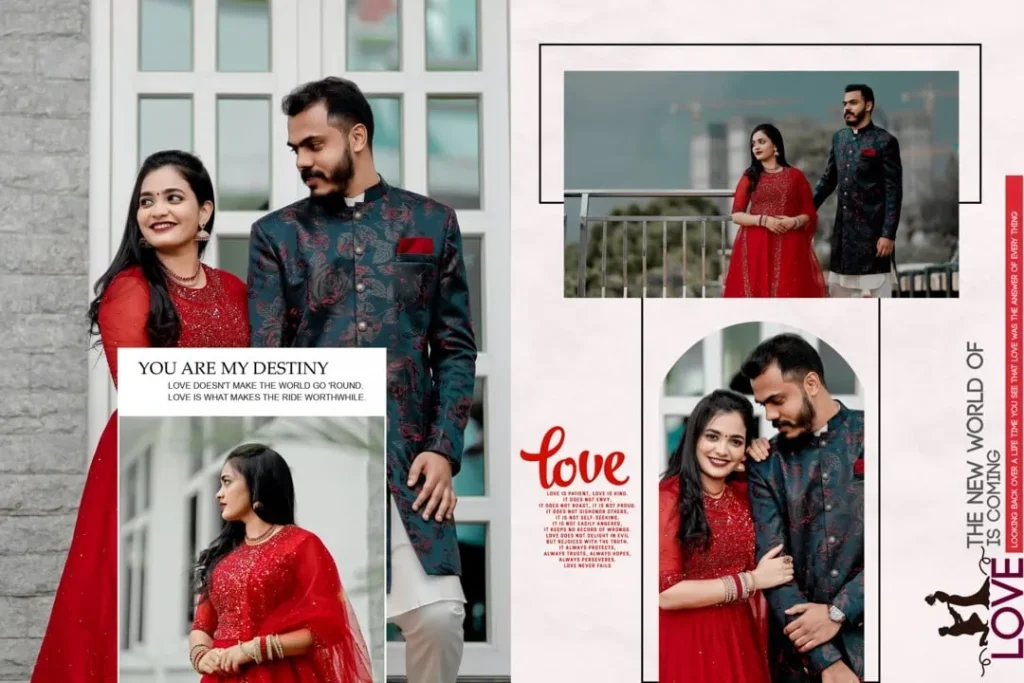
A wedding photo album cover is the front design of a wedding photography album. It combines selected photographs, names, wedding dates, decorative elements, and typography to create an attractive presentation of the couple’s memories.
These covers are commonly used by wedding photographers, photo studios, and album designers. Depending on the project, the design may feature a single portrait, a couple’s photograph, a collage, floral decorations, or elegant typography.
A well-planned wedding album cover page design should reflect the wedding’s theme while keeping the main photograph and important text easy to recognize. Photoshop templates can help designers arrange these elements and customize the appearance according to client requirements.
For Indian weddings, designers may also consider visual elements inspired by Mehendi, Sangeet, Baraat, and reception ceremonies.
#01
#02
#03
#04
#05
#06
#07
#08
#09
#10
Explore Wedding Album Cover Design Resources on Freepsdking.com
Freepsdking.com is the website for this article’s wedding album design resource collection. Designers looking for a 12×18 cover design can use this topic as a starting point when selecting an appropriate layout for their album projects.
Before choosing a design, consider the following ten important features:
- Traditional wedding layouts: Suitable for clients who prefer classic wedding photography presentations.
- Modern minimalist covers: Useful when the couple’s photograph should remain the main visual element.
- Floral compositions: Decorative arrangements can complement romantic wedding photography.
- Couple portrait covers: Give special attention to the bride and groom’s main photograph.
- Elegant typography: Names and wedding dates can become important parts of the composition.
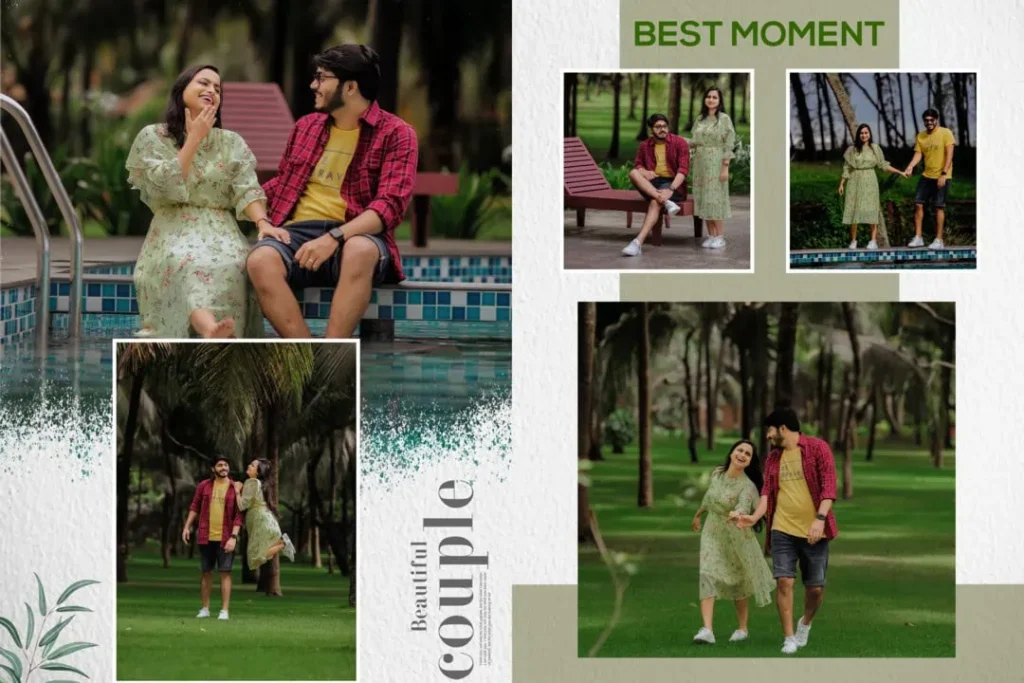
- Collage-style covers: Allow designers to combine selected wedding photographs.
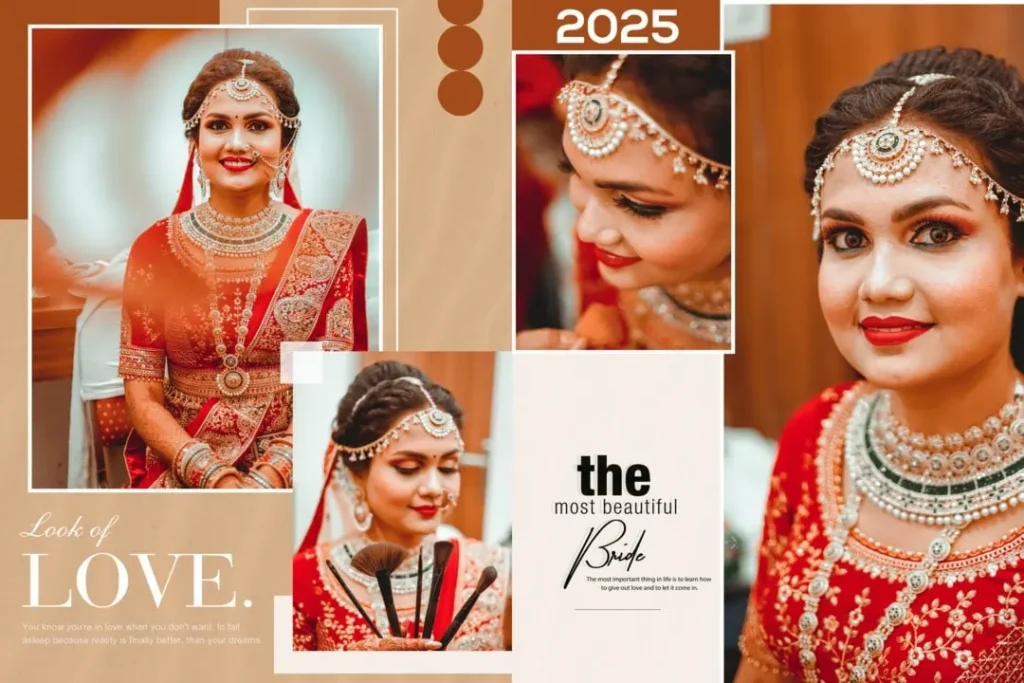
- Indian wedding themes: Decorative details can reflect traditional wedding celebrations.
- Creative photo arrangements: Different image placements can create a distinctive visual presentation.
- Simple background designs: Clean backgrounds help photographs and text remain readable.
- Personalized album covers: Custom colors, photographs, and text help match the client’s preferences.
These are design categories to consider, not ten individually verified downloadable files. Check the actual resource page for available templates, file formats, and download conditions before selecting a design.
How to Download and Customize a Wedding Album Cover
Once you have selected a suitable resource, follow these six steps to prepare it for your photography project.
- Download the selected resource. Visit the relevant Freepsdking.com resource page and follow the available download instructions. Confirm the file format and any stated usage conditions before downloading.
- Extract the archive. If the downloaded resource comes in ZIP format, extract it using suitable archive software. Check the extracted folder for the design file and any accompanying instructions.
- Open the design in Photoshop. Open the PSD file in a compatible version of Adobe Photoshop, if PSD is the supplied format. Check the document dimensions, pixel dimensions, resolution, and available layers before editing.
- Replace the photographs. Add your selected wedding photographs to the appropriate image areas. If the file contains Smart Objects, follow their editing structure. Otherwise, use the available image layers and suitable replacement methods.
- Customize the design. Update the couple’s names, wedding date, colors, background, and decorative elements. Make sure the typography and photographs work together without making the cover look crowded.
- Prepare the final output. Confirm the printer’s required dimensions, resolution, color profile, bleed, and binding allowance. Save an editable copy and export the final artwork in the format requested by the album printer.
Managing Wedding Album Projects Under Tight Deadlines
Wedding photographers and studio owners often handle several album projects at the same time. A client may request a traditional cover for one wedding and a modern photographic layout for another. Creating every design from the beginning can make these projects more time-consuming.
Using a suitable album cover as a design reference can help organize the creative process. For example, a designer working on a 12×18 album cover PSD can first check the composition, identify the photograph placement, and plan the required text changes.
However, speed should not replace careful customization. The couple’s photographs, wedding colors, and personal preferences should guide the final design. A reusable Photoshop template is a starting point, not a substitute for thoughtful photo composition.
Maintaining separate folders for original photographs, editable PSD files, and final exports can also reduce confusion when handling multiple client orders.
Practical Tips for Better Wedding Album Cover Designs
- Check image resolution carefully. A document set to 300 DPI does not automatically contain enough image detail. Check the actual pixel dimensions and quality of the photographs used in the design.
- Confirm the printing requirements. Ask the album printer about the required color mode, color profile, and export format. CMYK settings should follow the printer’s specifications rather than assumptions.
- Allow space for trimming and binding. Keep important photographs, names, and decorative details away from areas that may be trimmed or hidden during album production. Follow the printer’s specified bleed and safe margins.
- Maintain an editable backup. Save the original Photoshop document before exporting the final artwork. This makes future corrections to names, dates, photographs, and colors easier.
Frequently Asked Questions
1. Are wedding photo album cover PSD resources free to download?
Download conditions depend on the individual resource. Check the relevant Freepsdking.com download page to confirm whether a particular design is available without payment and whether additional conditions apply.
2. Which software is needed to edit a wedding album cover?
Adobe Photoshop is commonly used for PSD files. Software compatibility depends on the file structure and features included in the particular design.
3. Can I use a wedding album cover design for paid client projects?
Commercial use depends on the resource’s license. Always review the individual usage terms before using a downloaded design in paid photography or album-printing projects.
4. Why is a 12×18 album cover design useful?
A 12×18 layout can be suitable for album projects that use those document dimensions. However, confirm the printer’s exact specifications, orientation, and binding requirements before editing.
5. How can I prepare an album cover for printing?
Check the final dimensions, actual image quality, color profile, bleed, and safe margins. Export the artwork according to the album printer’s requirements.
Conclusion
A carefully designed wedding photo album cover gives a wedding photography project a polished and personal presentation. From traditional Indian wedding compositions to modern couple portraits, the right layout can help designers create covers that reflect each client’s preferences. Selecting a suitable 12×18 cover design and preparing it correctly are important parts of the album production process.
Explore the wedding album design resources on Freepsdking.com to find suitable creative references for your next project. Check the available file details and license conditions, customize your preferred wedding album cover page design, and prepare the final artwork according to your printer’s specifications.