Wedding celebrations involve many important details, and the invitation is often the first design that introduces the occasion to family and guests. From traditional Hindu wedding ceremonies to modern receptions, a well-designed invitation helps communicate the event details while reflecting the couple’s style. Creating an attractive invitation from scratch, however, can take considerable time.
A Wedding Invitation PSD File Free Download is a useful search option for designers who want to explore editable Photoshop-based invitation layouts. Instead of building every design element from the beginning, designers can work with an existing layout and customize its appearance according to the client’s requirements.
At Freepsdking.com, wedding design resources are relevant to graphic designers, wedding photographers, photo studio owners, and Photoshop users. Understanding how to select, customize, and prepare an invitation design can help make the creative process more organized while maintaining attention to important details.
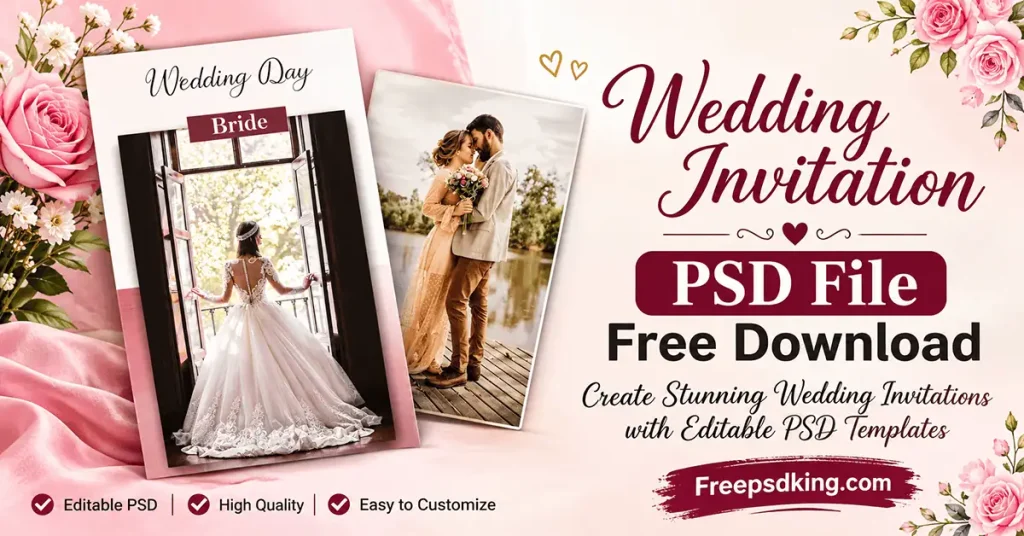
Wedding Invitation PSD File Free Download
Table of Contents
Wedding Invitation PSD File Free Download — Understanding the Design Format
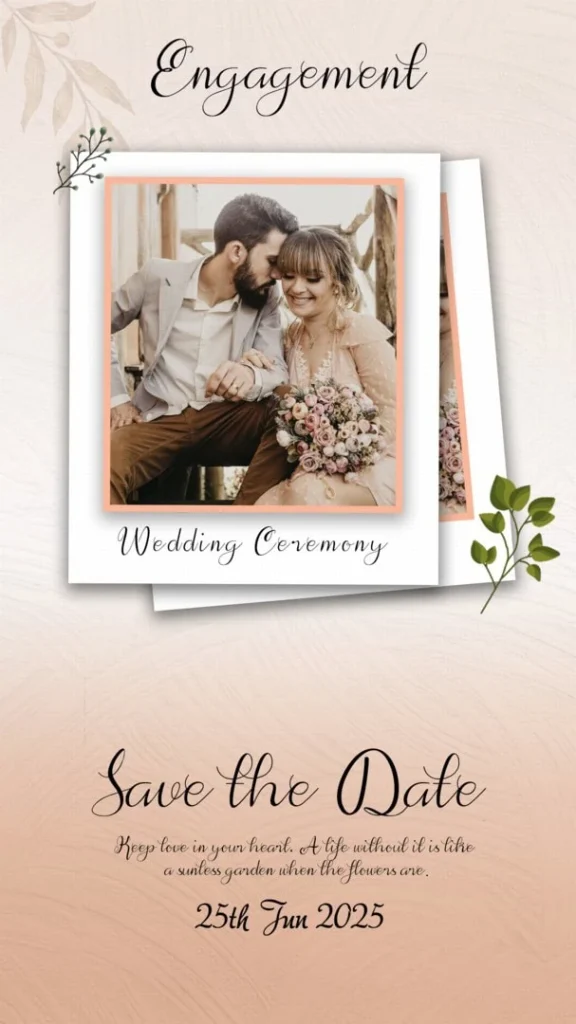
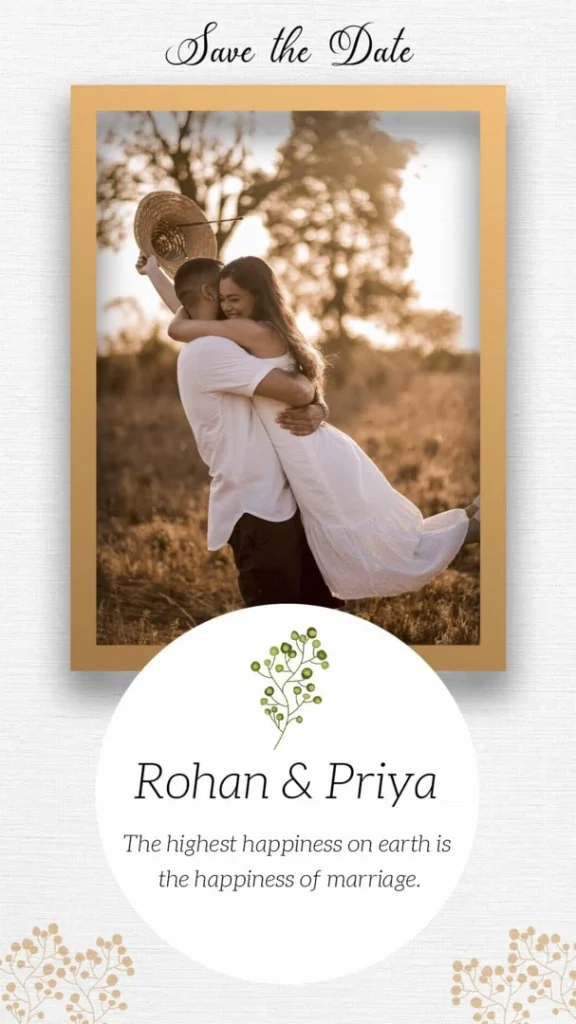
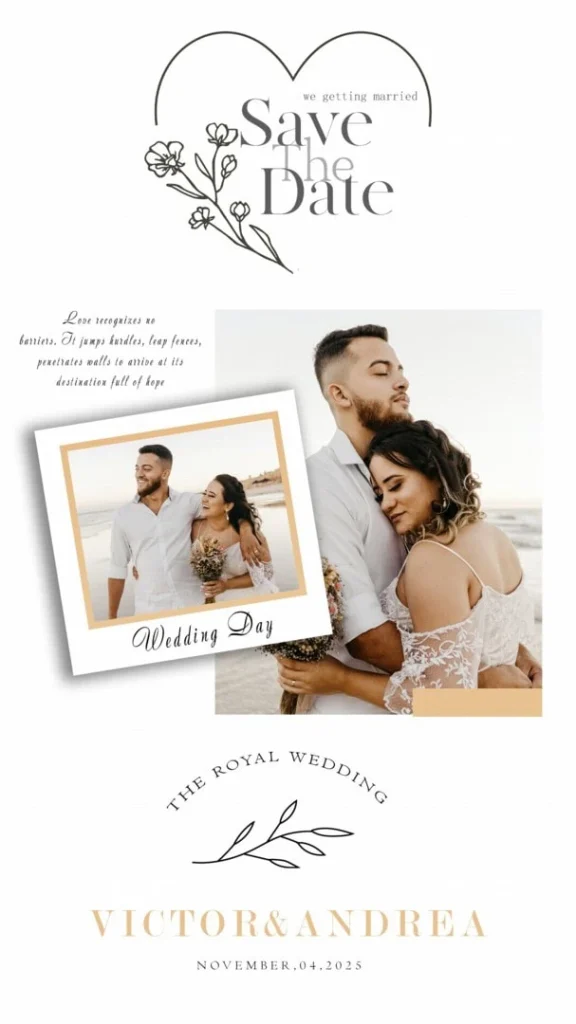
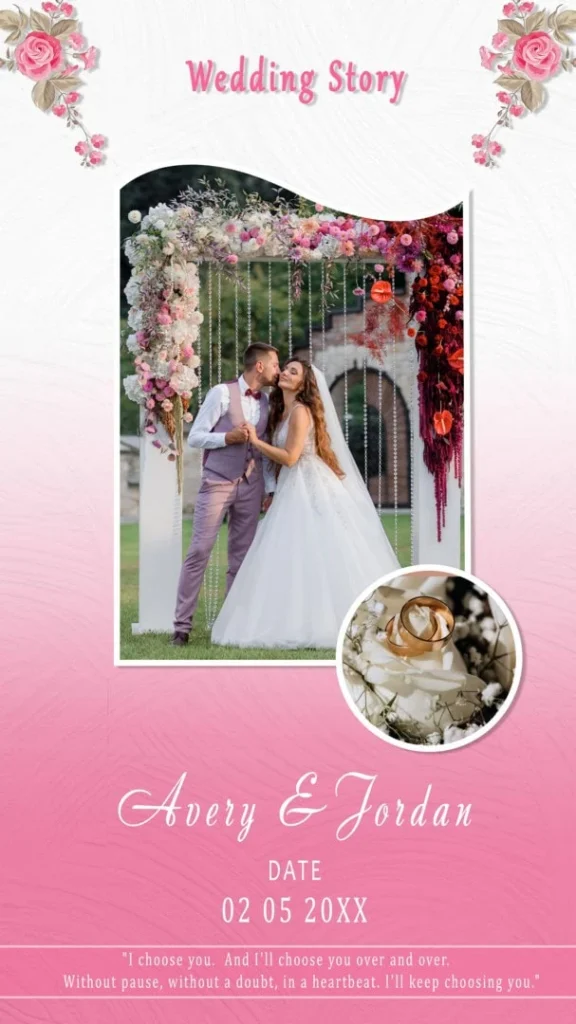
A wedding invitation PSD file is a Photoshop document used to create or customize wedding invitation artwork. Depending on its actual structure, it may contain separate layers for text, decorative elements, backgrounds, and other design components. Its intended purpose is to help designers personalize invitation artwork for a particular wedding event.
The PSD format is useful because Photoshop allows users to adjust individual design elements when they are available as separate editable layers. Designers can modify names, wedding dates, venue information, colors, typography, and decorative details without necessarily rebuilding the complete composition.
For Indian weddings, invitation designs may include traditional motifs, floral decorations, cultural patterns, elegant borders, and ceremony information. The final appearance should match the couple’s preferences and the style of the wedding.
However, not every PSD document has the same editing features. Before working on a file, check its layers, dimensions, resolution, color mode, and compatibility with your editing software.
#01
#02
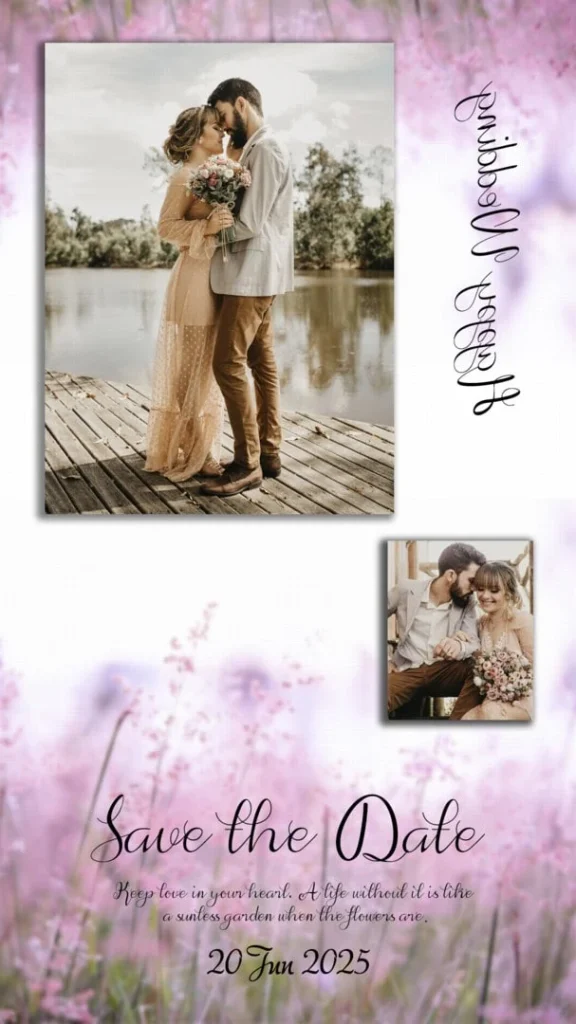
#03
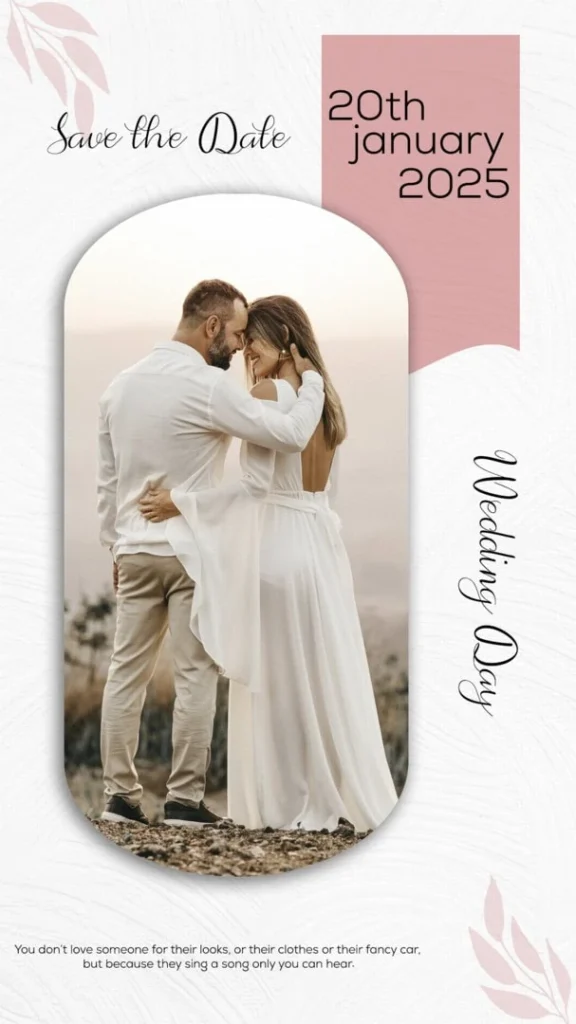
#04
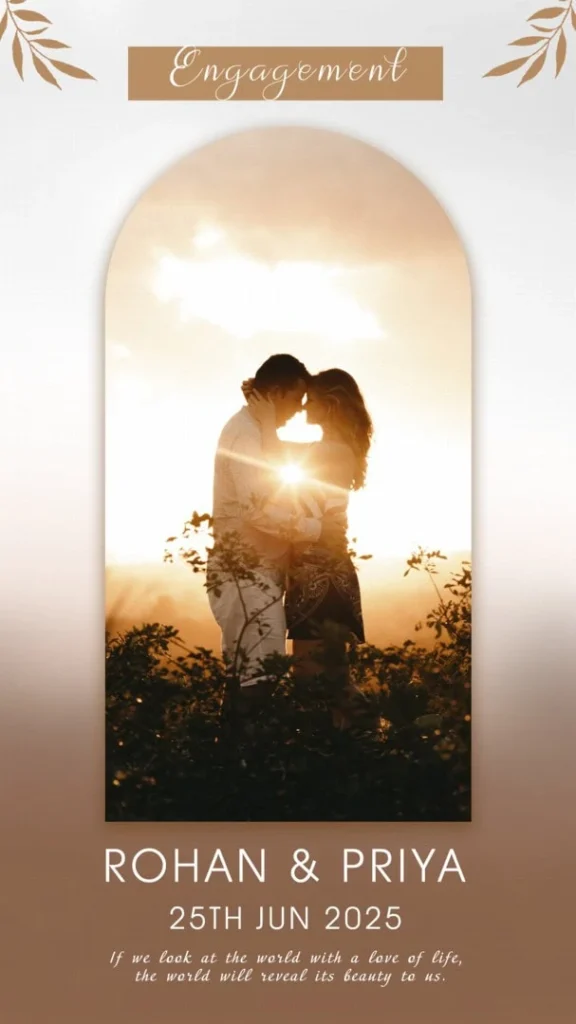
#05
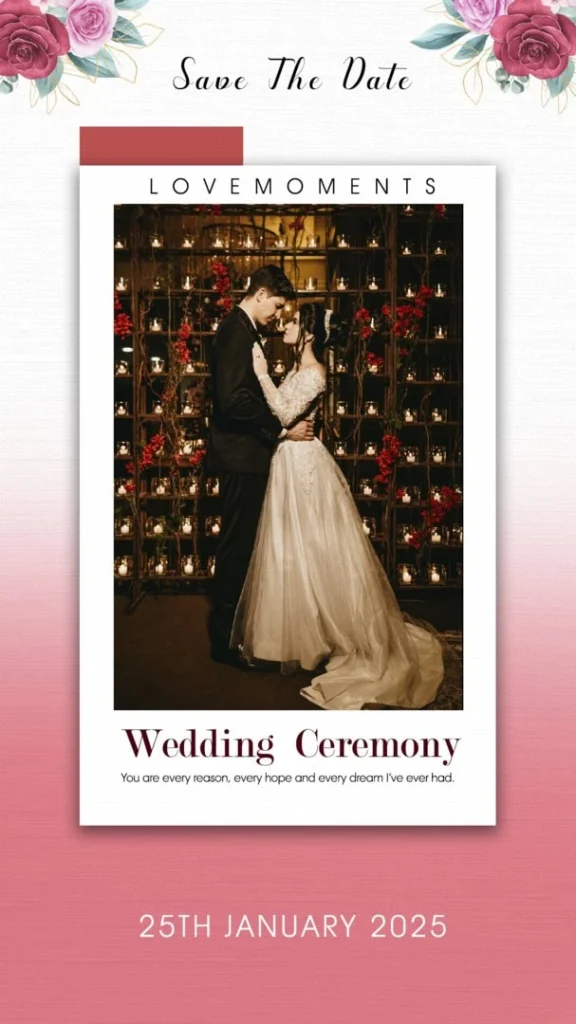
#06
#07
#08
#09
Explore Wedding Invitation Design Resources on Freepsdking.com
Choosing an appropriate invitation layout is an important part of preparing wedding stationery. Different clients may prefer traditional designs, minimal layouts, decorative floral artwork, or contemporary typography.
Freepsdking.com focuses on graphic design resources, including Photoshop-related creative materials. Readers looking for free PSD files for wedding invitations should check the relevant resource page for available designs and download conditions.
The supplied information does not confirm a particular invitation collection, file count, document dimensions, resolution, or download package. Therefore, check the individual resource description before selecting a design.
When evaluating a wedding invitation template, consider these details:
- Design appearance: Check whether the overall layout suits the wedding theme.
- Text arrangement: Make sure there is enough space for names, dates, venue details, and ceremony information.
- Editing flexibility: Inspect the available Photoshop layers before making changes.
- Document specifications: Confirm the dimensions, resolution, and color settings required for your intended output.
- Usage permissions: Read the applicable license before using the artwork for paid client projects.
These checks help designers choose a suitable resource instead of selecting a template based only on its preview image.
How to Download and Customize a Wedding Invitation PSD File
After finding a suitable resource, follow a structured editing process to prepare the invitation for your client.
1. Download the PSD resource: Visit the relevant resource page on Freepsdking.com, if available, and follow the download instructions provided there. Check the file description and any access conditions before proceeding.
2. Extract the downloaded archive: If the resource is supplied as a ZIP file, extract it using a suitable archive utility. Keep the original archive as a backup in case you need it later.
3. Open the document in Photoshop: Open the PSD file in compatible editing software. Inspect the document dimensions, resolution, color mode, and layer panel before starting customization.
4. Replace existing text and content: Update the couple’s names, wedding date, venue address, ceremony timings, and other details. If photographs or Smart Objects are included, replace them according to the available document structure.
5. Customize the invitation appearance: Adjust typography, colors, decorative elements, spacing, and alignment to match the client’s requirements. Pay attention to readability, especially when the invitation contains multiple ceremony details.
6. Prepare the final design: Review the complete artwork at actual size. Confirm the printer’s requirements for dimensions, resolution, color profile, and bleed margins. Save an editable PSD backup and export the final version in the format requested by the printing provider.
Following these steps helps reduce avoidable mistakes and makes the customization process easier to manage.
Print Quality Considerations for Wedding Invitation Designs
An invitation may look attractive on a computer screen but still require adjustments before printing. Screen colors, paper appearance, and printed results can differ, so designers should review the technical requirements before delivering the final artwork.
One important consideration is image resolution. A document set to 300 DPI does not automatically contain enough image detail for every print size. The actual pixel dimensions and quality of photographs or embedded graphics also matter.
Color management is another important factor. RGB documents are commonly used for screen-based work, while many printing workflows require CMYK or a printer-specific color profile. Confirm the required settings with the printing provider rather than converting the document without checking.
Typography also deserves attention. Wedding invitations often contain several text elements, including the couple’s names, family information, ceremony details, and venue address. The font size and spacing should remain comfortable to read on the final printed size.
For Indian wedding invitations, designers may need to include details for multiple events, such as Mehendi, Haldi, Sangeet, Baraat, and reception ceremonies. Organizing these details clearly helps guests understand the complete wedding schedule.
Practical Tips for Better Wedding Invitation Designs
A few careful checks can improve the final invitation and help avoid printing problems.
- Check the final document size: Confirm that the artwork matches the dimensions required by the printing provider.
- Use readable typography: Select suitable font sizes and maintain enough contrast between the text and background.
- Review printing margins: Allow for the specified bleed, trimming, and safe areas so important information is not cut off.
- Keep an editable backup: Save the original PSD separately before exporting the final invitation artwork.
These simple practices help maintain consistency between the digital design and the final printed invitation.
Frequently Asked Questions
1. Are wedding invitation PSD files free to download?
Download conditions depend on the individual resource page. Check the available access instructions and any stated requirements before downloading. Do not assume that every PSD resource is free simply because it appears in a free-resource collection.
2. Which software is needed to edit wedding invitation PSD files?
Adobe Photoshop is commonly used to edit PSD documents. Other applications may offer partial PSD compatibility, but layer effects, fonts, and certain editing features may behave differently.
3. Can I use wedding invitation PSD designs for paid client projects?
Commercial usage depends on the individual file’s license. Review the usage terms before including a downloaded design in paid wedding invitation projects.
4. Why should designers choose PSD files for wedding invitations?
PSD files can provide editable layers when the document is properly structured. This allows designers to customize text, colors, backgrounds, and other available elements using Photoshop.
5. What should I check before printing a wedding invitation?
Check the final dimensions, image resolution, color profile, font readability, bleed margins, and printer requirements. Always review the final artwork before approving the print.
Conclusion
A Wedding Invitation PSD File Free Download can be a practical starting point for graphic designers, wedding photographers, and photo studio owners who prepare customized wedding stationery. By checking the document structure, editing the available elements, and reviewing print specifications, designers can create invitations that suit different wedding themes and client requirements.
Visit Freepsdking.com to explore relevant graphic design resources and look for free PSD files for wedding invitations. Before using any downloaded artwork, verify its availability, file specifications, and license conditions to ensure it meets your project requirements.