Every wedding photographer and studio designer knows the pressure: the shoot is done, the client is waiting, and you still need to build an album that looks like it took weeks. Finding a layout that works — one that actually prints well and feels premium — takes time most of us don’t have between shoots.
That’s where Freepsdking.com steps in. The site offers a growing library of professionally designed resources built specifically for photographers and graphic designers who work with real clients and real deadlines.
In this article, you’ll find a curated collection of free Wedding Album Design Templates available for download, a clear guide on how to use them in Photoshop, tips for getting the best print results, and answers to the questions most designers ask before they commit to a new template source.
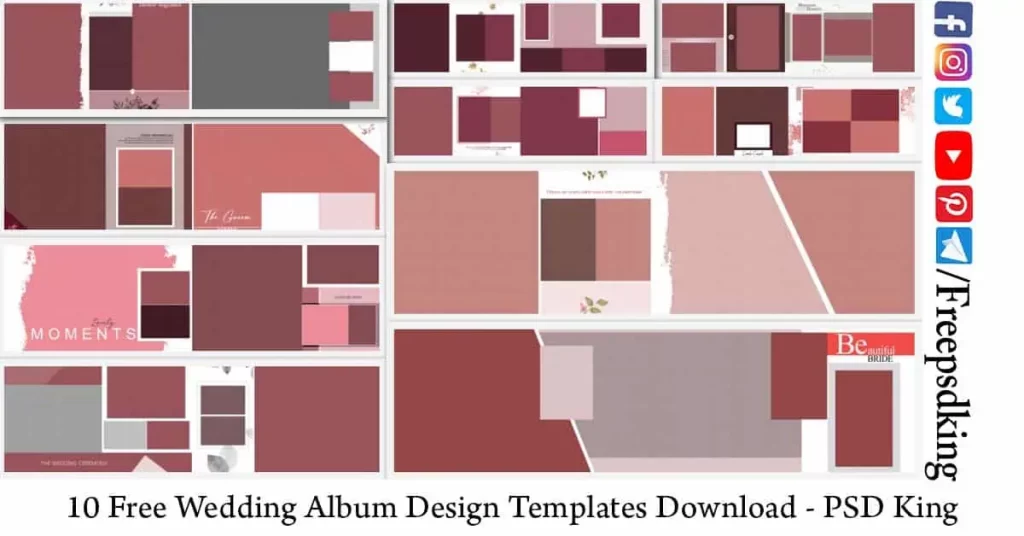
Table of Contents
Free Wedding Album Design Templates — Format, Structure, and What Designers Need to Know
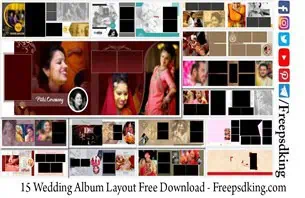
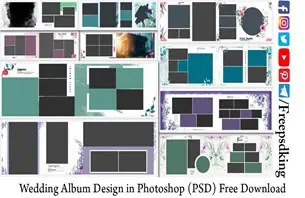
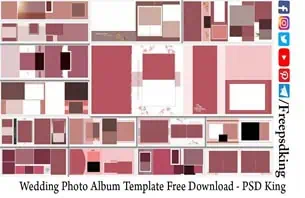
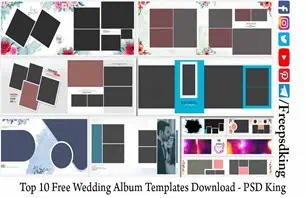
A free wedding album design template is a pre-built PSD file that gives designers a ready-made photo layout, background, and text structure they can customize for any wedding project. These files are built in Adobe Photoshop, fully layered, and designed to work at 300 DPI so they come out sharp at the print lab without any extra preparation.
Each template in this collection uses Smart Objects, which means you drop your photos directly into the layout without rebuilding anything from scratch. The structure is already there — you’re just swapping in your client’s images and adjusting the color palette to match the wedding’s theme.
For studio designers handling multiple albums a month, this format cuts production time significantly. A layout that would normally take two to three hours to build from scratch can be finished in under thirty minutes when the template is well-made and print-ready from the start.
#01
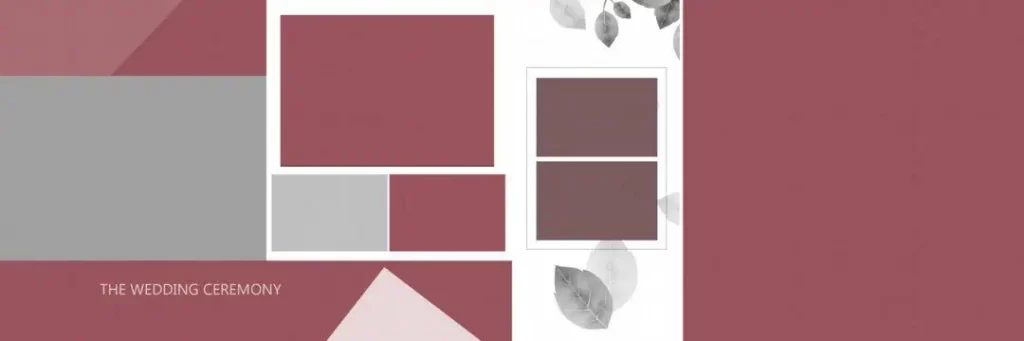
File Size: 3.67MB
#02
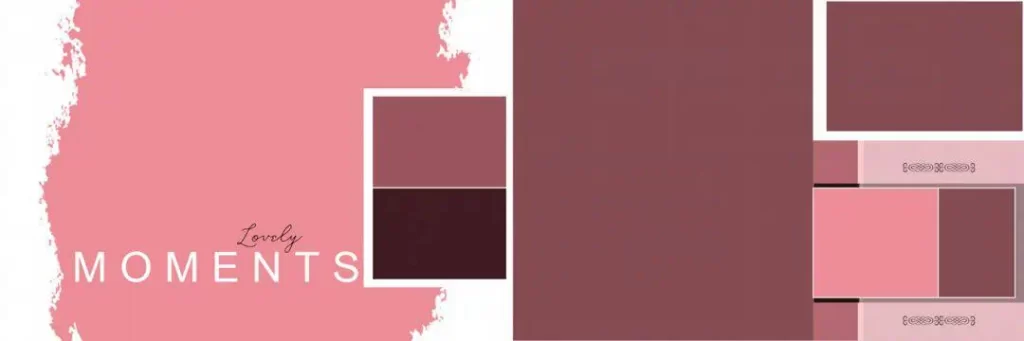
File Size: 1.52MB
#03
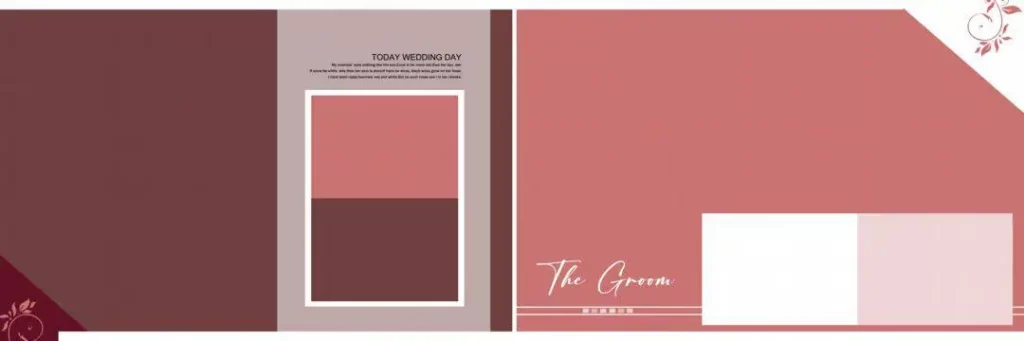
File Size: 1MB
#04
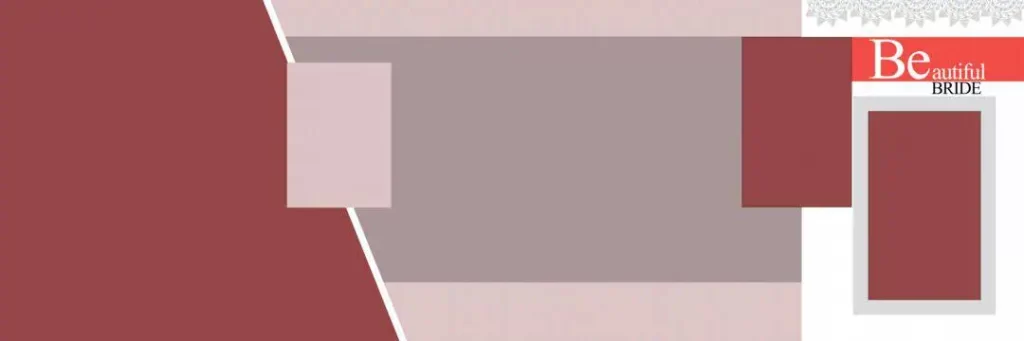
File Size: 1.38MB
#05
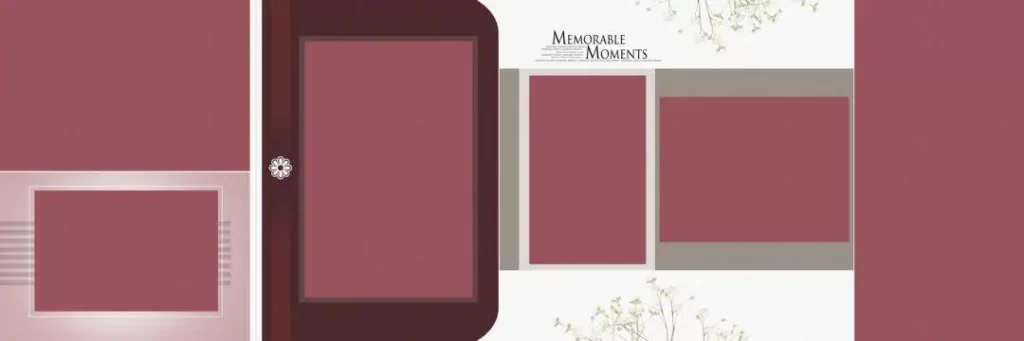
File Size: 6.27MB
A Free Collection Built for Wedding Album Designers
The wedding album template collection on Freepsdking.com is designed with working studios in mind. Every file comes as a layered PSD, formatted at 300 DPI in CMYK color mode so the colors you see on screen match what comes back from the print lab. Files are packaged in ZIP format for easy downloading and are ready to open directly in Photoshop.
The collection is updated regularly with new wedding album design ideas that reflect current trends in Indian wedding photography — from Mehendi ceremony spreads to Baraat and reception layouts. Whether you’re building a single album or working through a batch of client orders, the variety and quality in this library hold up across different wedding styles and printing sizes.
#06
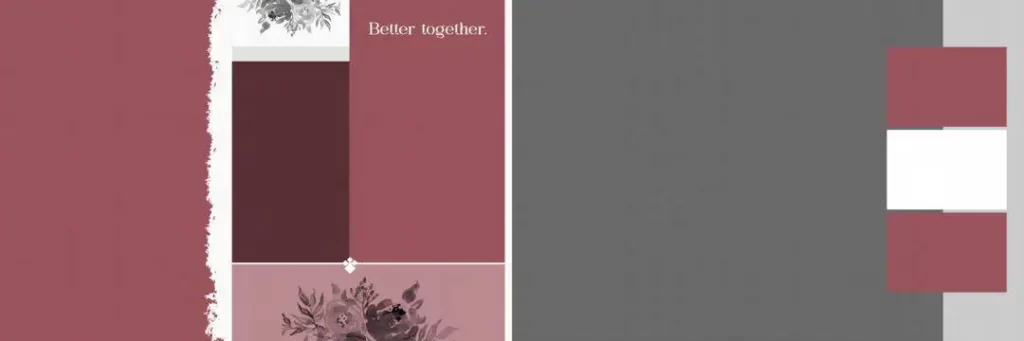
File Size: 4.42MB
#07
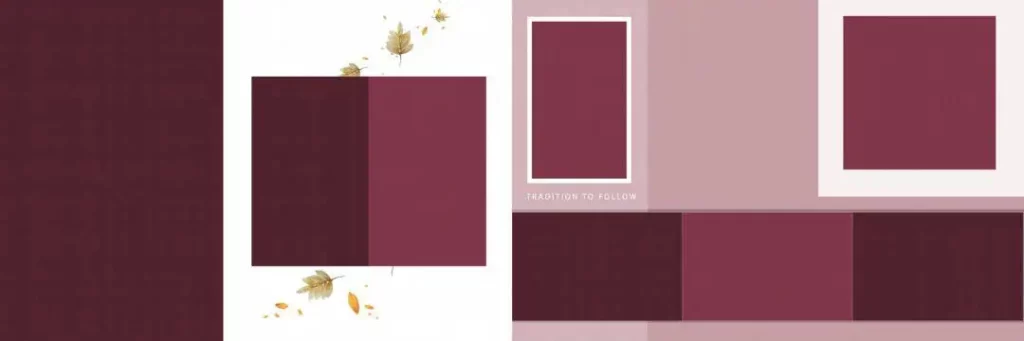
File Size: 2.08MB
#08
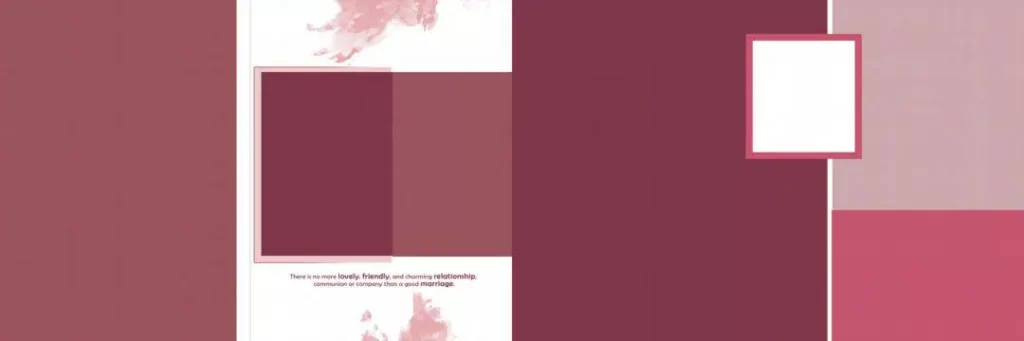
File Size: 2.40MB
#09
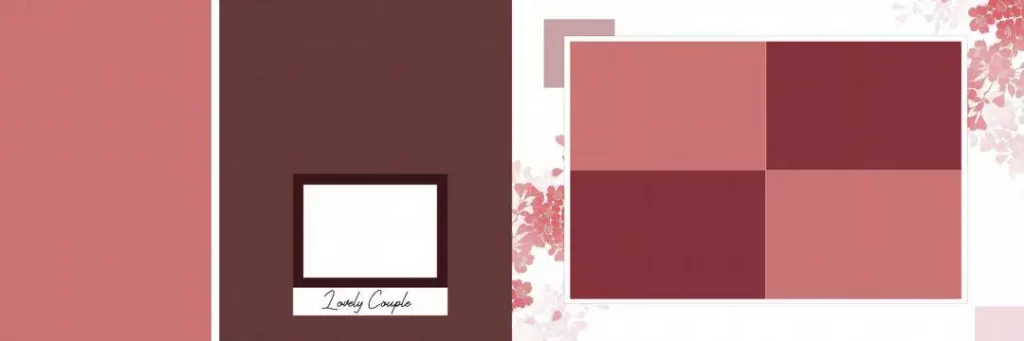
File Size: 15.7MB
#10
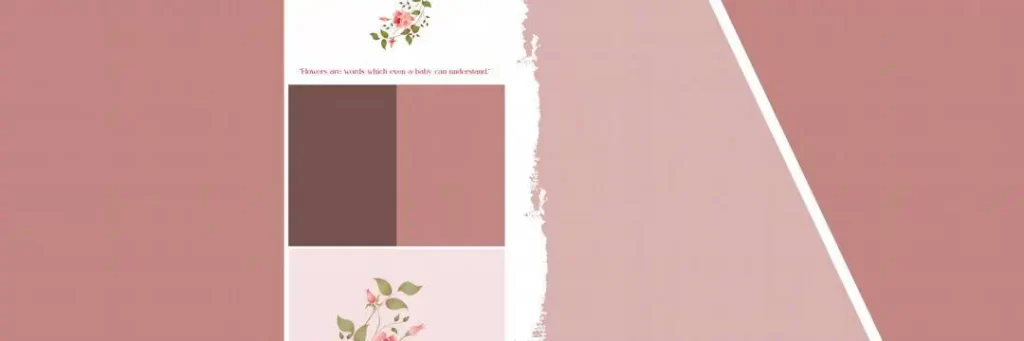
File Size: 2.52MB
How to Use These Free Wedding Album Design Templates
Step 1: Download the ZIP file. Visit Freepsdking.com, find the template you want, and click the download button. The file will arrive as a compressed ZIP archive.
Step 2: Unzip the folder. Use WinRAR, 7-Zip, or your system’s built-in extractor to unzip the file. Make sure all layers and linked assets are extracted into the same folder.
Step 3: Open the PSD in Photoshop. Launch Adobe Photoshop and open the main PSD file. All layers should load intact — if a layer shows as missing, check that the full folder was extracted correctly.
Step 4: Replace Smart Objects with your photos. Double-click any Smart Object layer to open it, drop in your client’s photo, scale it to fit, then save and close. The image updates automatically in the main layout.
Step 5: Customize text and colors. Update the couple’s name, wedding date, and any other text. Adjust color layers to match the wedding palette or the client’s preferences.
Step 6: Export for print at 300 DPI. When the album is ready, go to File → Export and save as a high-resolution TIFF or flattened PSD. Confirm the file is in CMYK and at 300 DPI before sending to the print lab.
How Wedding Album Templates Save Real Studio Time During Peak Season
Wedding season in India runs hard — from November through February and again around April and May. During those months, a studio can be handling five to ten album orders at the same time, all with clients expecting delivery within two to three weeks of the wedding day.
Working from free wedding album templates psd files on Freepsdking.com means a designer doesn’t start from a blank canvas every time. The photo layout is already balanced, the spacing is clean, and the background layers are separated so they can be swapped without touching the rest of the file. That kind of structure matters when you’re moving between a Sangeet album in the morning and a reception spread in the afternoon.
The new wedding album design psd free download options on the site also reflect what clients are actually asking for right now — richer backgrounds, more layered textures, and layouts that give full-bleed photos room to breathe. Keeping your template library current means your albums look current, which is something clients notice even if they don’t say it out loud.
Tips for the Best Print Results
- Always confirm the file is at 300 DPI before exporting. A file that looks sharp on screen can print blurry if the resolution wasn’t set correctly from the start. Check Image → Image Size in Photoshop before you do anything else.
- Work in CMYK color mode throughout. RGB looks vivid on a monitor but prints differently. Switching to CMYK early in the process means the colors in the final album match what you approved on screen.
- Add bleed margins of 3 to 5mm before sending to print. Most print labs require bleed. If the template doesn’t already include it, extend the canvas by 3 to 5mm on each side before exporting so the lab has room to cut without trimming into the design.
- Save a layered PSD backup before flattening. Always keep a working copy of the full layered file. Clients request changes, and rebuilding a flattened file from scratch costs more time than the original edit would have.
Frequently Asked Questions
- Are these wedding album templates really free to download? Yes. Every template on Freepsdking.com is available at no cost. No subscription, no hidden fee, and no account required to download. The files are free for personal and professional studio use.
- What software do I need to open these files? You need Adobe Photoshop. Most templates are built as layered PSD files with Smart Objects, so Photoshop CS6 or any newer version will open and edit them without issues.
- Can I use these templates for paid client work? Yes. The templates are free to use for commercial studio work. You can build client albums, charge for your design service, and deliver the final files without any licensing concern.
- What sizes are the wedding album templates available in? Most templates on Freepsdking.com are designed for standard Indian album printing sizes, including 12X36. Check the individual file description for the exact canvas size before downloading.
- Are the templates suitable for Mehendi, Sangeet, and reception albums? Yes. The collection includes layouts that work across all wedding events. The layered structure and editable backgrounds make it straightforward to adapt any template to a specific ceremony’s color scheme and photo style.
Conclusion
The free wedding album design templates on Freepsdking.com give studio designers and wedding photographers a real head start — not generic placeholders, but properly built PSD files that are layered, print-ready at 300 DPI, and structured for the kind of volume Indian studios actually deal with. From the photo layout to the background textures, the work that slows most designers down is already done.
Head over to Freepsdking.com, browse the full collection of free wedding album templates psd files, and download the ones that fit your next project. The files are ready when you are — no waiting, no forms, just professional album design resources that work.
You might also enjoy these free resources on Freepsdking.com: