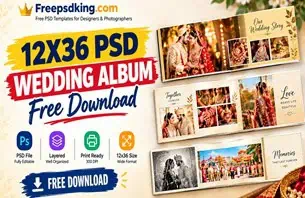
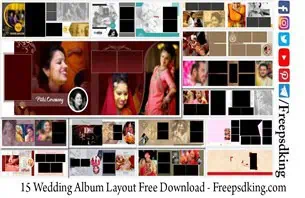
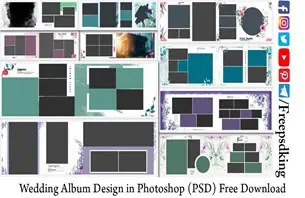
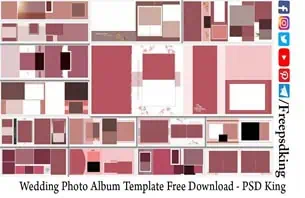
When you are just starting out in album design, one of the first real questions you face is — where do I actually get the files to work with? You know you need Photoshop. You know you need photos. But the missing piece that nobody explains clearly is the template itself. A professionally built layout that is already sized correctly, already set to the right resolution, and already structured so you can drop in photos without rebuilding everything from the ground up. That is what free wedding album templates solve for newer designers before they have the experience to build their own.
Freepsdking.com has put together a collection of free wedding album templates that are built to exactly the standards a professional print lab expects. These are not basic practice files. They are the same quality of layered PSD that working studio designers use every day to deliver finished albums to paying clients. The fact that they are completely free makes them the most practical starting point available for anyone serious about learning album design properly.
In this article you will find the full collection, a step-by-step guide on how to use these files in Photoshop, tips for getting clean print results, and answers to the questions designers ask most before they download for the first time.
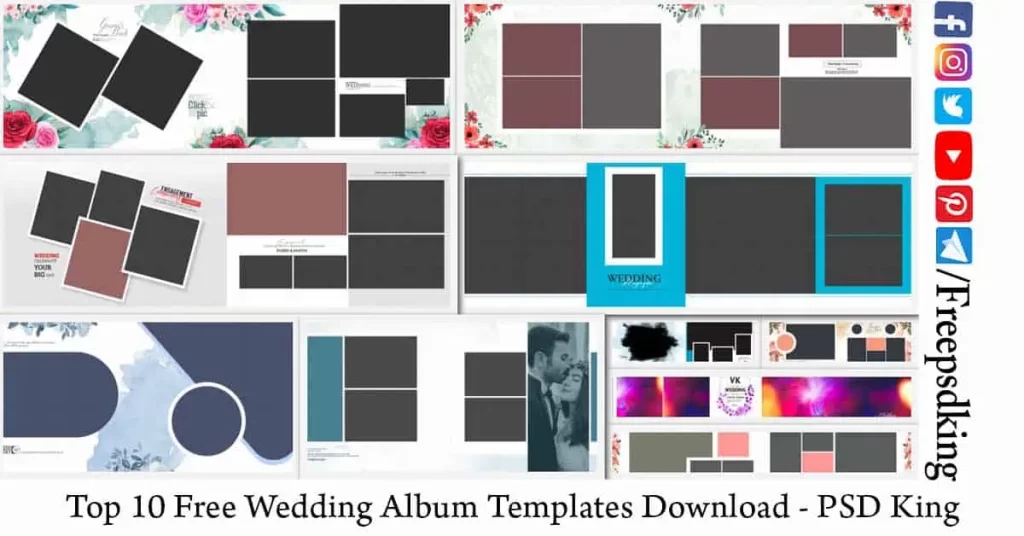
Table of Contents
Free Wedding Album Templates
Free wedding album templates are pre-built Photoshop documents — fully layered PSD files — that provide a ready-made layout structure for designing professional printed wedding albums. Each file contains Smart Object placeholders for photos, editable text layers for names and dates, and a complete design framework that handles spacing, balance, and visual flow across the page.
What separates a properly built template from a basic design file is the technical foundation underneath it. A professional free wedding album template is set at 300 DPI, prepared in CMYK color mode, and sized to a standard album dimension — in most cases the 12×36 double-page spread that print labs across India work with every day. That combination means the file is print-ready the moment your edits are complete, with no resolution adjustments or color profile conversions needed before submission.
For newer designers, working with a well-structured 12 x 36 album design PSD teaches you more about professional album layout in one project than hours of theory. You can see exactly how an experienced designer has handled photo framing, background selection, text placement, and color balance — and you learn by adapting that structure to your own client’s images.
#01
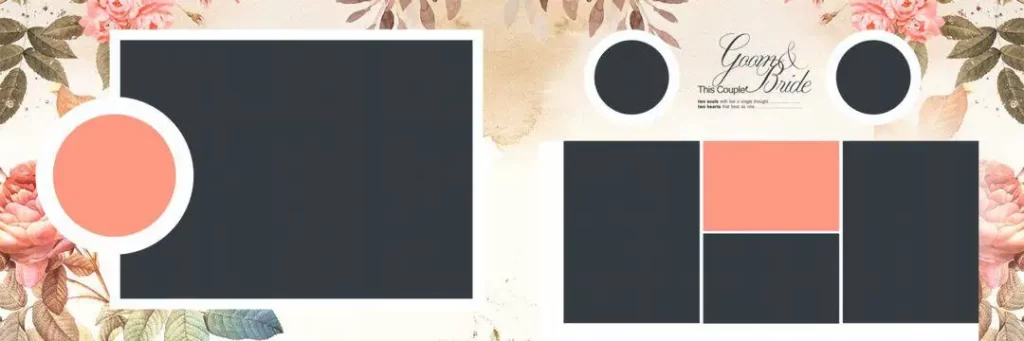
File Size: 65.5MB
#02
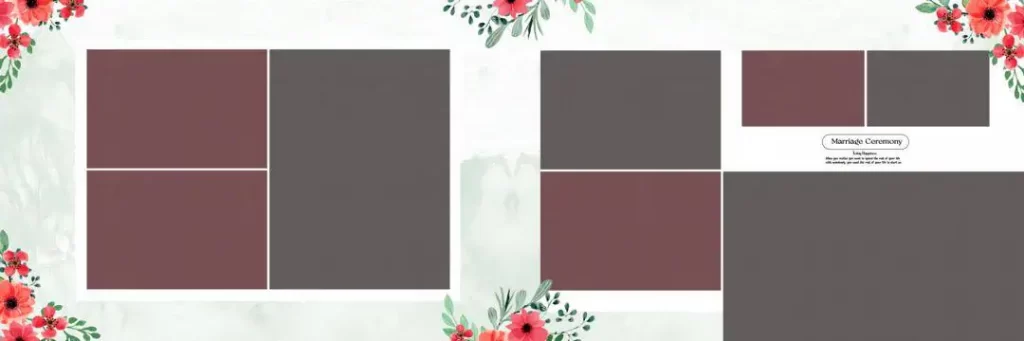
File Size: 100MB
#03
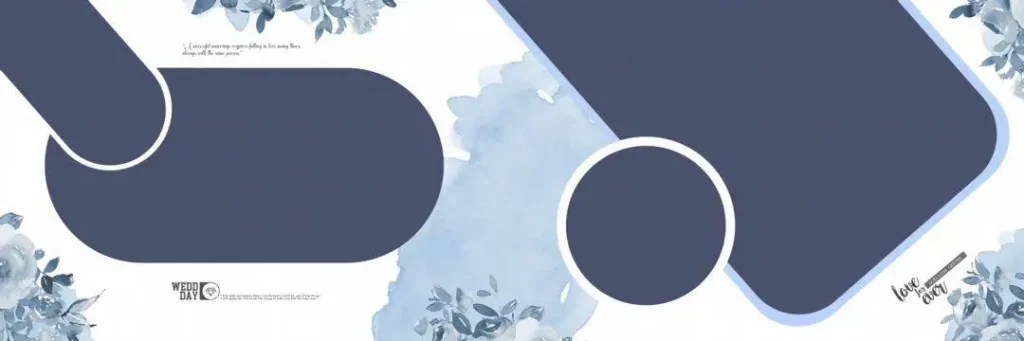
File Size: 58.4MB
#04
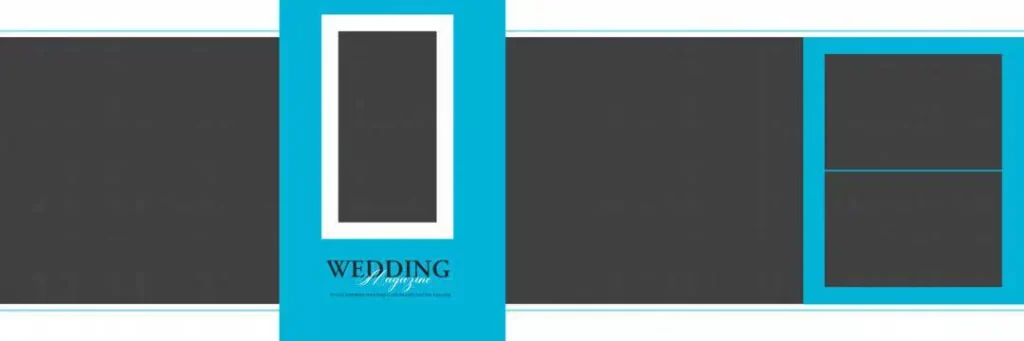
File Size: 1MB
#05
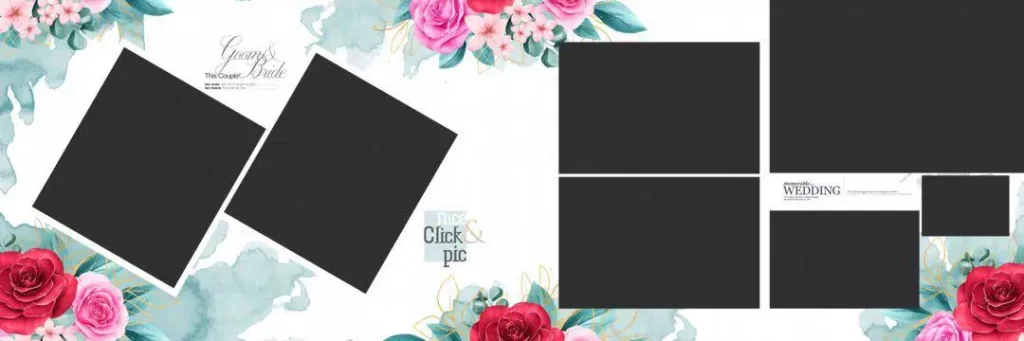
File Size: 72.5MB
Wedding Album Templates
The collection on Freepsdking.com delivers ten carefully selected wedding album layouts that span a range of styles — from traditional Indian wedding designs with rich decorative elements to cleaner, more contemporary spreads suited to modern portrait photography. Every file has been built with professional output in mind, not just visual appeal, which means each layout holds up from screen to print without surprises.
All files are completely free to download and come packaged as ZIP archives containing fully layered PSD files at 300 DPI. The wedding album templates in this collection are sized to the 12*36 album templates PSD standard used by professional studios and print labs across India. The collection is updated regularly so designers who return to Freepsdking.com will always find fresh options alongside the reliable layouts they already know.
#06
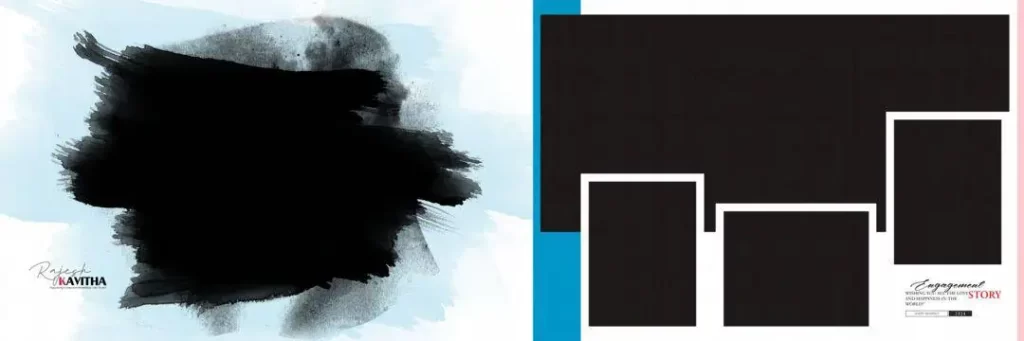
File Size: 25.7MB
#07
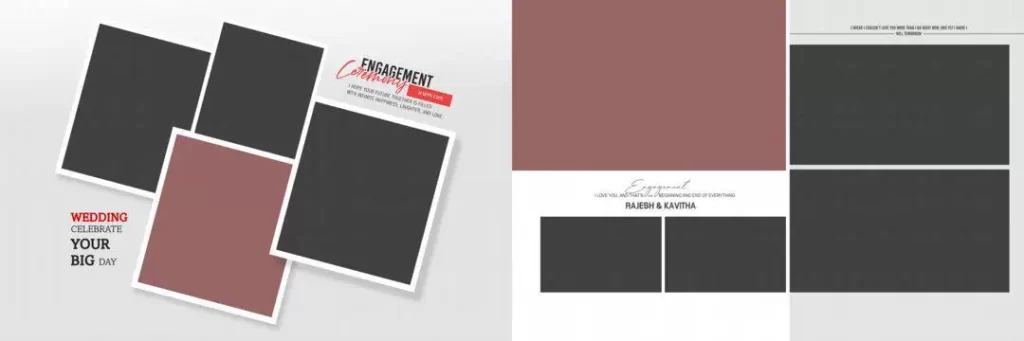
File Size: 1MB
Get More: 20 New Wedding Album Design Free Download – PSD King.
#08
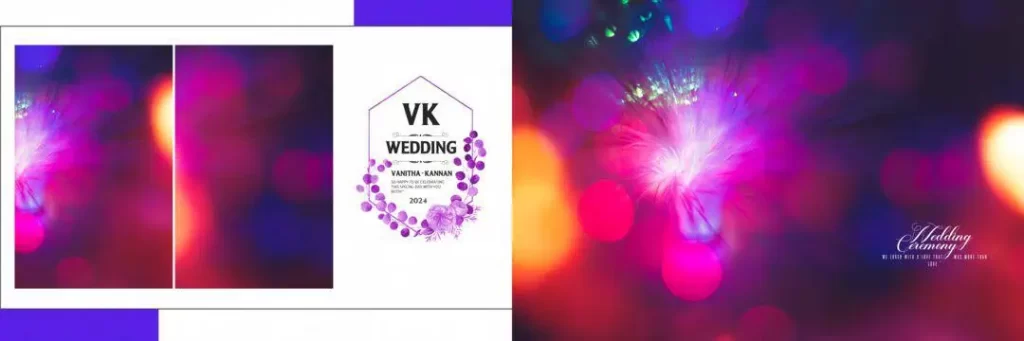
File Size: 145MB
#09
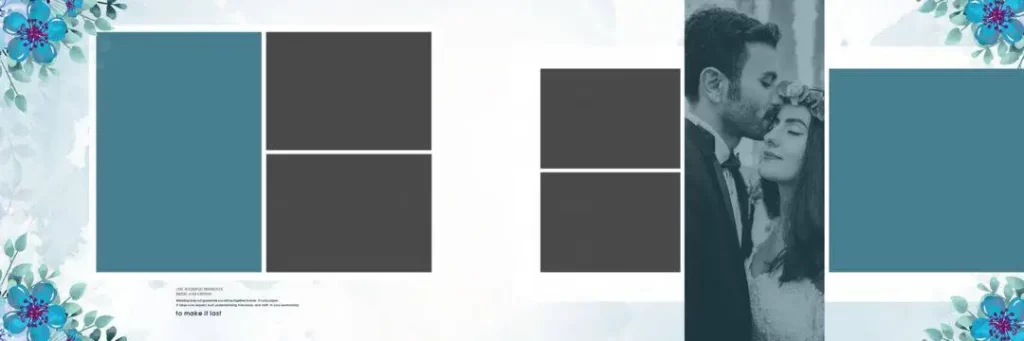
File Size: 249MB
#10
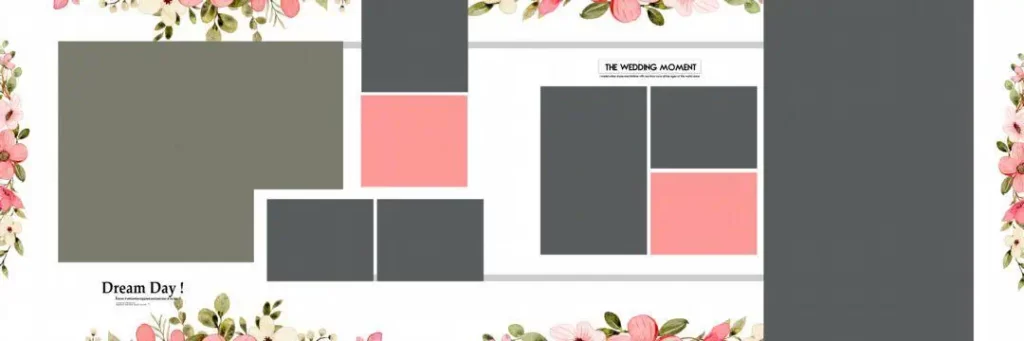
File Size: 11.3MB
How to Use These Free Wedding Album Templates
Step 1: Download the ZIP file. Go to Freepsdking.com, choose the wedding album template that suits your current project, and click the download button. The file will arrive on your device as a compressed ZIP archive.
Step 2: Extract the archive. Use WinRAR, 7-Zip, or your system’s extraction tool to unpack the downloaded folder. Keep all files together in one dedicated project folder — this prevents broken links between the PSD and any supporting files.
Step 3: Open the PSD in Photoshop. Launch Adobe Photoshop and open the main PSD file from the extracted folder. Allow all layers to load completely before making any edits — this is especially important for large 300 DPI files.
Step 4: Replace photos using Smart Objects. Double-click the Smart Object placeholder for each photo position in the layout. A separate editing tab opens — place your client’s wedding photo here, resize it to fit the frame, and save. The main layout updates immediately.
Step 5: Customize text and design elements. Use the Type tool to update names, dates, and any other text in the layout. Adjust color overlays, background tones, or decorative layers to match your client’s preferences or the specific mood of the wedding event.
Step 6: Export at 300 DPI for print. Go to File > Export or Save As and produce a flattened TIFF or PDF. Verify that the file is in CMYK color mode and the resolution is confirmed at 300 DPI before sending to your album printing lab.
What Working With Professional Templates Teaches Newer Album Designers
There is a reason experienced studio designers build their skills faster than designers who try to learn from tutorials alone — they work with real files. Opening a professionally built 12 * 36 album PSD and studying how it is constructed teaches layout principles that no written explanation can fully convey. You see how the photo frames are proportioned relative to the canvas. You understand why the background layer sits where it does. You notice how the text positioning respects the visual weight of the images around it.
Every layered PSD from Freepsdking.com is essentially a masterclass in album structure that you can take apart, study, and rebuild with your own creative choices on top. A newer designer who works through ten different 12×36 frame PSD layouts will develop an instinct for what works in album design — an instinct that takes much longer to build without access to professionally built reference files.
The 12×36 DM PSD files and wedding album templates in this collection also introduce newer designers to the technical side of album production — CMYK color mode, Smart Object workflow, bleed margins, and resolution management. These are the details that separate designers who consistently deliver professional print results from those who are still troubleshooting color shifts and soft prints after every submission. Learning them through real files, on real projects, is the fastest path to getting them right.
Tips for the Best Print Results
Always check that your file is set to 300 DPI before placing any photos or layers. Open Image > Image Size in Photoshop and verify the resolution field as your very first step. Starting on a correctly set canvas prevents resolution problems from compounding as the layout builds up in layers.
Confirm the file is in CMYK color mode before you begin editing. The free wedding album templates on Freepsdking.com are already set to CMYK. If you bring in external photos, go to Edit > Convert to Profile and convert them to CMYK before merging. Screen colors and print colors behave differently — working in CMYK throughout removes the guesswork.
Check bleed margins before finalizing any layout for print. Album pages are trimmed after printing and without at least 3mm of bleed on all sides, the finished book can show white edges along the borders. Confirm whether the template already includes bleed and expand the canvas if it does not.
Save a complete layered PSD backup before flattening and exporting. This is a habit every professional studio designer follows without exception. Client correction requests after delivery are common and having the full editable file saved separately means changes take minutes rather than hours.
Frequently Asked Questions
Are these free wedding album templates really free with no conditions? Yes. Every file on Freepsdking.com is completely free to download. No account, payment, or subscription is required and there are no hidden charges or upgrade tiers. Download as many files as you need without any restrictions.
What software do I need to open and edit these templates? Adobe Photoshop CS6 or any newer version will open these files without any compatibility issues. All Smart Object, layering, and CMYK features used in the designs are fully supported across recent versions of Photoshop.
Can newer designers use these templates for paid client work right away? Yes. All files are free for personal and commercial use. If you are confident working with the files in Photoshop and can deliver a finished print-ready album, there is nothing stopping you from using these templates for paying clients from day one.
What is the difference between a wedding album template and a background PSD file? A wedding album template is a complete layout with frames, photo placeholders, text layers, and background all built into one file. A background PSD is just the base layer — you add your own frame and photos on top. Templates are faster to work with; background files give more creative control.
How do I know if a template will work with my specific print lab’s requirements? Check your print lab’s file specifications — canvas size, resolution, color mode, and bleed requirements. Most Indian labs accept 12×36 files at 300 DPI in CMYK with 3mm bleed. The templates on Freepsdking.com meet these standard requirements, but always confirm with your specific lab before the first submission.
Conclusion
Free wedding album templates from a source you can trust are one of the most valuable resources a studio designer can have — whether you are delivering your first client album or your five hundredth. The collection on Freepsdking.com gives designers access to professionally built, print-ready layouts that hold up under real studio conditions, completely free and available without any restrictions.
Visit Freepsdking.com now to download the full collection. Whether you are looking for your first set of wedding album templates to learn from or need fresh 12*36 album templates PSD options to add to an existing studio library, everything is there and ready to use the moment you arrive.
You might also enjoy these free resources on Freepsdking.com: