Running a photo studio during the Indian wedding season means juggling more projects than you can comfortably count. One client wants their Mehendi album finished before the reception. Another is asking for a preview before the Sangeet night is even over. A third walked in this morning with a USB drive full of photos and a two-week deadline. In the middle of all that, the last thing you want to be doing is searching the internet for a decent wedding photo album template that actually works in Photoshop at the right size and resolution.
Freepsdking.com keeps that problem off your plate. The collection of wedding photo album templates available on the site is built specifically for the kind of work Indian wedding studios handle every season — multiple events, multiple clients, multiple deadlines, all at once. Every file is free, professionally designed, and ready to open in Photoshop without any additional setup.
This article walks you through the full collection, how to use these files step by step, tips for clean print output, and the answers designers look for before downloading for the first time.
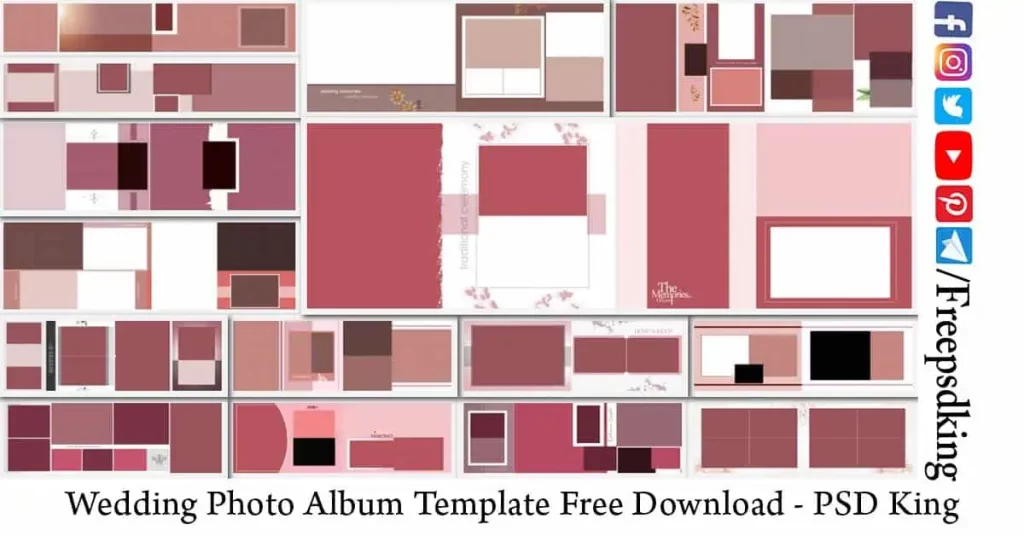
Table of Contents
Wedding Photo Album Template
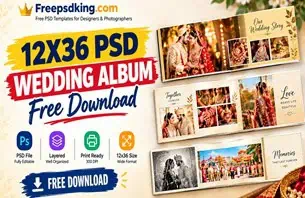
A wedding photo album template is a pre-designed Photoshop document — a fully layered PSD file — that provides a complete layout structure for building a professional printed wedding album. The file contains Smart Object placeholders for photos, editable text layers for names and dates, and a design framework that handles spacing, composition, and visual flow so the designer can focus on the photos rather than the layout mechanics.
Every wedding photo album design template in this collection is prepared at 300 DPI and set to CMYK color mode — the two non-negotiable requirements for professional album printing. The layered PSD structure keeps every design element accessible and adjustable without flattening or damaging the original layout. This means you can make changes quickly, try different photo combinations, and respond to client feedback without starting over.
For Indian wedding photographers and studio designers, these files work across every event in the wedding calendar. The wide 12×36 canvas handles everything from a dramatic Baraat group spread to a close, intimate portrait from a Haldi ceremony — the photo layout adapts to whatever the photography requires.
#01
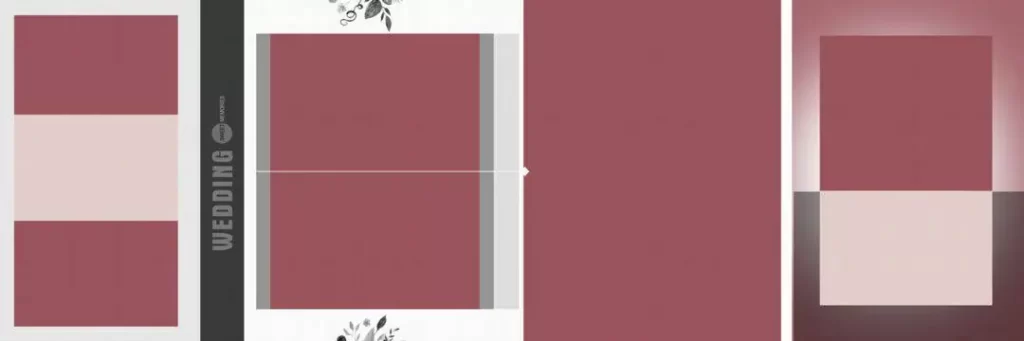
File Size: 9.34MB
#02
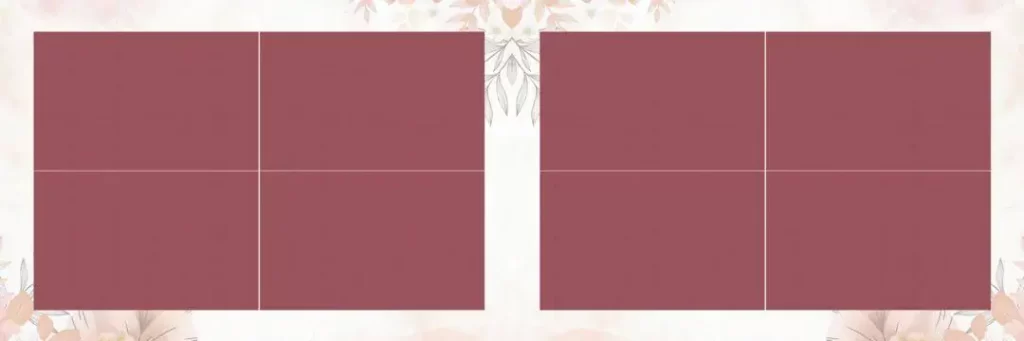
File Size: 14.4MB
#03
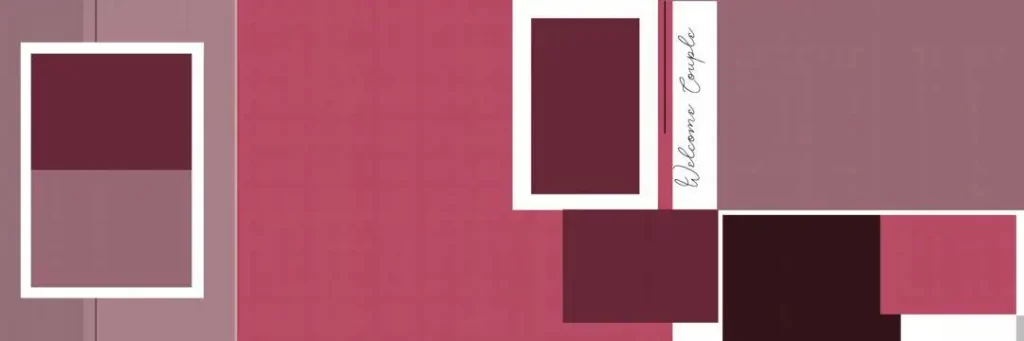
File Size: 1MB
#04
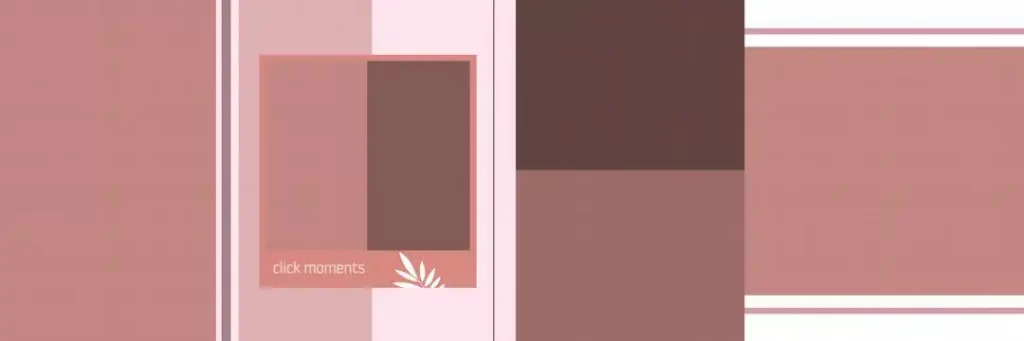
File Size: 1MB
#05
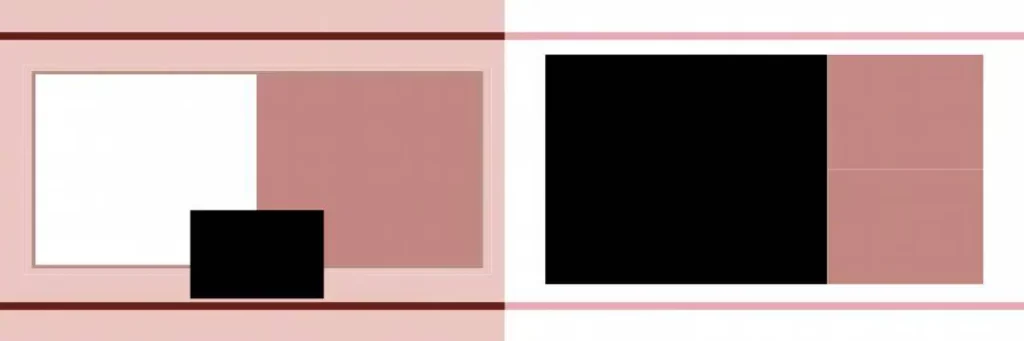
File Size: 1MB
#06
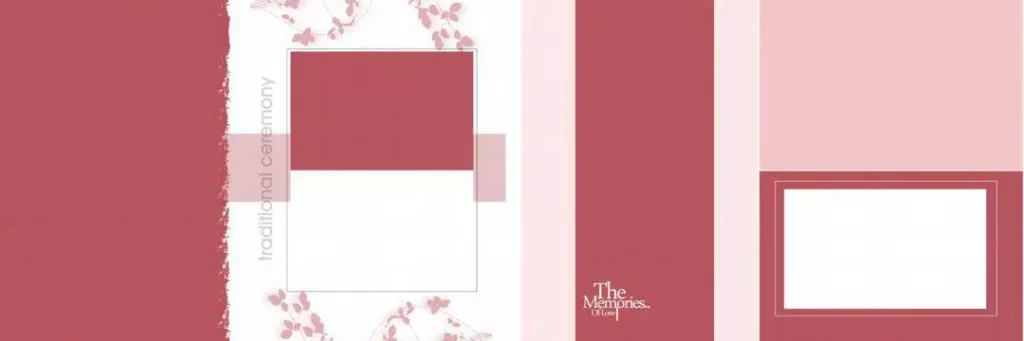
File Size: 3.44MB
#07
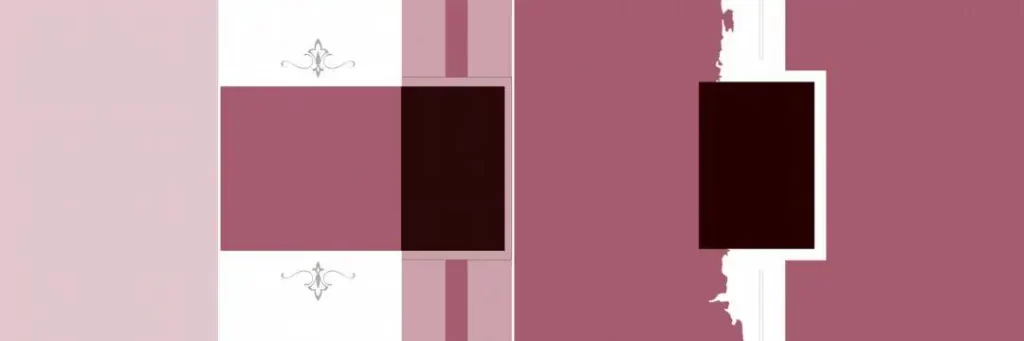
File Size: 1MB
#08
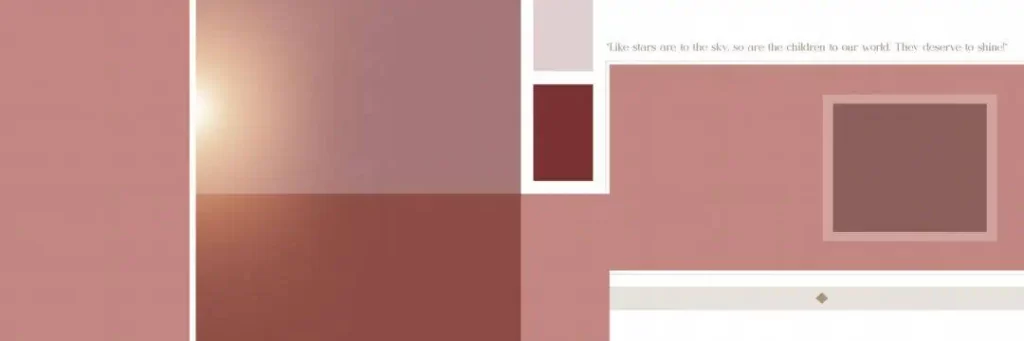
File Size: 6.75MB
#09
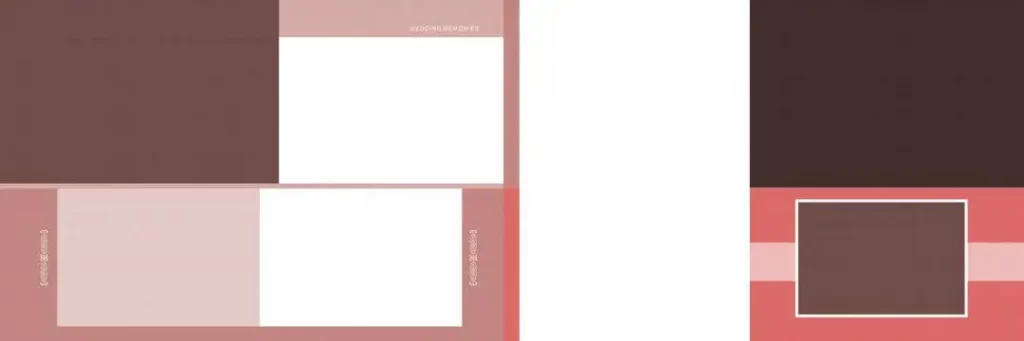
File Size: 52.8MB
#10
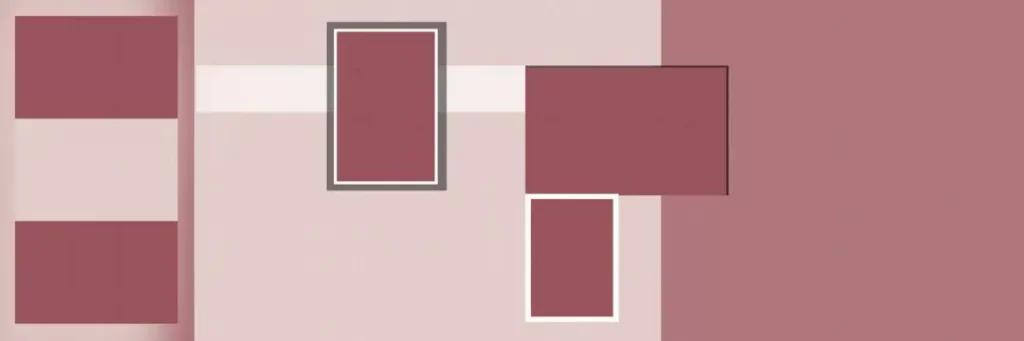
File Size: 3.39MB
A Collection of Indian Wedding Album Designs Free to Download
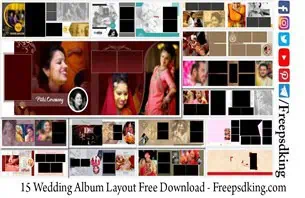
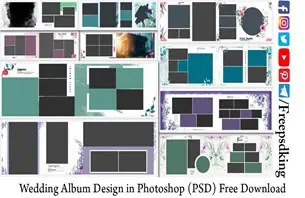
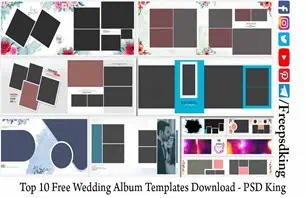
The collection on Freepsdking.com covers a genuine range of design directions — from ornate, richly layered spreads that match the grandeur of a traditional Indian wedding to cleaner, quieter layouts that let candid photography speak without too much decoration around it. Every wedding album design template in this collection has been built for real studio use, which means the files perform as well at the print lab as they look on screen.
All files are completely free and packaged as ZIP archives containing fully layered PSD files at 300 DPI. The wedding album templates free download options in this collection follow the standard 12×36 canvas dimension that professional print labs across India work with every day. New designs are added to the collection regularly, so whether you are building your library for the first time or refreshing it before a new season, there is always something current to work with on Freepsdking.com.
#11
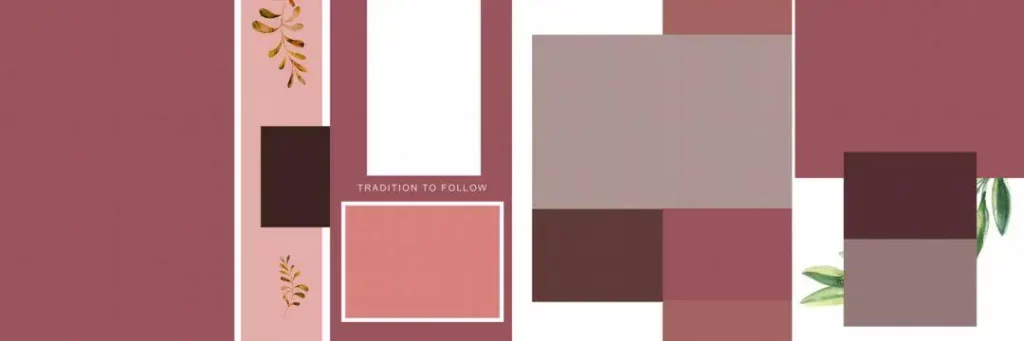
File Size: 7.73MB
#12
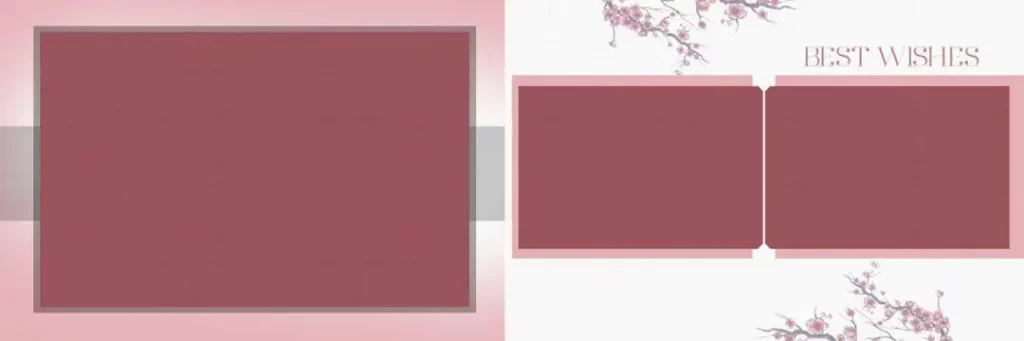
File Size: 15MB
#13
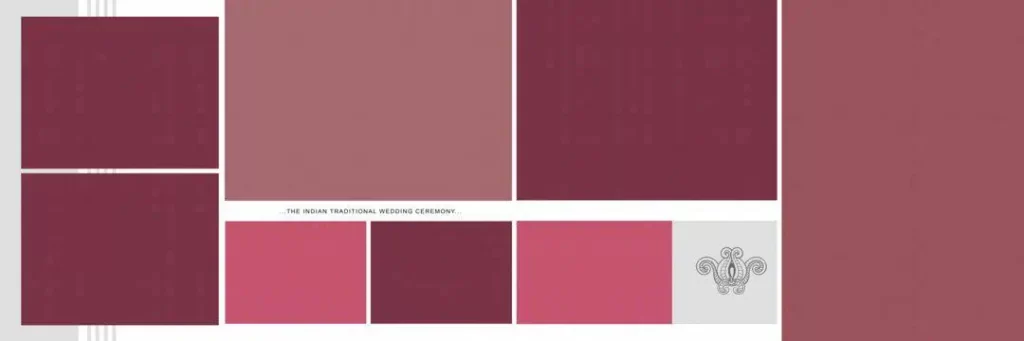
File Size: 1MB
#14
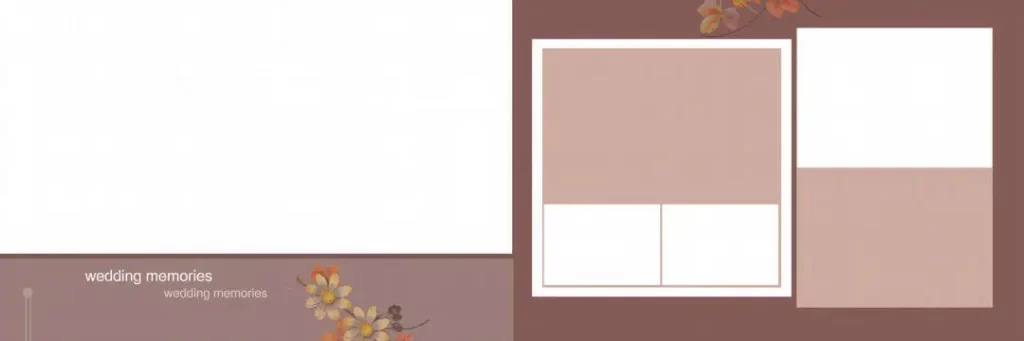
File Size: 3.45MB
#15
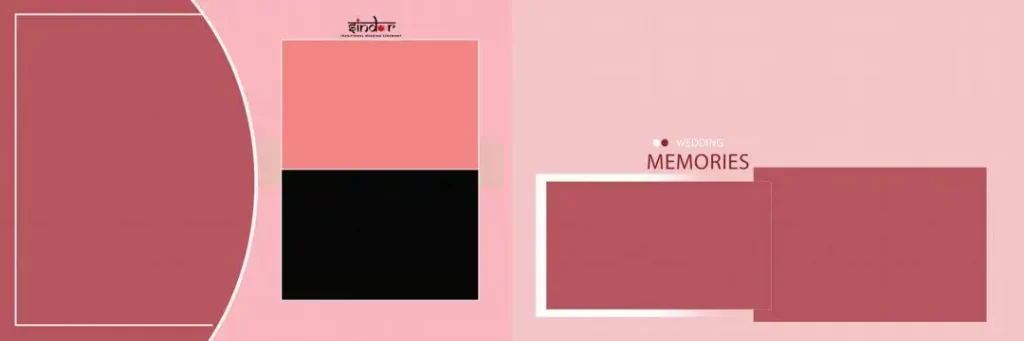
File Size: 1.55MB
How to Use These Wedding Photo Album Template Files
Step 1: Download the ZIP file. Visit Freepsdking.com, pick the wedding photo album template that fits your current project, and click the download button. The file arrives as a compressed ZIP archive on your device.
Step 2: Extract the archive. Use WinRAR, 7-Zip, or your system’s built-in extraction tool to unpack the downloaded folder. Keep all the files together in a single project folder so nothing gets separated from the main PSD file.
Step 3: Open the PSD in Photoshop. Launch Adobe Photoshop and open the main PSD file from the extracted folder. Give all the layers a moment to load fully before making any edits — 300 DPI files at 12×36 size take a little time to open completely.
Step 4: Replace photos using Smart Objects. Double-click the Smart Object placeholder for each photo position in the layout. A new editing tab opens — place your client’s wedding photo here, resize it to fill the frame naturally, and save. The main layout updates on its own.
Step 5: Customize text and design elements. Use the Type tool to update names, wedding dates, and any decorative text in the layout. Adjust color tones, background layers, or decorative overlays to match the mood of the specific event or your client’s preferences.
Step 6: Export at 300 DPI for print. Use File > Export or Save As to produce a flattened TIFF or PDF. Confirm CMYK color mode and 300 DPI resolution are both correct before sending the file to your album printing lab.
How Ready-Made Templates Help Studios Deliver on Time When Deadlines Stack Up
Here is something every studio designer in India knows from experience — the weeks right after a busy wedding date are harder than the wedding week itself. That is when every client calls at the same time. That is when three albums are due in the same seven-day window and you are still culling photos from a fourth shoot. Having a library of ready-to-use wedding photo book templates is not a shortcut. It is the only realistic way to maintain quality output when the workload hits its peak.
A well-built wedding album layout template removes the part of album production that takes the most time without adding any creative value — building the page structure from scratch. When the canvas is already sized, the frames are already placed, and the Smart Objects are ready for photos, a designer can move from raw photo selection to a finished layout proof in a fraction of the time. That speed directly translates into more albums delivered on time, more satisfied clients, and fewer late nights rebuilding layouts that should have been ready hours ago.
The wedding album templates on Freepsdking.com are updated throughout the year precisely because studio workloads do not follow a predictable pattern. A new set of wedding album layout examples gives designers fresh options at exactly the point in the season when their current library starts to feel familiar. Returning to Freepsdking.com regularly and refreshing the template library is one of the most practical habits a busy studio can build.
Tips for the Best Print Results
Check that the resolution is set to 300 DPI before you place a single photo. Open Image > Image Size in Photoshop and confirm the resolution field before starting any edits. Building a layout on a correctly set canvas from the beginning prevents resolution issues from appearing at the export stage when it is too late to fix them cleanly.
Keep the entire file in CMYK throughout the design process. The wedding photo album templates on Freepsdking.com are already set to CMYK. If you bring in external photos from a camera or editing software, go to Edit > Convert to Profile and convert them to CMYK before merging them into the layout. Colour shifts between screen and print are almost always a CMYK issue caught too late.
Add at least 3mm of bleed on all sides before finalising any layout. Print labs trim album pages after printing, and without bleed, the finished pages show white edges along the borders. Check whether the template already includes bleed and expand the canvas before your final export if it does not.
Save the full layered PSD file separately before flattening and exporting. Client correction requests after album delivery happen more often than anyone likes. A name needs fixing, a photo needs swapping, a colour looks different on the printed page than it did on screen. Having the layered file saved and organised means those corrections take minutes rather than a rebuild from scratch.
Frequently Asked Questions
Are the wedding photo album templates on Freepsdking.com really free? Yes, completely free. No account, payment, or subscription is required at any point. There are no hidden fees, no watermarked previews, and no premium tier blocking access to any file in the collection.
What software do I need to open and edit these template files? Adobe Photoshop CS6 or any newer version will open these files without issues. All Smart Objects, layering, and CMYK colour features used in the designs are fully compatible with current and recent versions of Photoshop.
Can I use these templates for albums I deliver to paying clients? Yes. All files on Freepsdking.com are free for personal and commercial studio use. There are no licensing restrictions on using these templates for paid client work, including albums delivered to wedding photography clients.
How do I choose the right wedding photo album template for a specific event? Match the design mood to the photography style. Ornate, richly decorated layouts work well for formal reception and Baraat photography. Cleaner, lighter designs suit candid Mehendi or intimate portrait sessions. The background and frame style should complement the photos, not compete with them.
Do these templates work for photo book printing as well as traditional album printing? Yes. Because the files are built at 300 DPI in CMYK at standard dimensions, they are compatible with both traditional album printing labs and photo book printing services. Always confirm the canvas size and bleed requirements with your specific printing provider before submitting.
Conclusion
A reliable library of wedding photo album templates is one of the most practical tools a studio designer can have going into a busy season. The collection on Freepsdking.com delivers professionally built, print-ready layouts that handle the full range of Indian wedding photography — completely free and available without any restrictions on how you use them.
Visit Freepsdking.com now and download the collection. Whether you need a fresh wedding photo album design template for a project due this week or want to explore the full range of wedding album templates free download options available on the site, everything is there and ready for you right now.
You might also enjoy these free resources on Freepsdking.com:
hello friend good morning
What can we do for you?