Wedding season in India runs from October through February, and for some studios the summer dates keep the calendar full too. That means back-to-back bookings, tight turnaround times, and clients who expect a finished album in weeks, not months. If you’ve ever stared at a blank Photoshop canvas at 11 pm with a delivery due the next morning, you know that pressure well.
This is where wedding album design in Photoshop earns its place in every studio’s workflow. Instead of building each spread from scratch, you open a ready PSD file, drop in the couple’s photos, and move straight to the next project. It sounds simple because it is, once you have the right files sitting in your folder.
On Freepsdking.com, we build layered PSD files for studios working under this kind of season-long pressure. This post covers what these files are, how to use them, and why they hold up once they hit the printer.
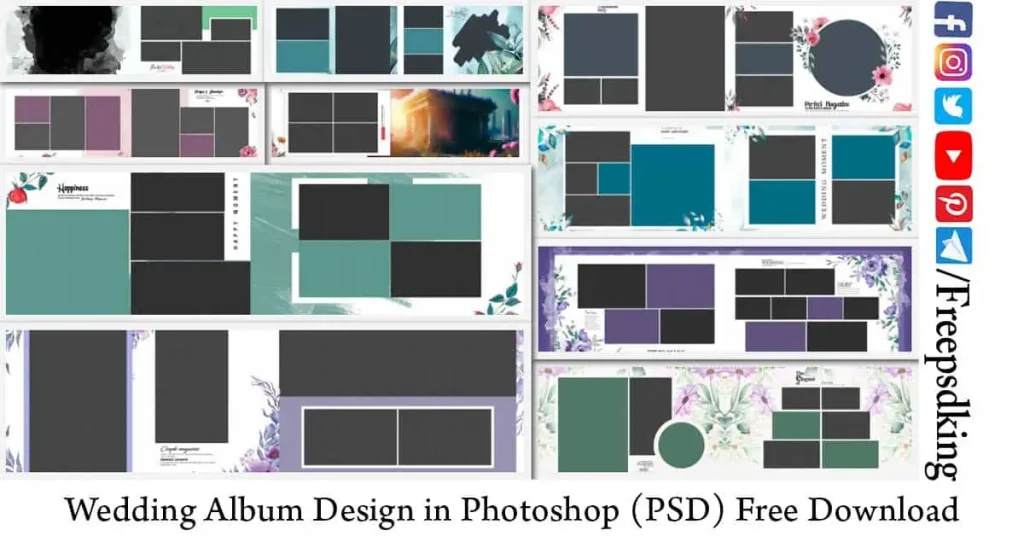
Table of Contents
Wedding Album Design in Photoshop — What Studio Designers Should Know
Wedding album design in Photoshop means building printable album spreads using layered PSD files, where photos, text, and design elements each sit on their own editable layer. You open the file in Adobe Photoshop, place the couple’s photos into pre-built frames or smart objects, adjust the colors and text, then export the finished spread for print.
Every layer stays separate until you flatten the file, so you can move a frame, swap a photo, or change the color scheme without redrawing anything. Most files come set up at 300 DPI in CMYK color mode, ready for professional print labs straight out of the box, with bleed margins already built into the layout.
For a working designer, that editability is the whole point. A file that looks good on screen but breaks apart in Photoshop is useless. The wedding album PSD templates on Freepsdking.com are tested in real studio conditions, from Mehendi and Sangeet spreads to full Baraat and reception layouts, so they hold their structure when you start customizing.
#01
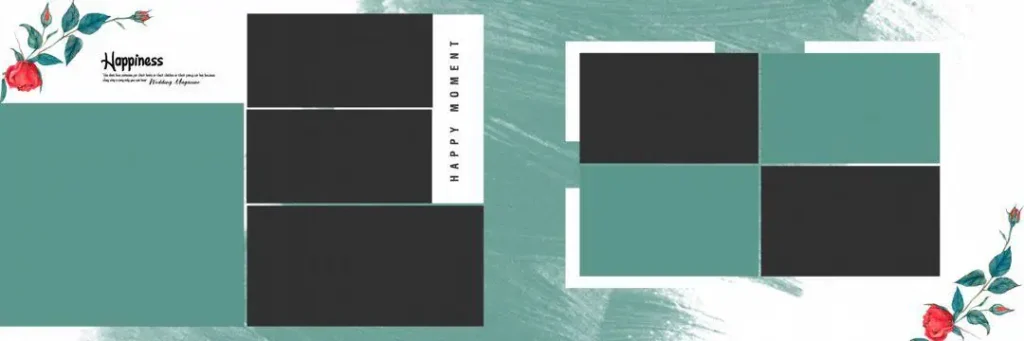
File Size: 0MB
#02
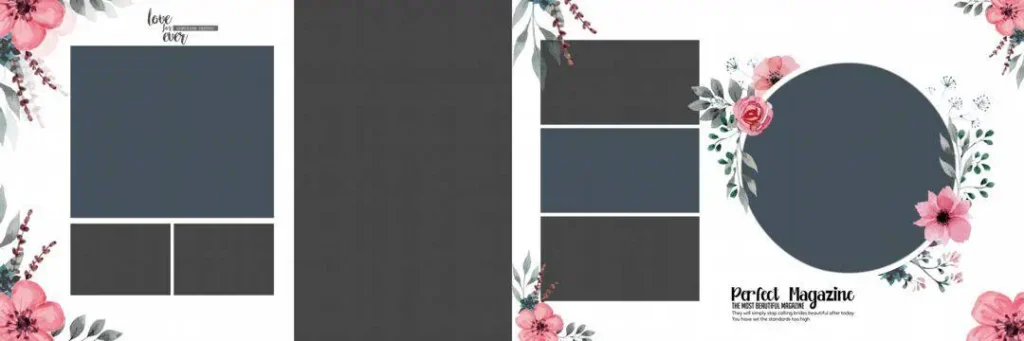
File Size: 0MB
#03
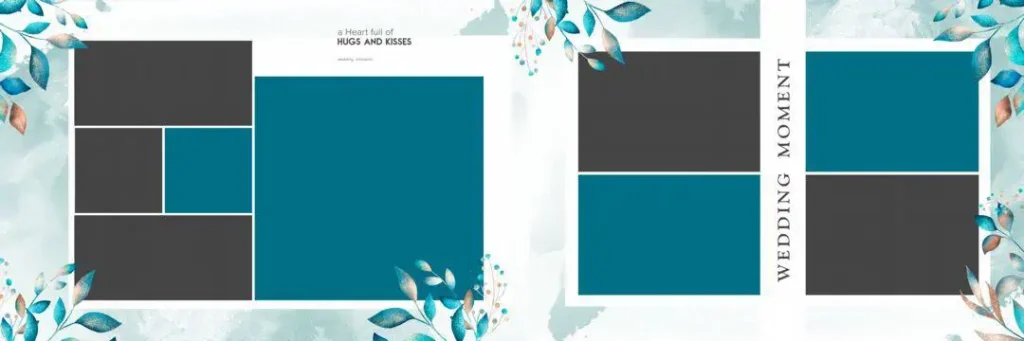
File Size: 0MB
#04
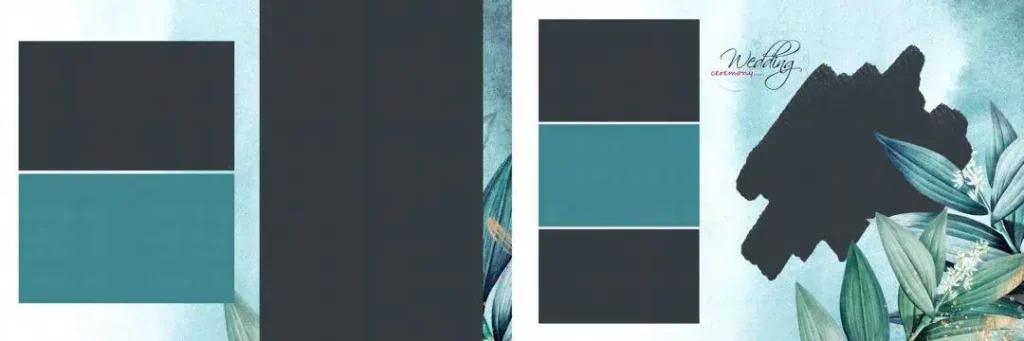
File Size: 0MB
#05
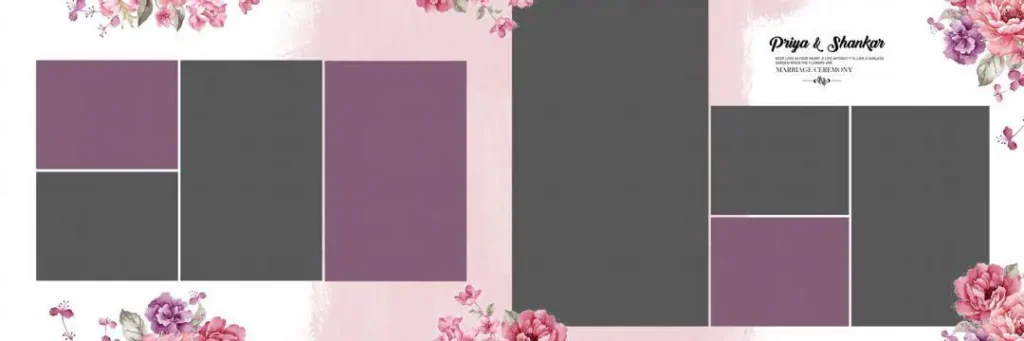
File Size: 0MB
New Wedding Album PSD Designs Ready for This Season’s Bookings
Freepsdking.com keeps its wedding album collection updated as design trends shift and new booking seasons roll in. Every file is fully layered, built at 300 DPI, and available as a free ZIP download, with several designs in the 12×36 album size that Indian print labs work with most.
Nothing on the site sits behind a paywall. You download the ZIP, extract it, and the PSD files are ready to open. That’s the deal we’ve kept since day one, and it’s why studios keep returning every wedding season instead of rebuilding layouts from zero.
#06
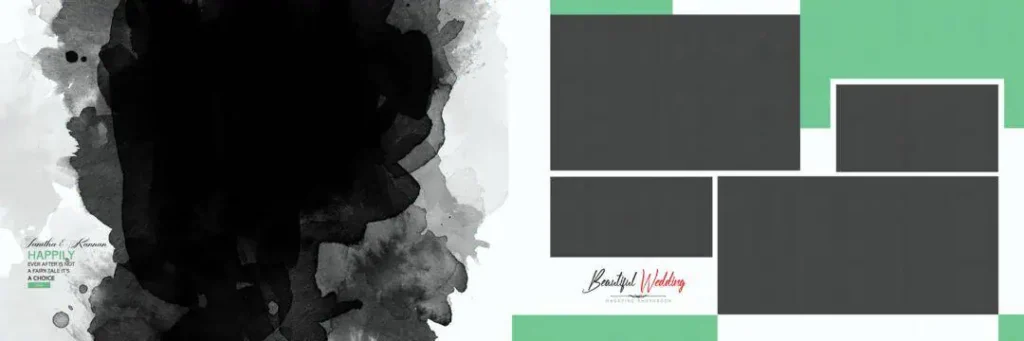
File Size: 0MB
#07
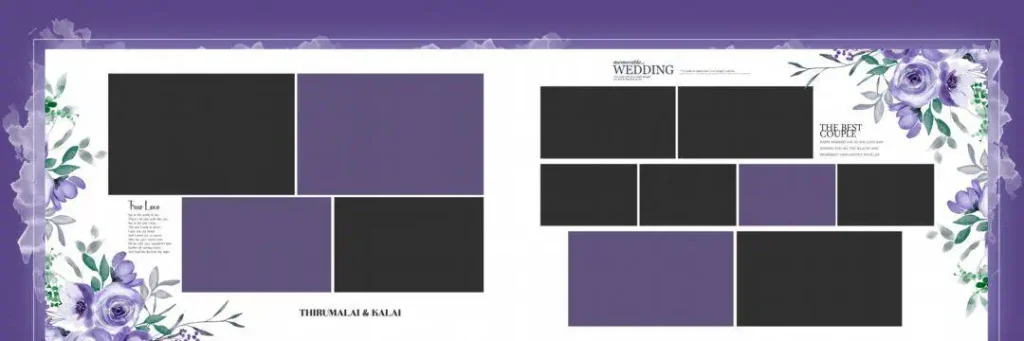
File Size: 0MB
#08
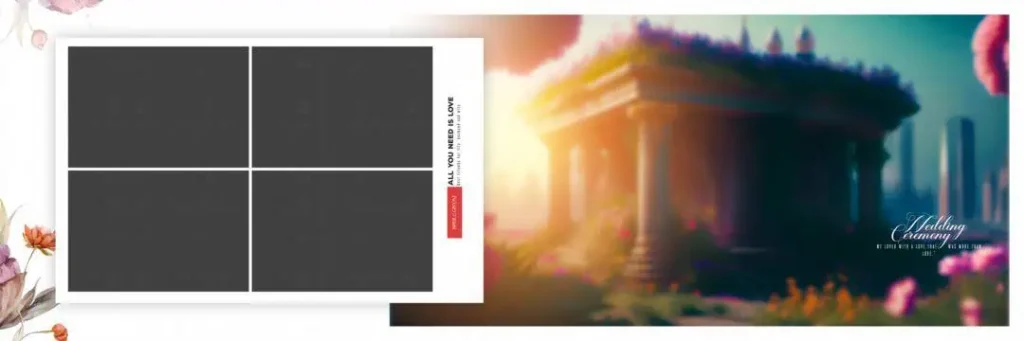
File Size: 0MB
#09
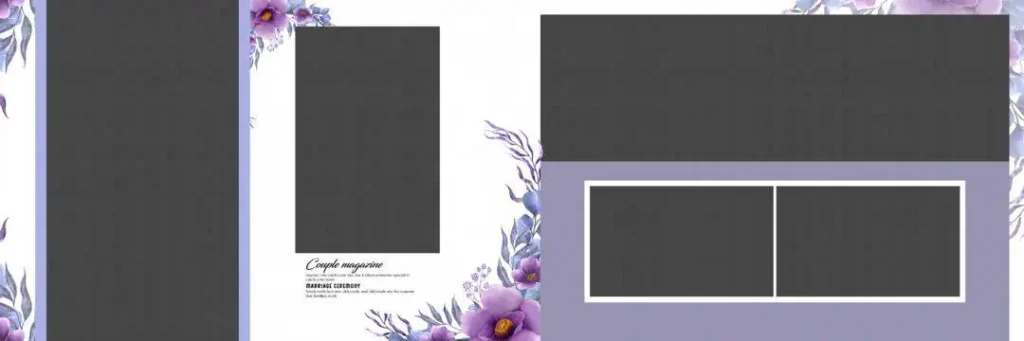
File Size: 0MB
#10
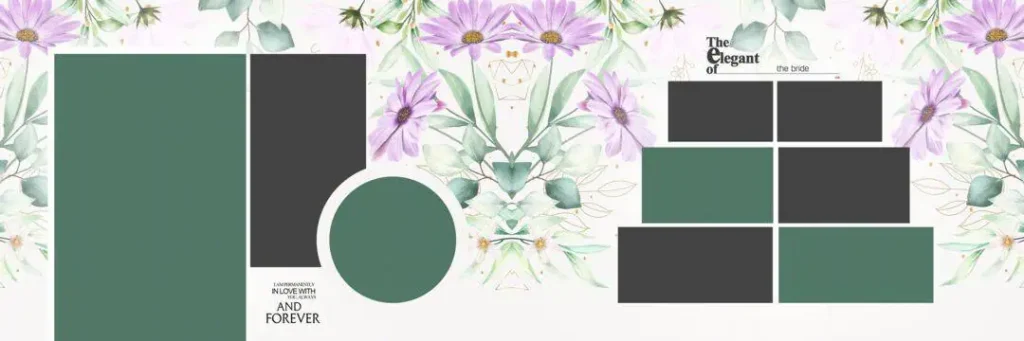
File Size: 0MB
How to Use These Wedding Album Design in Photoshop Templates
Step 1: Download the file. Head to the template page on Freepsdking.com and download the ZIP file to your system.
Step 2: Unzip the folder. Extract the ZIP to reveal the PSD files along with any preview images included.
Step 3: Open in Photoshop. Launch Adobe Photoshop and open the PSD file you want to work with.
Step 4: Replace the smart objects. Double-click each smart object layer and place the client’s photo inside, then save to update the frame automatically.
Step 5: Customize text and colors. Update names, dates, and any color accents to match the couple’s theme or the studio’s branding.
Step 6: Export for print. Flatten the file if needed and export at 300 DPI in CMYK, ready to send to your print lab.
Getting the Print Right — Color, Resolution and Layout Balance
Print quality is where a lot of otherwise good designs fall apart. A layout can look sharp on screen and still come out flat or pixelated on paper if the resolution or color mode isn’t set correctly before export. That’s why every wedding album PSD template on Freepsdking.com is built at 300 DPI from the start, not scaled up later.
Color mode matters just as much. Screens display in RGB, but print labs work in CMYK, and colors shift between the two if you don’t convert early. Our files are set up in CMYK so what you see while designing stays close to what comes out of the printer.
Layout balance is the third piece. Photo placement, spacing, and the breathing room around each frame all affect how a finished spread reads once it’s bound into an album. The templates in this collection keep that balance built in, so even a simple photo swap still produces a page that looks intentional and professional.
Tips for the Best Print Results
- Always export at 300 DPI. Anything lower and photos look soft or blurry once printed, especially on larger 12×36 spreads.
- Work in CMYK, not RGB. Convert your color mode early so the final print matches what you designed on screen.
- Keep a 3–5mm bleed margin. This gives the print lab room to trim without cutting into photos or text.
- Save a layered PSD backup. Keep an untouched copy of the file so you can make edits or reprints later without starting over.
Frequently Asked Questions
- Are these templates really free? Yes. Every wedding album PSD template on Freepsdking.com is free, with no hidden charges or subscription required.
- What software is needed? Adobe Photoshop, to open and edit the layered PSD files. Any recent version with smart object support works fine.
- Can these be used for paid client work? Yes, for commercial studio projects and paid client albums, as long as you follow the license terms on the download page.
- Do these files come pre-set for print labs in India? Most are built in the 12×36 size with CMYK color mode and bleed margins already in place, matching what Indian print labs expect.
- Will these work if I’m still learning album design? Yes. The layer structure is simple enough for newer designers to study how frames, text, and photo placement come together in a layout.
Conclusion
Wedding album design in Photoshop doesn’t have to mean starting from a blank canvas every booking. With layered, print-ready PSD files already built for the season’s workload, studios spend less time on layout construction and more time on the photos that matter to the client. The 12×36 wedding album templates on Freepsdking.com are built with that reality in mind, from the smart objects down to the bleed margins.
If your studio is heading into another packed wedding season, the download section on Freepsdking.com is worth a visit before your next booking lands. Grab the files, drop in your photos, and get a print-ready album out the door without rebuilding a layout from scratch.
You might also enjoy these free resources on Freepsdking.com:
- 10000+ 12X36 Wedding Album PSD Free Download.
- 1000+ 12X18 Wedding Album Cover PSD Free Download.
- 100+ Creative Photo Collage Templates for Free Download.
If you want to receive daily updates, Now Join Our Telegram Channel:
Awesome sir!
very good design
isme ka psd file download nhi ho rha hai 0mb ka dikha rha hai
Now It updated sir!
nah bro its not update yet