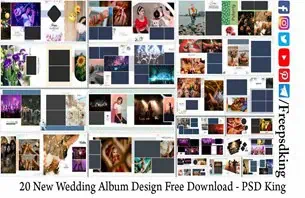
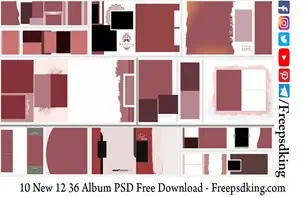
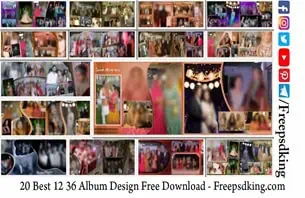
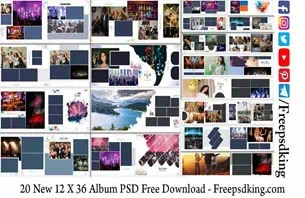
A wedding photography studio often has several albums to complete at the same time. Between selecting photographs, arranging layouts, adding names, and preparing files for printing, designers can spend hours repeating similar tasks. A suitable Photoshop template can help organize this work and provide a starting point for a personalized album.
A Free PSD Wedding Album design is useful for graphic designers, wedding photographers, photo studio owners, and Photoshop users who want to create attractive album pages without building every layout from scratch. The right template can help maintain visual consistency while leaving room for individual photographs, wedding details, and client preferences.
Freepsdking.com focuses on graphic design resources, including wedding album designs and Photoshop-related assets. Before choosing a template, check its available file details, editing requirements, and license. These checks help you decide whether the resource fits your project and your studio’s production workflow.
Free PSD Wedding Album
Table of Contents
Free PSD Wedding Album — Understanding the Design Format
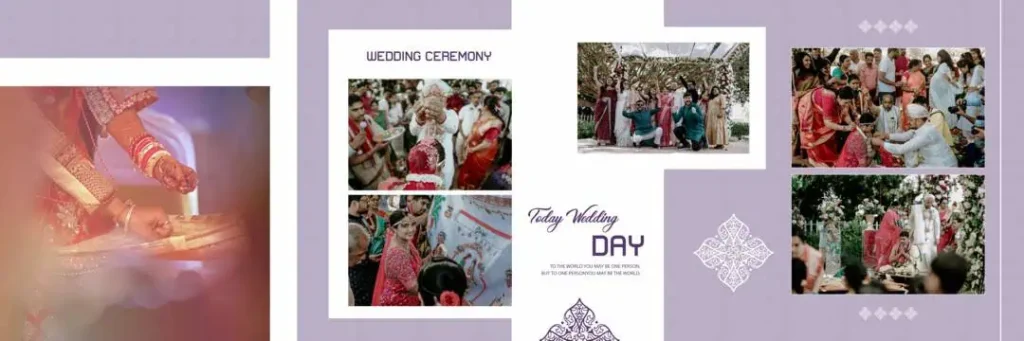
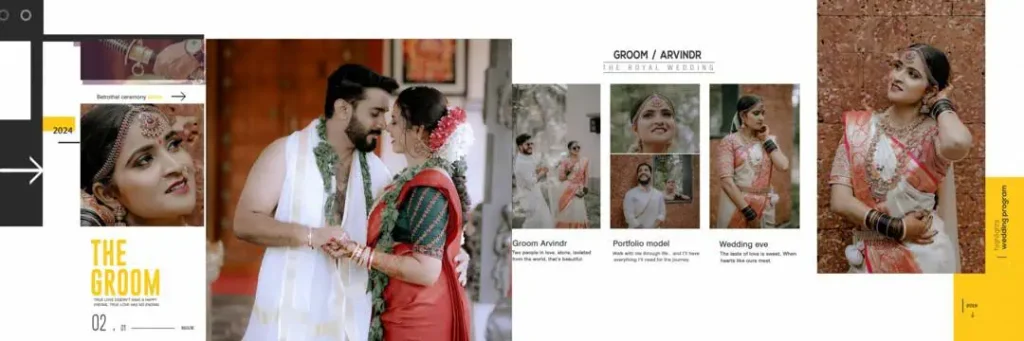
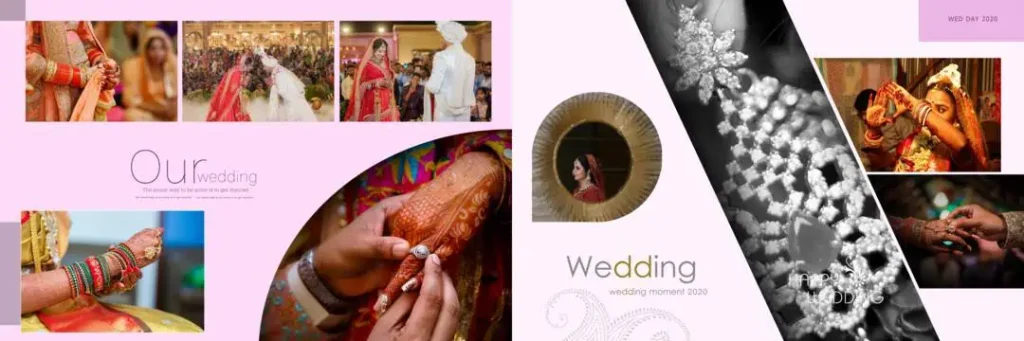
A free PSD wedding album design is a Photoshop Document (PSD) template intended to help users arrange wedding photographs and decorative elements into album layouts. Depending on its structure, a PSD may contain separate layers for images, text, backgrounds, and ornaments, allowing individual elements to be edited.
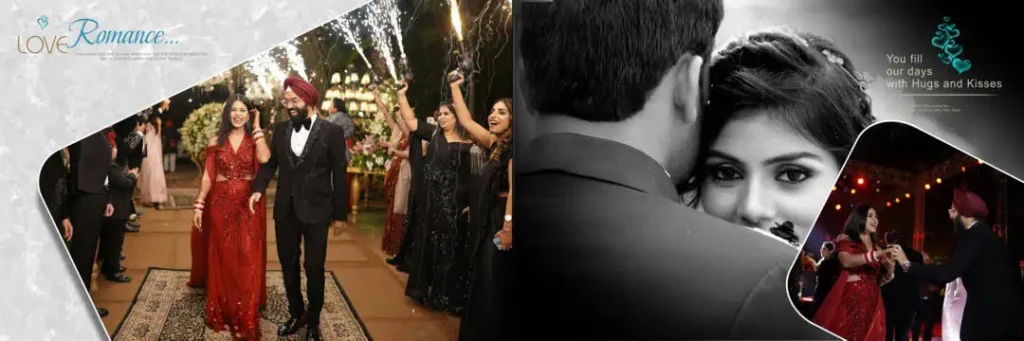
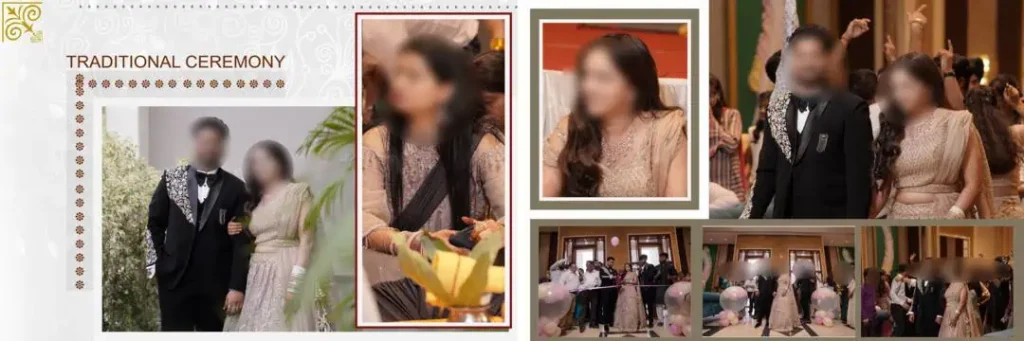
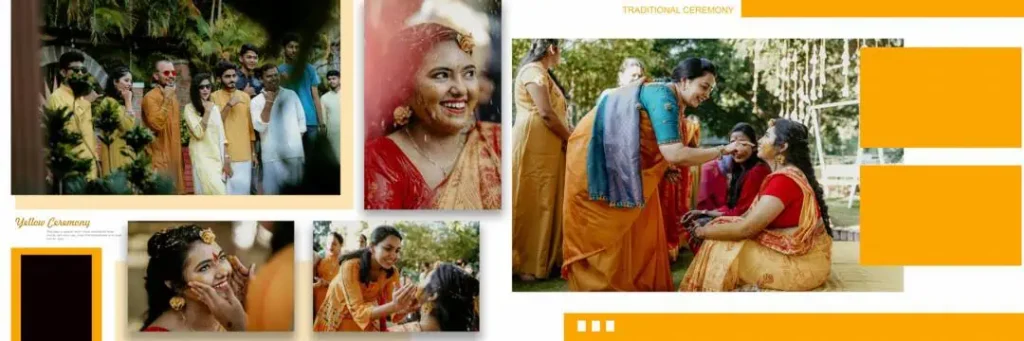
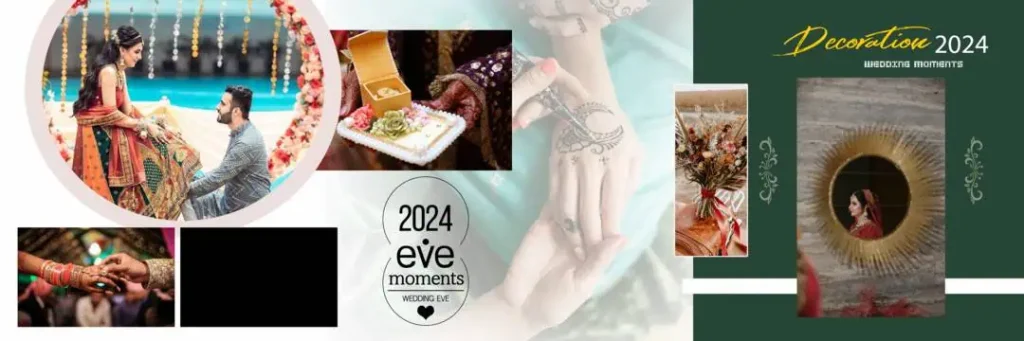
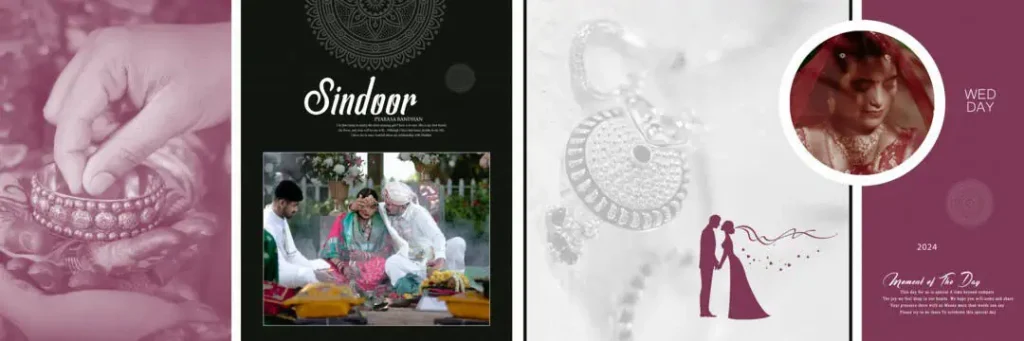
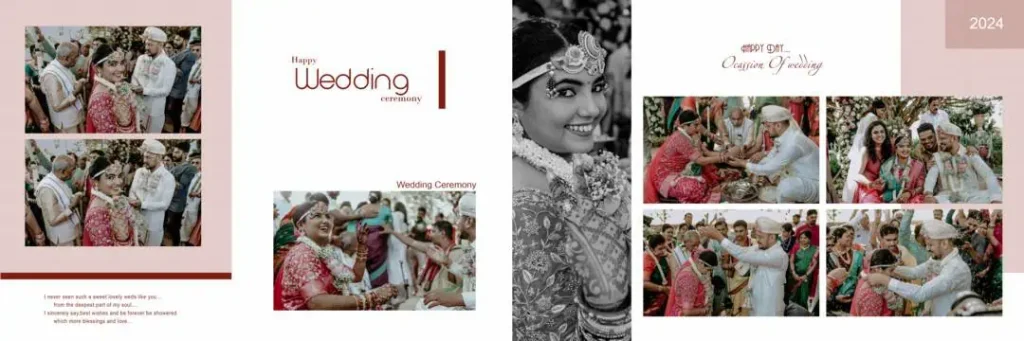
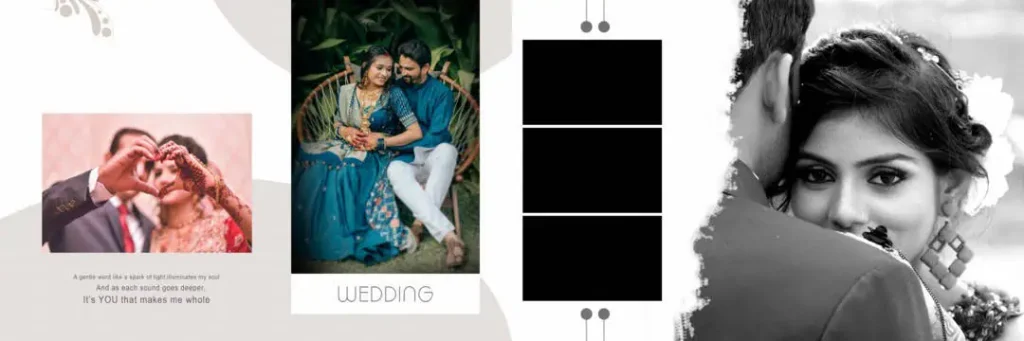
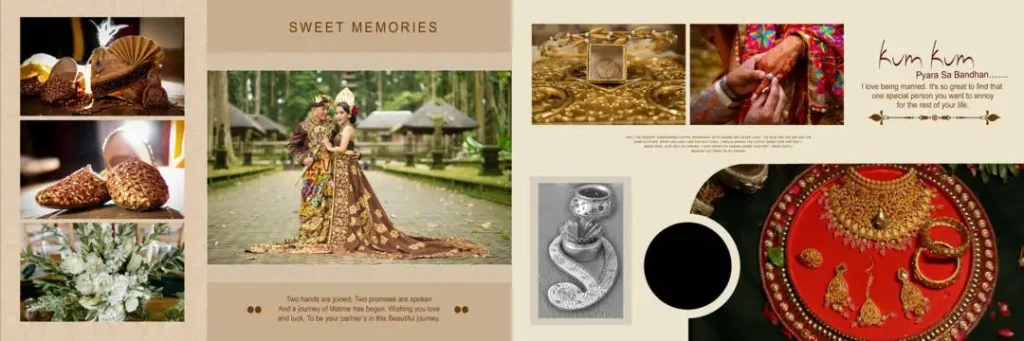
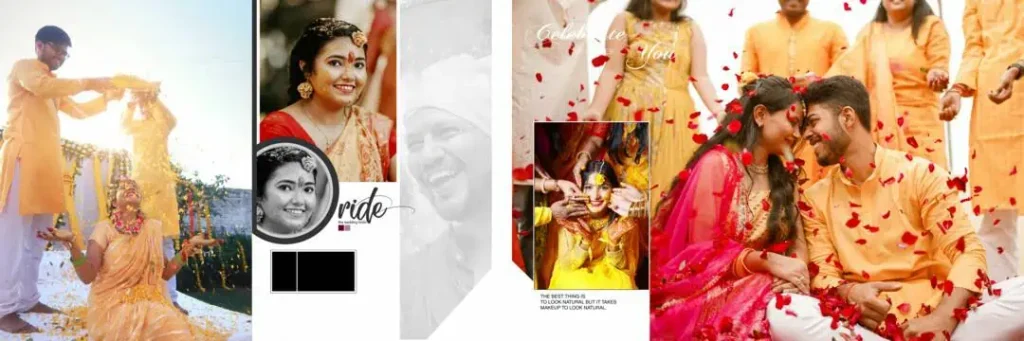
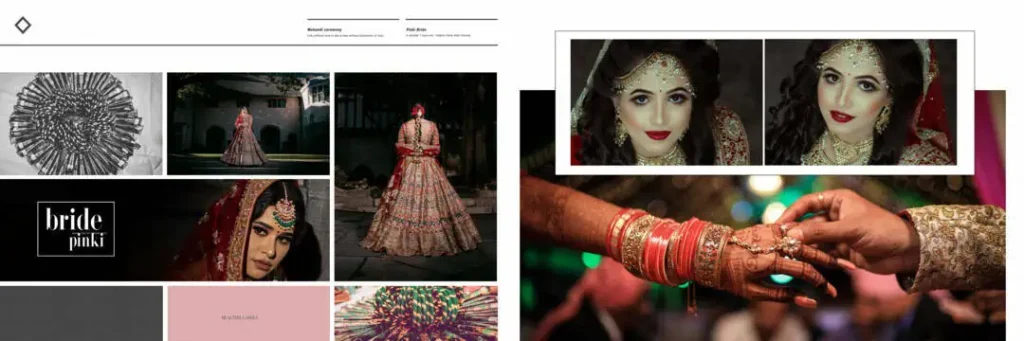
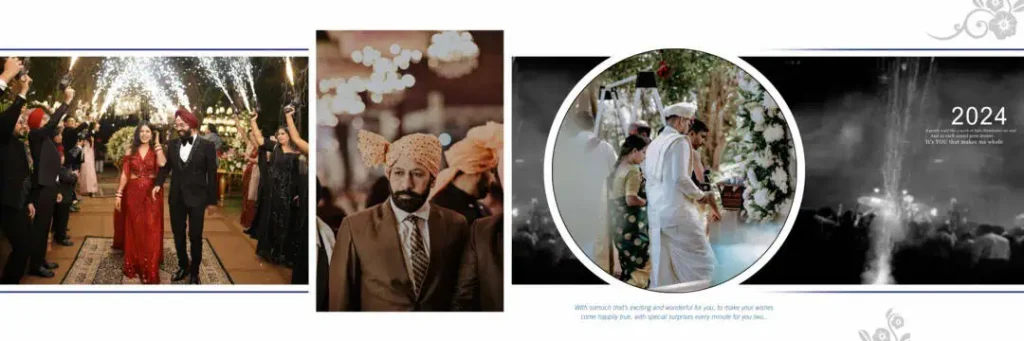
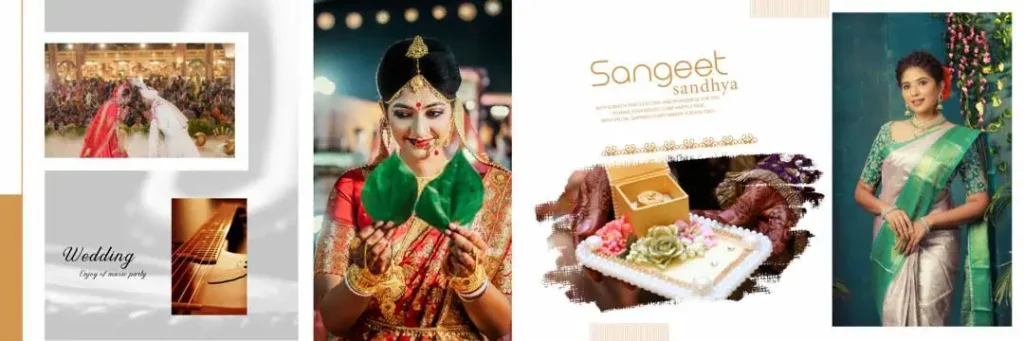
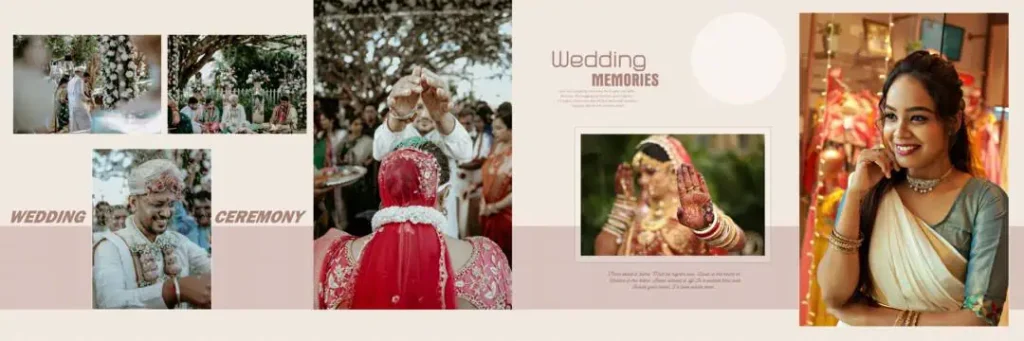
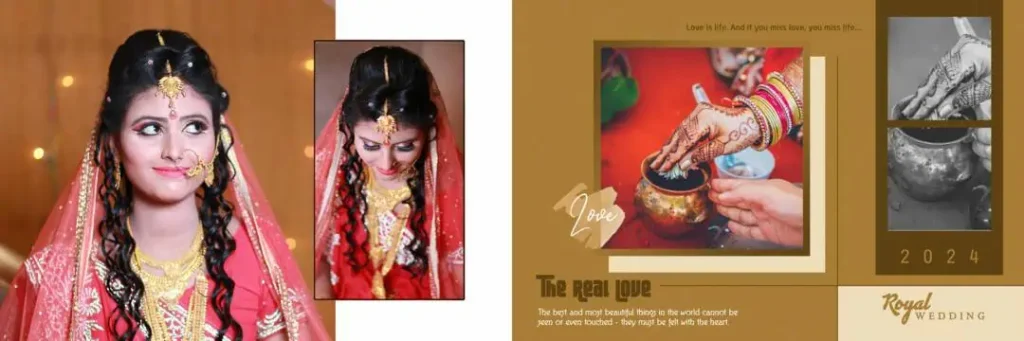
Wedding album templates can provide a starting point for pages featuring ceremonies such as Mehendi, Sangeet, the Baraat, and the wedding reception. Designers can adapt the composition to match the couple’s photographs, preferred colors, and album style. However, the actual editing options depend on the individual file.
When looking for free PSD templates for wedding album projects, review the document dimensions, pixel resolution, layer organization, and compatibility with your editing software. A file described as a PSD should not automatically be assumed to be layered, print-ready, or configured for a particular album size.
#01

#02
#03
#04

#05
#06
#07
#08
#09
#10
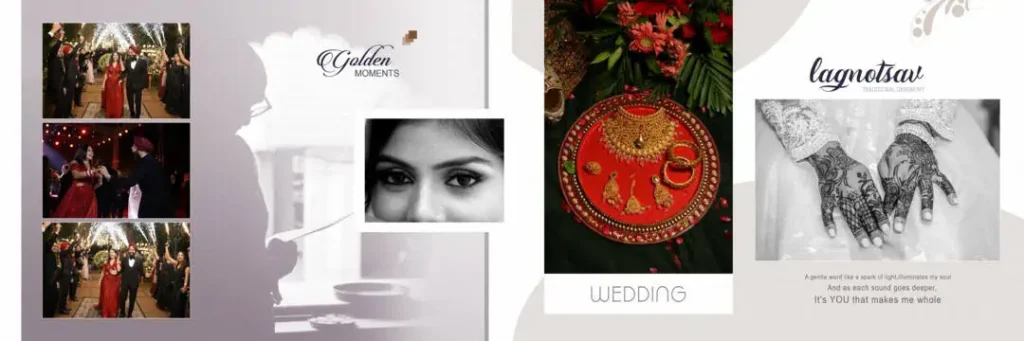
Exploring Wedding Album Resources on Freepsdking.com
Freepsdking.com is a resource destination for designers seeking graphic design materials, including wedding album-related assets. When selecting a design, look for a resource page that clearly identifies the file, explains its download process, and provides any available technical information.
Designers searching for wedding album PSD 12×36 free 2026 or new wedding album PSD 2026 free may be looking for templates suited to current projects. These search phrases can help describe the intended resource, but the year in a keyword does not establish that a file is newly released or updated.
Similarly, anyone looking for a wedding album cover PSD 12×36 free should verify the actual document dimensions before downloading. A 12 × 36-inch layout may suit certain panoramic album formats, but the correct size, bleed, binding allowance, and resolution depend on the album printer’s specifications.
No specific download URL, file dimensions, or license details have been supplied for this article. Visit the relevant resource page on Freepsdking.com and confirm those details before relying on a template for a client project.
#11
#12
#13
#14
#15
#16
#17
#18
#19
#20
How to Download and Customize a Wedding Album PSD
Follow these six steps to prepare a wedding album design for your project.
1. Step 1: Download the file. Open the relevant resource page on Freepsdking.com and follow the instructions provided there. Confirm the file name, format, and download conditions before proceeding.
2. Step 2: Extract the archive. If the download is supplied as a ZIP file, extract it using a suitable archive utility. Check the extracted folder for the PSD file, preview images, fonts, or other included resources, if provided.
3. Step 3: Open the PSD in Photoshop. Open the document in compatible editing software and inspect its dimensions, resolution, color mode, and layer panel. Confirm that the document matches your intended album format before editing.
4. Step 4: Replace the photographs. Identify the image placeholders or relevant layers. Replace sample photographs using the editing method supported by the file. If Smart Objects are available, use them where appropriate to maintain the intended composition.
5. Step 5: Customize the layout. Adjust names, dates, colors, backgrounds, and decorative elements to suit the couple’s preferences. Arrange the photographs carefully so that important faces and wedding details remain visible.
6. Step 6: Prepare the final output. Confirm the printer’s required dimensions, resolution, color profile, bleed, and binding margins. Save an editable PSD backup, then export the finished design in the format requested by the album printer.
Managing Tight Studio Deadlines Without Sacrificing Quality
When multiple wedding albums are due together, the biggest challenge is often the repeated work involved in organizing photographs and preparing similar layouts. A suitable PSD template can provide a starting structure, helping designers focus more time on image selection, composition, and client-specific changes.
For example, a studio preparing separate albums for the Sangeet, wedding ceremony, and reception can organize photographs into clearly named folders before editing. Consistent file names and a simple folder structure make it easier to locate the right images and reduce the risk of placing photographs on the wrong pages.
Templates should still be treated as starting points rather than finished client deliverables. Review each spread for visual balance, consistent spacing, readable text, and suitable photograph placement. A well-organized workflow can save time, but careful checking remains essential for a professional result.
Practical Tips for Better Wedding Album Results
- Check the actual image detail. Confirm the document’s pixel dimensions and the quality of the photographs at their final print size. A resolution setting alone cannot restore missing image detail.
- Confirm the printer’s color requirements. Ask whether the print provider requires RGB or CMYK and follow its recommended color profile and export settings.
- Allow for binding and bleed. Keep faces, names, and other important details away from the binding area. Add bleed only according to the printer’s specifications.
- Keep an editable backup. Save the working PSD separately from the final exported files so that future corrections can be made without rebuilding the layout.
Frequently Asked Questions
Are Free PSD Wedding Album designs free to download?
Download conditions depend on the individual resource page. Check whether the file is available without payment and whether any additional conditions apply before downloading.
Which software is needed to edit wedding album PSD files?
Adobe Photoshop is a common choice for editing PSD files. Compatibility with other applications depends on their PSD support and the features used in the particular document.
Can I use wedding album PSD templates for paid client projects?
That depends on the individual file’s license. Review its commercial-use permissions, attribution requirements, and restrictions before using it in paid photography or design work.
Why choose a 12×36 wedding album PSD?
A 12 × 36-inch layout can be suitable for certain panoramic album spreads. Verify the actual document size, printer requirements, and binding allowances before using it.
How can I prepare a wedding album PSD for printing?
Check the dimensions, image detail, color profile, bleed, and binding area. Follow the printer’s export requirements and inspect the final output before sending it for production.
Conclusion
A Free PSD Wedding Album template can give designers a practical starting point for creating personalized wedding albums while reducing repetitive layout work. Choosing an appropriate file, checking its technical details, and customizing every spread carefully can help improve the studio workflow.
Explore the relevant wedding album resources on Freepsdking.com to find a suitable starting point for your next project. If you are searching for free PSD templates for wedding album designs, confirm the download details and license before using a resource for client work or commercial printing.