A 12X36 PSD Wedding Album file is different from a standard album template because its wide layout is designed for a specific print format. For wedding photographers and album designers, this size gives enough space to arrange several photographs without making the page feel crowded.
When working on an Indian wedding project, the same album may need to cover Mehendi, Sangeet, Baraat, wedding rituals, and reception photographs. A properly prepared 12X36 layout makes it easier to create balanced pages for each part of the story while keeping the overall album style consistent.
Freepsdking.com provides these resources for designers who want a practical starting point instead of creating every page from an empty Photoshop canvas. The files can be edited for client projects, customized with your photographs, and prepared for professional album printing.
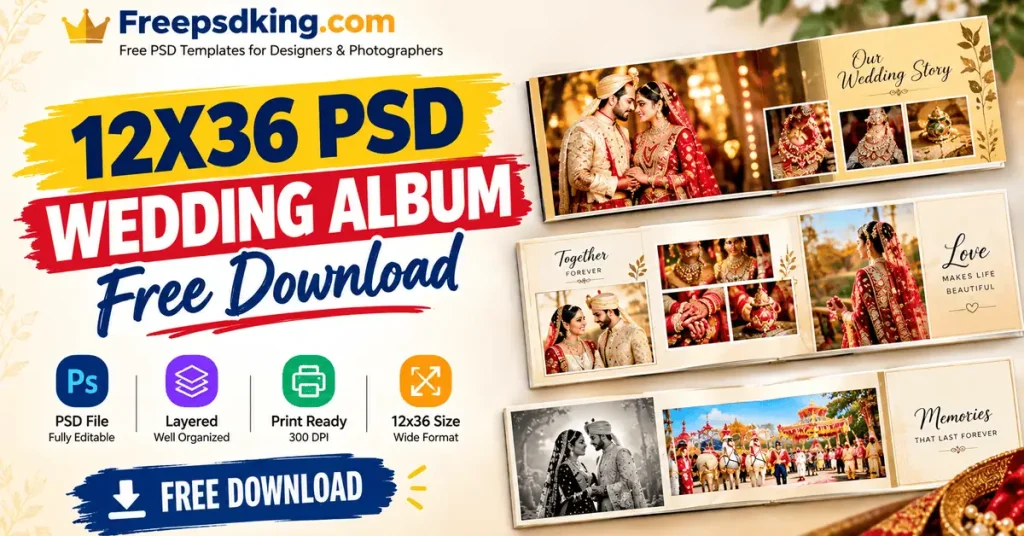
Table of Contents
12X36 PSD Wedding Album — Format, Size and Editing Basics
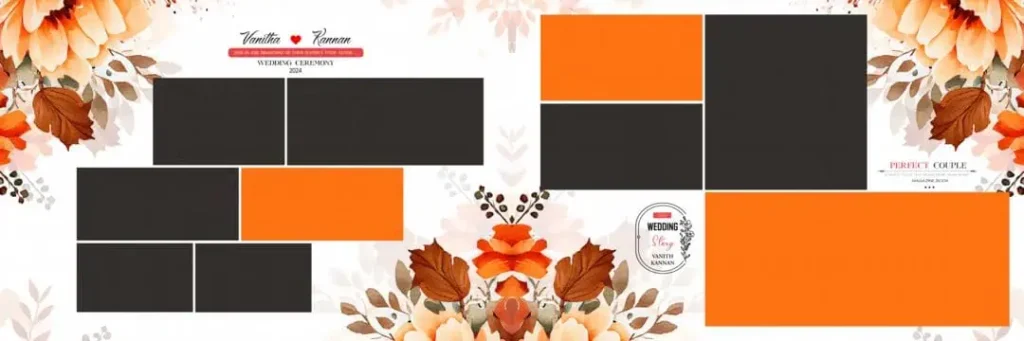
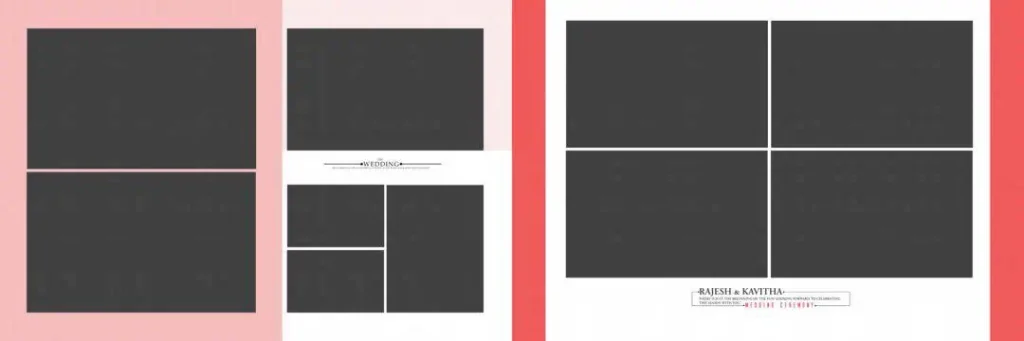
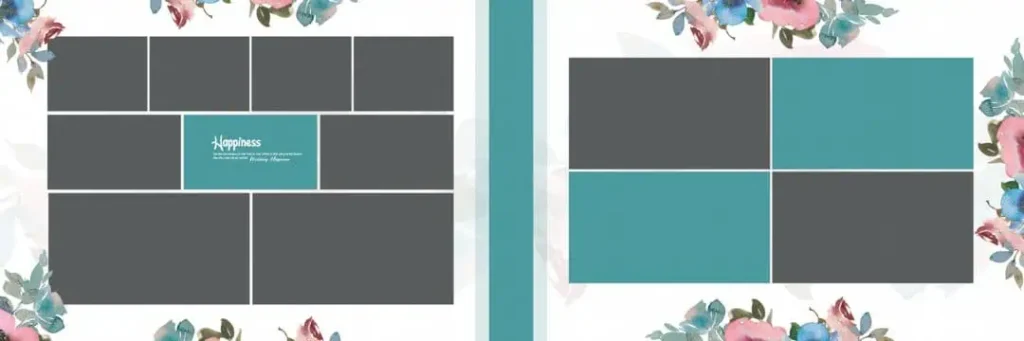
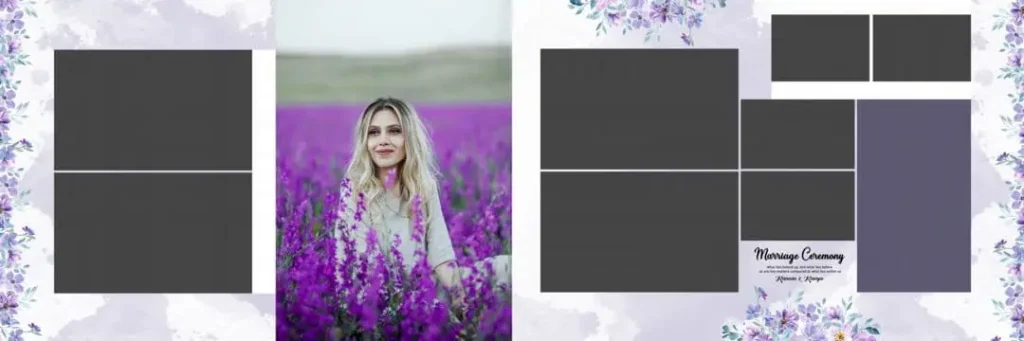
A 12X36 PSD Wedding Album is a Photoshop template designed around the wide 12×36-inch album format. It is normally supplied as an editable PSD file, allowing designers to change photographs, text, colors, and other layout elements according to the project.
For professional output, a properly prepared file should support high-resolution work, commonly at 300 DPI. A layered PSD also makes editing easier because individual design elements can be adjusted without rebuilding the complete photo layout.
This format is especially useful when a designer needs a panoramic wedding spread. Instead of treating the two pages as unrelated designs, the wide canvas can be planned as one connected composition.
#01
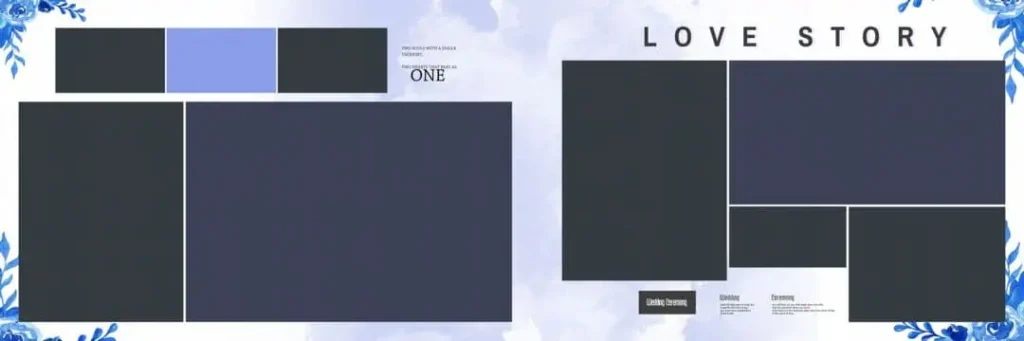
File Size: 50.6MB
#02
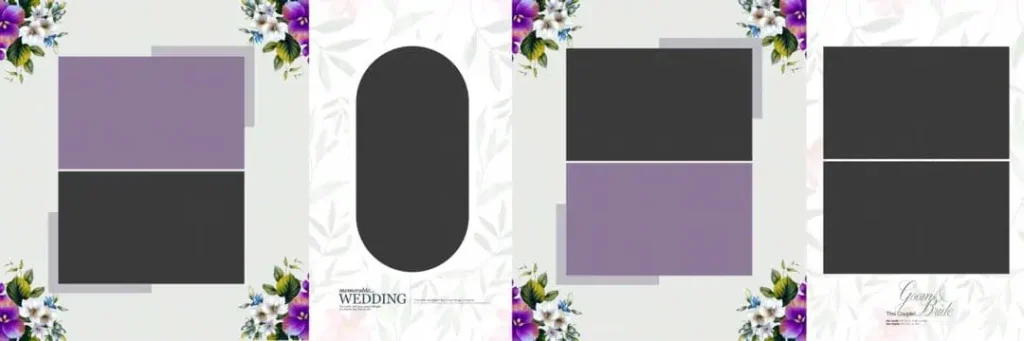
File Size: 42.4MB
#03
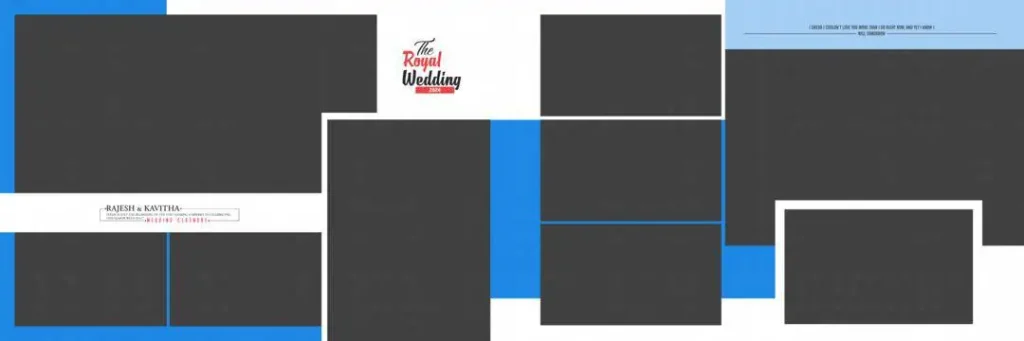
File Size: 1MB
#04
File Size: 36.6MB
#05
File Size: 1MB
Get More: Mega Graphic Bundle 2026 – Ultimate Wedding PSDs, Fonts & Video Assets.
#06
File Size: 90MB
#07
File Size: 127MB
#08
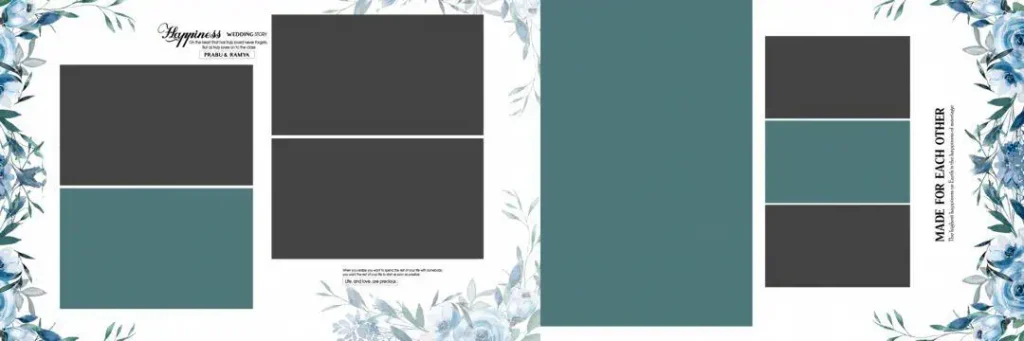
File Size: 31.5MB
#09
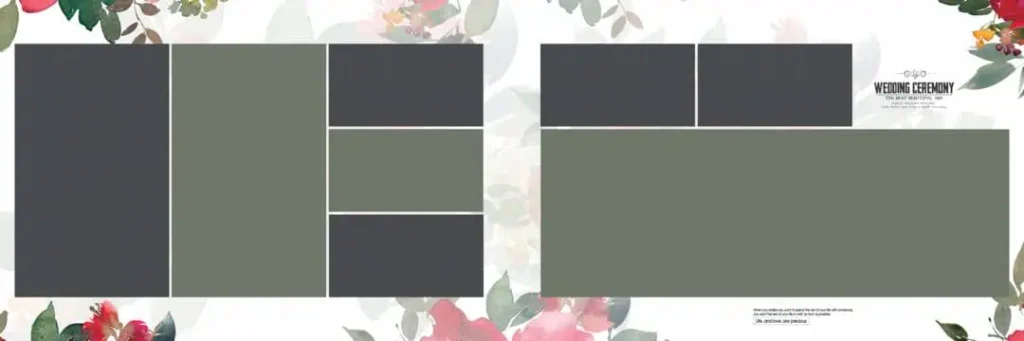
File Size: 170MB
#10
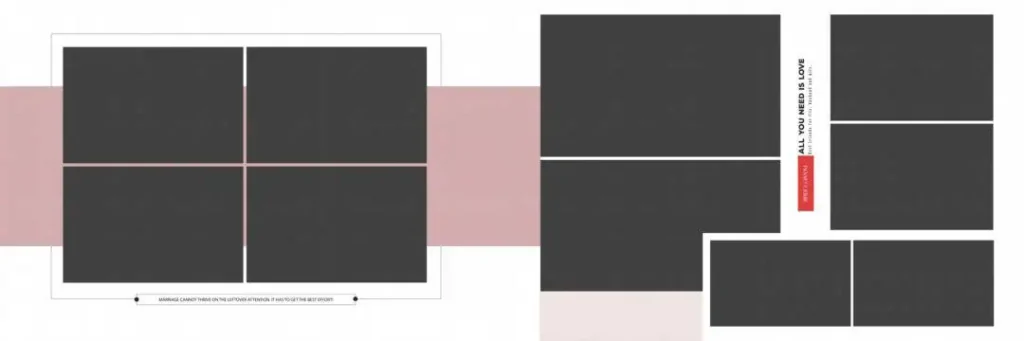
File Size: 1MB
A Fresh Free Collection for Wedding Album Designers
Freepsdking.com offers these 12X36 wedding resources as free downloads for photographers and graphic designers. The collection is provided in ZIP format, with fully layered PSD files designed to give you an editable starting point for album production.
The files are built around the 12X36 size and high-resolution workflow used for wedding album projects. Designers can open the PSD in Photoshop, modify the layout, and prepare the finished page for their preferred print lab. Freepsdking.com regularly updates its design resources so studios can keep their working library fresh.
How to Use These 12X36 PSD Wedding Album Templates
Step 1 — Download the ZIP file: Download the required PSD package from Freepsdking.com and save it to your computer before starting the design work.
Step 2 — Unzip the package: Extract the ZIP file to a convenient folder. Keep the original ZIP as a backup so the source files remain available later.
Step 3 — Open in Photoshop: Launch Adobe Photoshop and open the PSD file. Check the document dimensions, resolution, layers, and color settings before editing.
Step 4 — Add your photographs: Replace Smart Objects where available or place your custom frame and photographs into the appropriate areas. Keep important subjects away from the fold and trim zones.
Step 5 — Customize the design: Change text, colors, photographs, and other editable elements to match the client’s wedding style. Keep typography and spacing consistent across the spread.
Step 6 — Export for print: Save your editable layered PSD first, then export the final print-ready version at 300 DPI using the color and file settings requested by your album printing lab.
Professionally Built PSD Files Can Teach Better Album Design
A good PSD template is not only a shortcut. It can also help a newer designer understand how a professional photo layout is structured. Opening a layered album file lets you see how photographs, typography, decorative elements, spacing, and backgrounds work together.
This is particularly useful when learning wedding album design. You can study why one photograph receives more visual space, how supporting images are positioned, and how empty space keeps a busy wedding spread readable. Working with a professionally designed Photoshop template gives practical experience that tutorials alone may not provide.
The same approach can help when moving between different projects. Once you understand the structure of a layered PSD, adapting an album 12×36 layout for a different client becomes much easier. You learn to make design decisions instead of simply replacing photographs.
Tips for the Best Print Results
- Work at 300 DPI: Keep the document at 300 DPI when preparing the final album pages. High-resolution artwork helps preserve detail in photographs, text, and graphic elements during printing.
- Use CMYK when required: Ask your print lab which color profile it expects. If the lab requires CMYK, convert or prepare the document accordingly and check important colors before exporting.
- Allow 3–5 mm bleed: Keep a suitable bleed margin around the outer edges when the printer requires it. Do not place faces, important text, or other critical details too close to the trim area.
- Keep a layered PSD backup: Save your editable source file before creating the final print file. This makes future corrections much easier if a client requests a photograph or text change.
Frequently Asked Questions
Are these 12X36 PSD Wedding Album templates really free?
Yes. The resources published on Freepsdking.com are offered as free downloads. Check the individual download page for the current license or usage terms before using a file commercially.
What software is needed to edit these files?
Adobe Photoshop is the main software needed because the templates are provided as PSD files. A compatible Photoshop version should support layers, Smart Objects, and the other features used in the template.
Can these templates be used for paid client work?
They can be useful for client album projects, but you should always check the license information provided with the specific download. Do not assume every third-party asset inside a template has identical commercial-use rights.
Why is the 12×36 format useful for wedding albums?
Its wide canvas is suited to panoramic album spreads. It gives designers room to connect photographs across a large composition while maintaining a clear visual flow.
Is this format suitable for Indian wedding photography?
Yes. The wide layout works well for large wedding stories, including Mehendi, Sangeet, Baraat, ceremonies, and reception coverage. Designers can adapt the photographs and text to match each client’s album style.
Conclusion
The 12X36 PSD Wedding Album format gives wedding photographers and designers a practical way to build wide, balanced album spreads without starting every page from zero. With editable layers, high-resolution artwork, and a workflow suited to Photoshop, these files can support both quick studio production and hands-on design learning.
For free, editable wedding resources, visit Freepsdking.com and download the available files for your next project. Whether you are preparing a client album or exploring 12×36 wedding psd layouts to improve your skills, start with the template, customize it carefully, and prepare the final artwork according to your print lab’s specifications.
You might also enjoy these free resources on Freepsdking.com:
• 15 Wedding Album Layouts Free Download – Freepsdking.com
• Wedding Album Design in Photoshop (PSD) Free Download
• 10000+ Premium Wedding Album Collection for Album Designing.