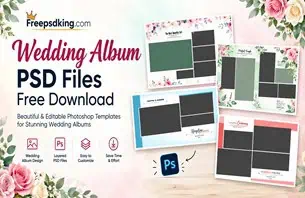
Wedding photography studios often handle several album projects at the same time. After selecting hundreds of photographs from Mehendi, Sangeet, wedding ceremonies, and receptions, designers must arrange the best moments into attractive album layouts. Creating every page from scratch can take valuable time, especially when client deadlines are approaching.
This is where Canvera Album Design PSD Files Free Download becomes a useful search topic for wedding photographers, graphic designers, and photo studio owners. Ready-made PSD layouts can provide a starting point for arranging photographs, adjusting text, and creating consistent wedding album pages.
At Freepsdking.com, the focus of this article is to help designers understand Canvera-style album design resources, choose suitable PSD files, and use them correctly in Photoshop. Before downloading or using any resource, readers should check its actual file specifications, compatibility, and licensing conditions.
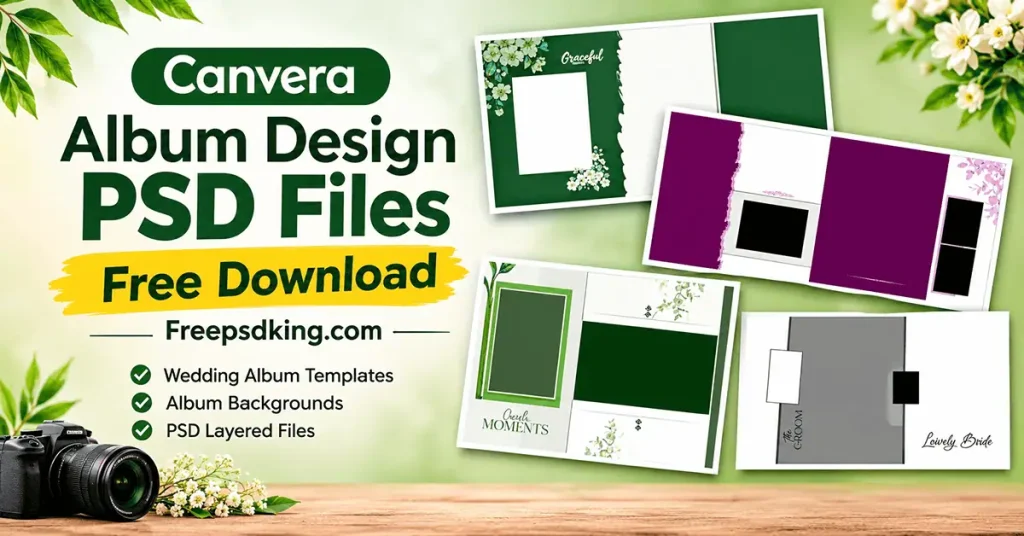
Canvera Album Design PSD Files Free Download
Table of Contents
Canvera Album Design PSD Files Free Download — Understanding the Format
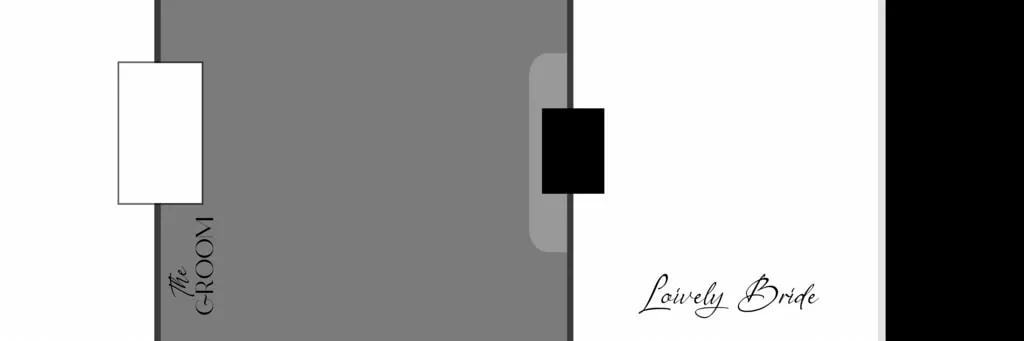
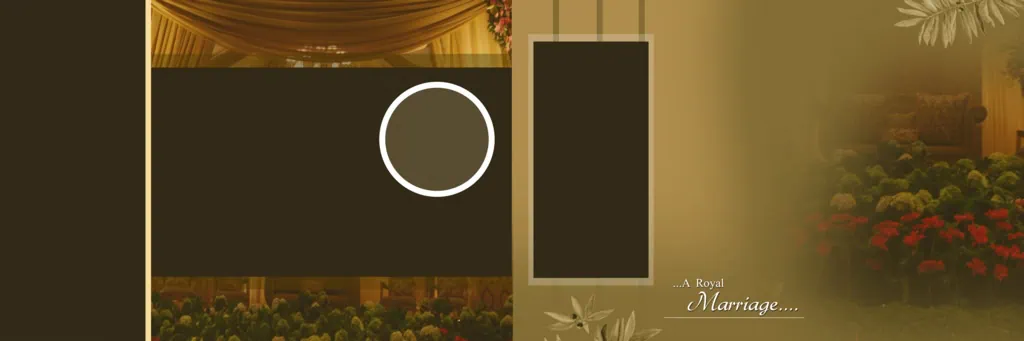
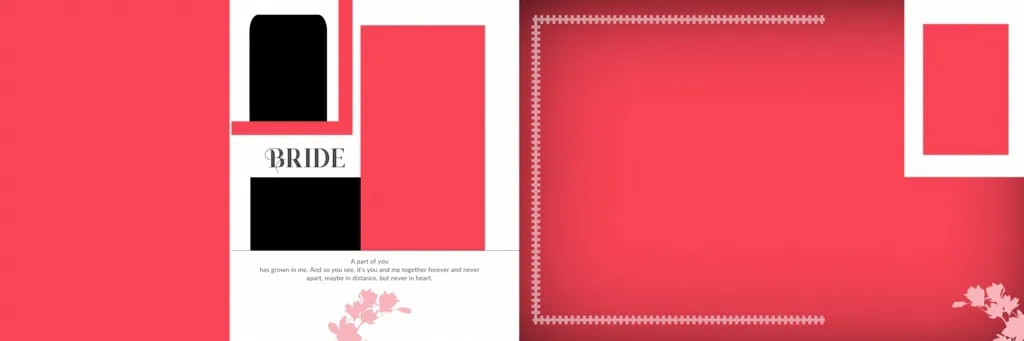
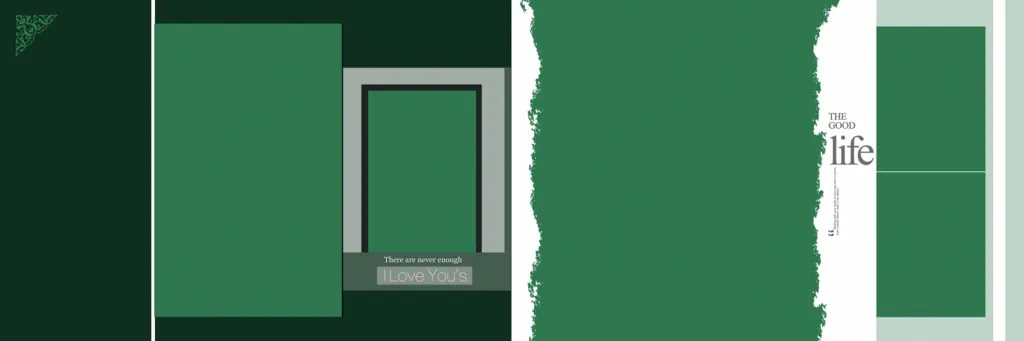
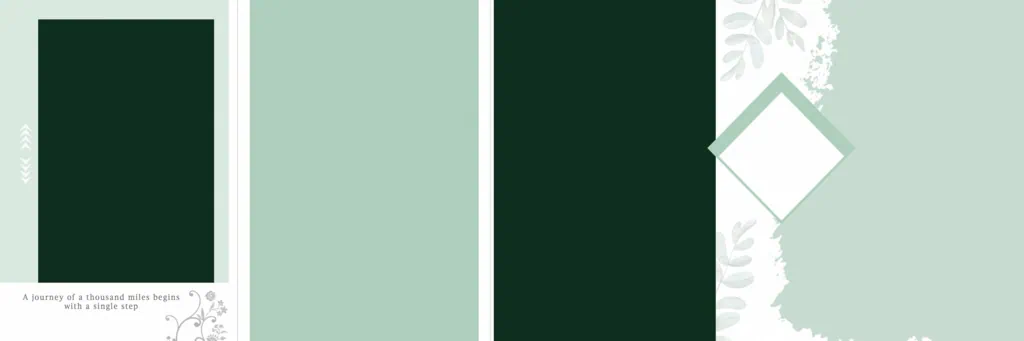
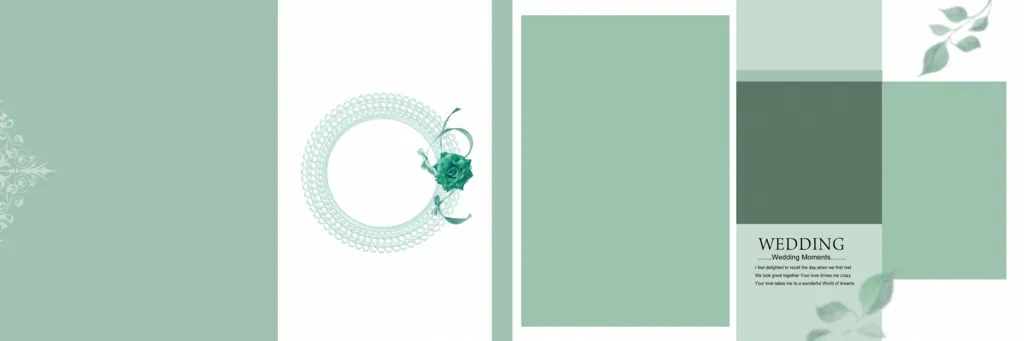
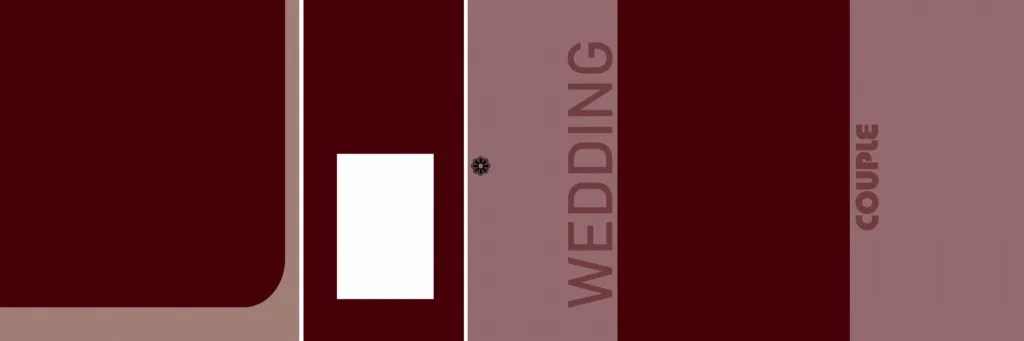
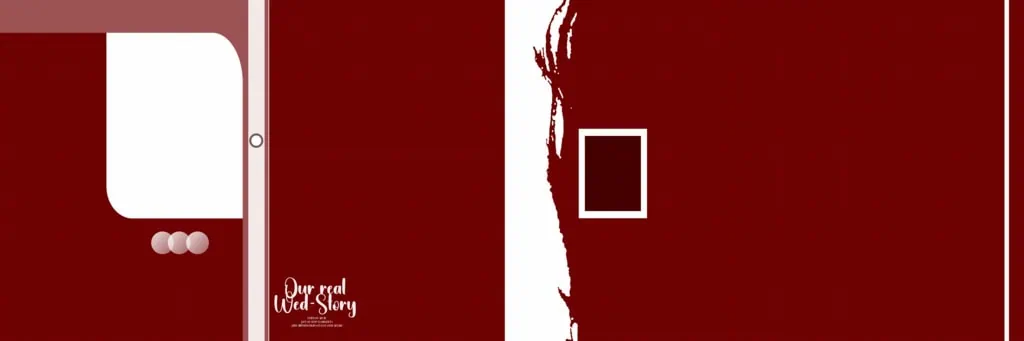
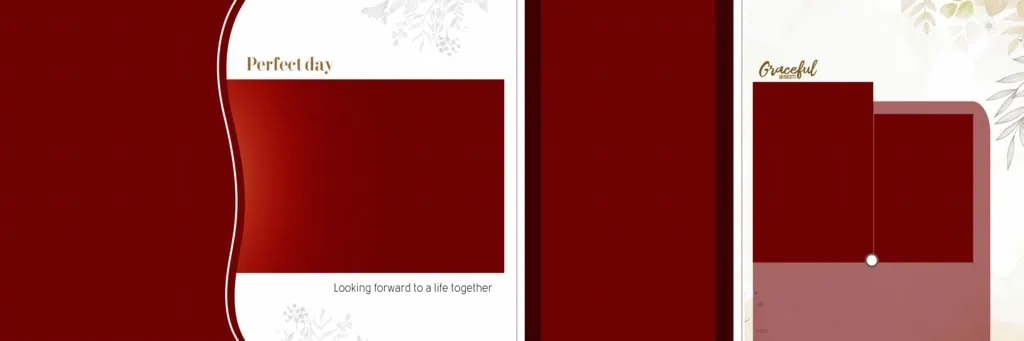
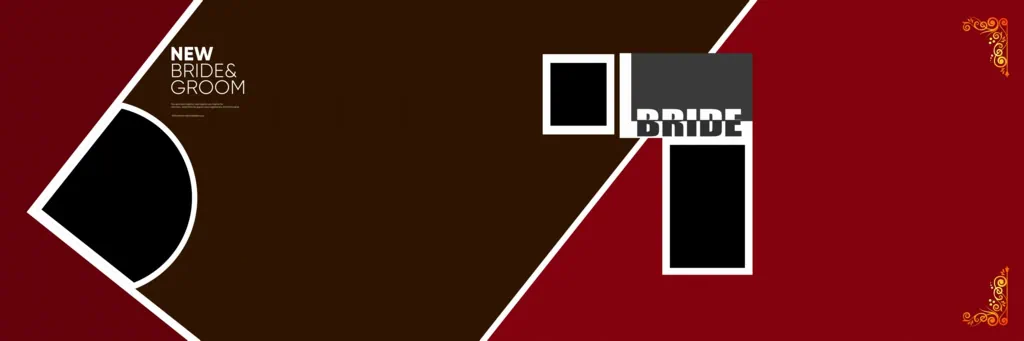
Canvera album design PSD files are Photoshop document resources intended to help designers create and customize wedding album layouts. Depending on the individual file, a PSD may contain editable layers, photographs, text elements, decorative backgrounds, and other design components.
These resources can help wedding photographers and album designers organize photographs into attractive page compositions. They may be used as starting points for traditional wedding albums, couple portraits, pre-wedding photography, and other wedding-related projects.
A PSD file can be particularly useful because Photoshop allows designers to adjust available layers and visual elements independently. However, not every PSD has the same structure. Some files may contain fully editable elements, while others may have limited editing options.
Designers searching for Canvera album sheet PSD files free download should therefore examine the actual file before assuming that it includes specific dimensions, resolution, Smart Objects, or editable layers.
#01

#02

#03

#04

#05
#06
#07

#08
#09
#10
Explore Wedding Album Design Resources on Freepsdking.com
Choosing a suitable wedding album layout is important for maintaining a consistent appearance throughout the final album. A well-organized design can help photographers present important wedding moments without making individual pages look overcrowded.
Freepsdking.com covers graphic design resources and Photoshop-related topics for creative professionals. Designers looking for Canvera album background PSD files can use this topic as a starting point when exploring suitable backgrounds and album design materials.
Before using any particular resource, check the following details:
- File format: Confirm whether the download includes a PSD document or another image format.
- Document dimensions: Check the width and height before placing photographs.
- Resolution: Review the actual pixel dimensions and resolution settings for the intended output.
- Layer structure: Check whether text, photographs, backgrounds, and decorative elements can be edited separately.
- Software compatibility: Confirm that your Photoshop version or alternative editing software supports the document.
- License information: Review the individual resource’s usage conditions, especially for commercial wedding projects.
The exact download page, available files, and download conditions should be confirmed by the editor before publication. No specific file count, technical specification, or commercial-use permission is assumed here.
#11
#12
#13

#14

#15

#16

#17

#18

#19
#20
How to Download and Use Canvera Album PSD Files
Once you have identified a suitable resource, follow these steps to prepare it for your wedding album project.
1. Download the resource: Visit the confirmed Freepsdking.com resource page, review its description, and follow the available download instructions. Check the file format before downloading.
2. Extract the archive: If the resource comes in ZIP format, extract it using a suitable archive utility. Keep the original ZIP file as a backup in case you need the source again.
3. Open the PSD file: Launch Adobe Photoshop and open the extracted document. Check the image dimensions, resolution settings, color mode, and available layers before editing.
4. Replace wedding photographs: Add your selected wedding images to the layout. If the PSD contains Smart Objects, use the available editing method to replace their contents. Otherwise, follow the structure of its existing image layers.
5. Customize the design: Adjust names, wedding dates, colors, backgrounds, and photograph placement. Maintain visual balance and ensure that important details remain easy to read.
6. Prepare the final output: Confirm the printer’s required dimensions, resolution, color profile, and bleed settings. Save an editable PSD backup and export the final document in the format requested by the album printer.
Following these steps can help reduce editing mistakes and make the album preparation process more organized.
#21

#22

#23
#24

#25
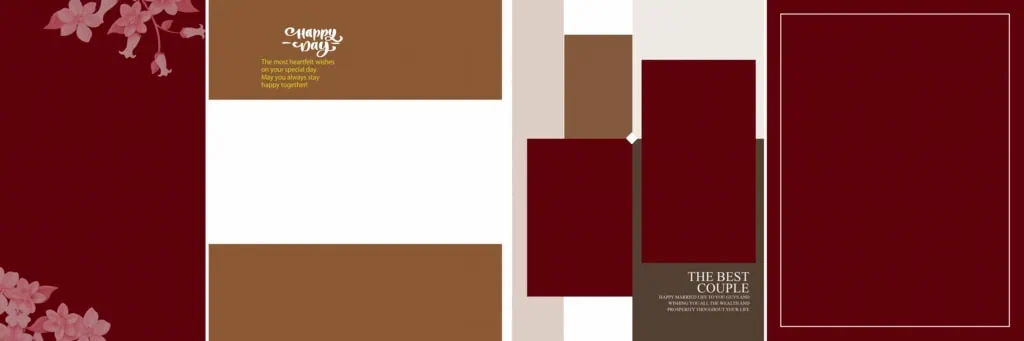
Managing Wedding Album Deadlines with Reusable PSD Layouts
Time management is a major challenge for wedding photography studios. A single project may involve hundreds of photographs, several wedding functions, client revisions, and multiple album sheets. Rebuilding every composition from the beginning can increase the workload.
Reusable Photoshop layouts can provide a practical starting point. For example, a designer preparing a traditional Indian wedding album might organize photographs into separate sections for the Haldi ceremony, Mehendi, Sangeet, wedding rituals, and reception.
Instead of treating every page as a completely separate project, designers can maintain a consistent visual approach across the album. They can adjust the photograph selection, typography, colors, and decorative details according to the client’s preferences.
When working with Canvera album PSD files free download resources, remember that a template should support creativity rather than restrict it. Make changes according to the photographs, album dimensions, and client’s expectations.
A carefully organized workflow also helps when clients request revisions. Saving separate working versions and keeping original photographs organized can prevent confusion during the final editing stages.
Practical Tips for Better Wedding Album Results
Small technical mistakes can affect the appearance of a printed wedding album. Keep these practical points in mind:
- Check photograph resolution: Use original, high-quality wedding photographs whenever possible. A document set to 300 DPI does not automatically improve a low-resolution image.
- Confirm the color profile: Ask the album printer whether RGB or CMYK files are preferred. Follow the printer’s recommended color-management settings.
- Allow space for binding and bleed: Keep important faces, text, and decorative elements away from areas that may be trimmed or hidden near the album spine.
- Maintain an editable backup: Save the original PSD and a separate working copy before making major changes. This makes future corrections easier.
These checks are especially useful when preparing large wedding albums where image quality, alignment, and consistent page presentation matter.
Frequently Asked Questions
Are Canvera album design PSD files free to download?
Download conditions depend on the individual resource. Check the relevant Freepsdking.com download page for availability and any applicable access requirements before assuming that a file is free.
Which software is required to edit Canvera album PSD files?
Adobe Photoshop is the commonly used software for editing PSD documents. Compatibility with other applications depends on their support for the specific document features and layer structure.
Can I use Canvera album PSD files for paid client projects?
Commercial usage depends on the individual file’s license. Always review its usage conditions before incorporating downloaded designs into wedding albums delivered to paying clients.
What makes Canvera album sheet PSD files useful for designers?
They can provide a starting point for arranging wedding photographs, adding text, and creating consistent album pages. Their usefulness depends on the actual design and available editing features.
How can I prepare Canvera album backgrounds for printing?
Check the document dimensions, image resolution, color profile, bleed, and binding margins. Follow the album printer’s specifications and export the final document in the requested format.
Conclusion
Canvera Album Design PSD Files Free Download is a useful topic for wedding photographers, Photoshop designers, and photo studio owners looking for practical album design resources. Suitable PSD layouts can help organize wedding photographs, customize album sheets, and manage repetitive design work. Always verify the file structure, technical details, and license before using a resource.
Explore Freepsdking.com for graphic design resources, Photoshop backgrounds, and wedding album design inspiration. If you are searching for Canvera album background PSD files or editable wedding album materials, review the available resource details and choose designs that match your project requirements.