A wedding album is more than a collection of photographs. It tells the story of two people, their families, and the special moments that made their wedding memorable. Choosing the right layout can make every photograph feel connected and give the album a beautiful visual flow.
Modern Album Design is a popular choice for designers who want to create wedding albums with a clean appearance, balanced photo placement, attractive typography, and creative compositions. Instead of filling every page with decorative elements, modern layouts focus on making photographs the main attraction.
For wedding photographers, album designers, and Photoshop users, having access to creative design resources can make the editing process easier. At Freepsdking.com, you can explore wedding album design inspiration and use suitable layouts as a starting point for your next album project.
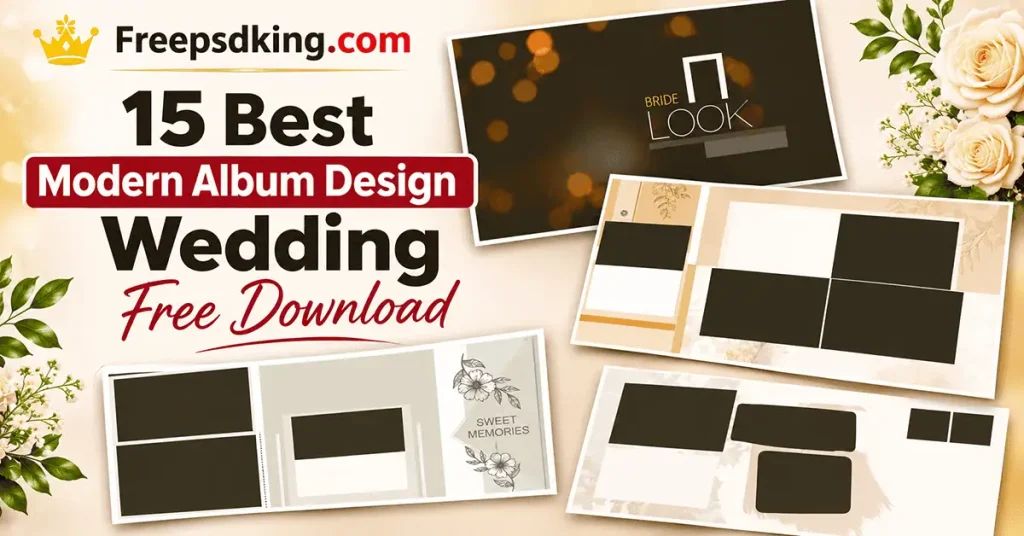
Modern Album Design
Table of Contents
Modern Album Design and Its Visual Style
Modern album design is a photo album layout style that combines clean composition, attractive spacing, creative image placement, and minimal decorative elements. It is designed to present wedding photographs in a balanced and visually appealing way while maintaining a consistent look throughout the album.
These layouts often use large photographs, smaller supporting images, simple backgrounds, elegant typography, and carefully arranged elements. The goal is to keep the album attractive without making the pages look crowded.
A modern wedding album design can work well for different wedding events, including Mehendi, Haldi, Sangeet, engagement ceremonies, wedding rituals, and reception celebrations. Designers can use different page arrangements to highlight important moments while keeping the overall album style consistent.
Modern layouts are also useful when a photographer wants to create a premium-looking photo book that feels organized and easy to view. Good spacing and photo selection can help every page tell a part of the wedding story.
#01

#02

#03
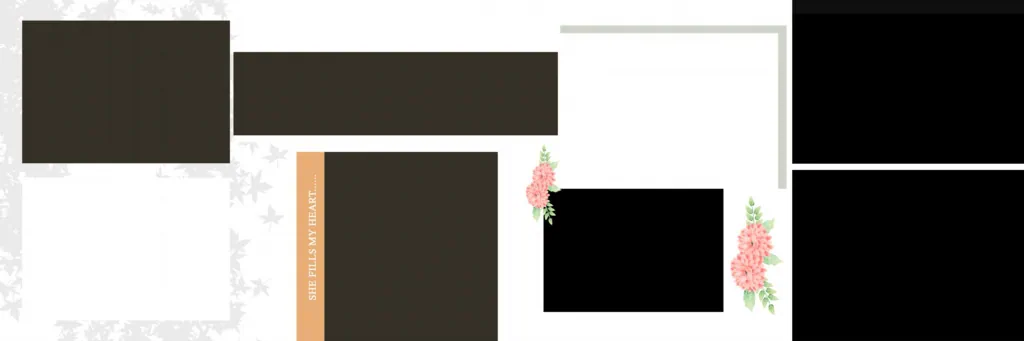
#04
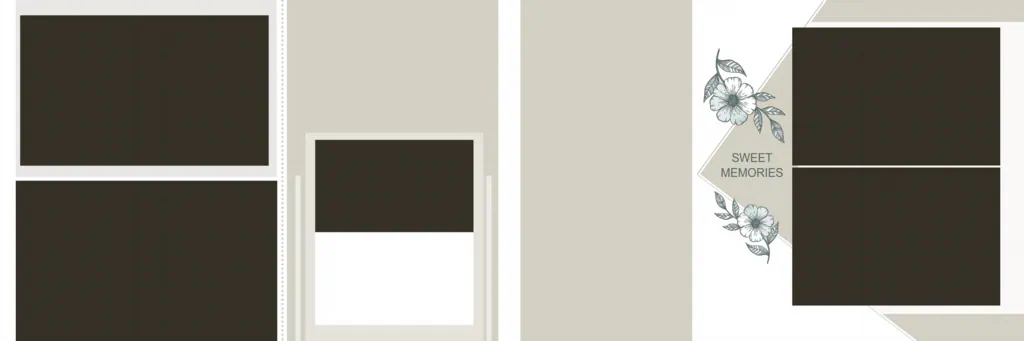
#05
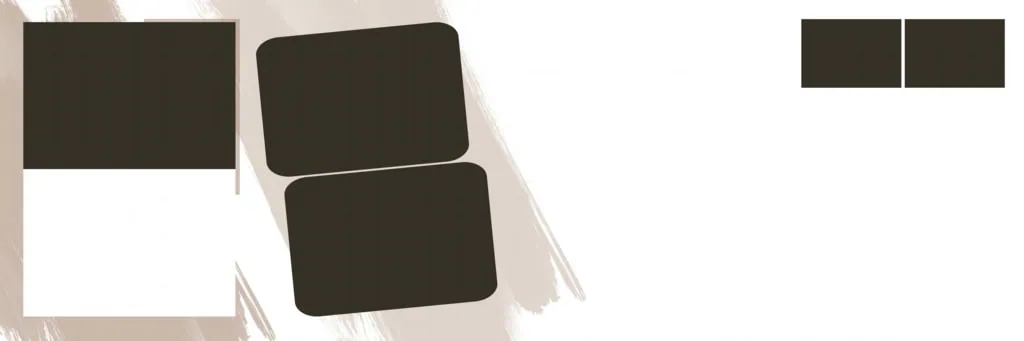
#06
#07
#08
#09
#10
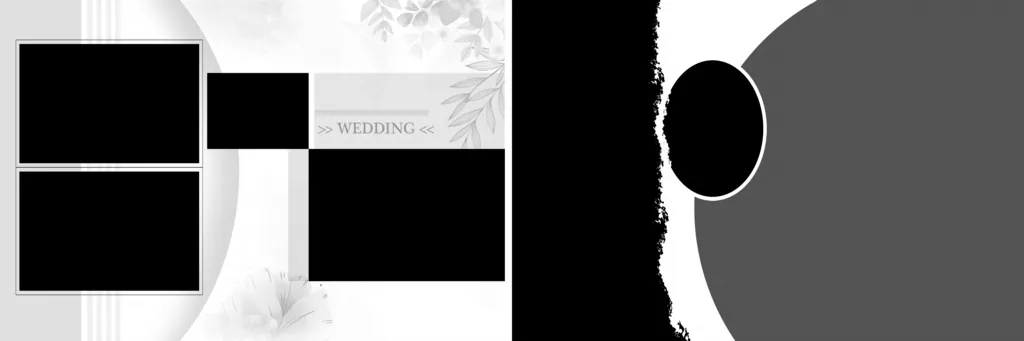
Explore Modern Wedding Album Design Ideas on Freepsdking.com
A wedding album becomes more interesting when every spread has a purpose. Some pages can focus on emotional portraits, while others can showcase group photographs, candid moments, family celebrations, or venue details.
When exploring modern album design wedding ideas, look for layouts that provide enough space for your photographs and support the story you want to tell. A simple composition can sometimes create a stronger visual impact than a page filled with too many effects.
Freepsdking.com is a creative resource website focused on graphic design inspiration and Photoshop-related resources. You can explore the available wedding album design collections and select a style that suits your photography project.
The exact file format, document dimensions, resolution, layer structure, and editing features may vary between individual resources. Always check the resource page before downloading to confirm that the file matches your requirements.
#11
#12

#13
#14
#15
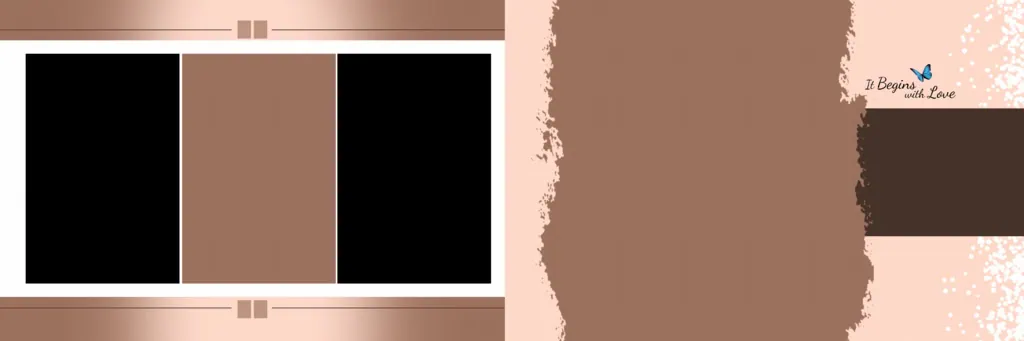
How to Download and Customize a Wedding Album Design
If you find a suitable wedding album resource, follow these steps to prepare it for your project.
- Find the relevant design resource: Visit the applicable resource page on Freepsdking.com and read the download instructions. Confirm that the design is suitable for your album size and project.
- Extract the downloaded file: If the resource comes in a ZIP archive, extract it using a compatible file-extraction tool. Keep the original archive as a backup.
- Open the design in Photoshop: Open the file in Adobe Photoshop or compatible software, if supported. Check the canvas size, resolution, and available layers before editing.
- Replace the photographs: Add your selected wedding photos to the layout. If the file contains Smart Objects or image placeholders, use the available editing method. Otherwise, adjust the images manually.
- Customize the composition: Modify backgrounds, text, colors, photo placement, and decorative elements to match the wedding theme. Keep the layout balanced and avoid unnecessary effects.
- Prepare the final album: Check the image quality, document dimensions, color settings, margins, and binding area. Save an editable copy and export the final file according to your printing requirements.
This process helps designers adapt a layout to different clients instead of using the same arrangement for every wedding album.
Learning Creative Composition Through Modern Album Layouts
Modern photo book design is also a valuable learning resource for Photoshop users. By studying how photographs, backgrounds, shapes, and text are arranged, designers can understand why some compositions feel balanced while others look crowded.
Pay attention to the placement of the main photograph. Notice how supporting images are positioned, how empty space is used, and how the visual focus moves across the page. These details can help you improve your own wedding album design skills.
You can also experiment with different photo arrangements. Try combining a large portrait with smaller candid images, using a full-page photograph for an emotional moment, or creating a clean collage for wedding celebrations. These exercises can help you develop a better understanding of photo composition.
Rather than copying every detail of a layout, use it as inspiration to create your own style. With regular practice, you can develop modern Indian wedding album design compositions that suit different photography styles and client preferences.
Practical Tips for Better Modern Wedding Album Designs
- Choose photographs carefully. Use the strongest images for the main visual areas and avoid repeating similar photographs unnecessarily.
- Maintain consistent spacing. Keep margins and gaps between photographs balanced throughout the album for a clean appearance.
- Check printing requirements. Confirm the required color profile, dimensions, bleed, and binding margins with your album printer before finalizing the design.
- Keep an editable backup. Save the original PSD and your customized version separately so you can make changes later without rebuilding the layout.
A good modern album design should look attractive on the screen and remain practical for printing. Small adjustments to photo placement, cropping, and spacing can make a noticeable difference to the finished album.
Frequently Asked Questions
1. What is modern album design?
Modern album design uses clean layouts, creative photo placement, balanced spacing, and simple visual elements to create attractive photo books. It helps wedding photographs look organized without unnecessary decoration.
2. Can modern album designs be used for Indian weddings?
Yes. Modern layouts can be adapted for Mehendi, Haldi, Sangeet, wedding ceremonies, Baraat, and reception photographs. You can customize the composition according to the event and photography style.
3. Which software is suitable for editing wedding album designs?
Adobe Photoshop is commonly used for wedding album editing. However, software compatibility depends on the file format and features of the downloaded resource.
4. Can I use modern wedding album designs for client projects?
Commercial use depends on the license of the individual resource. Always review the applicable usage terms before using a downloaded design in paid photography or album projects.
5. How can I make my modern wedding album look professional?
Use high-quality photographs, maintain consistent spacing, avoid excessive effects, check the print dimensions, and confirm the binding and color requirements before exporting the final album.
Conclusion
Modern Album Design gives wedding photographers and album designers a flexible way to present photographs with clean compositions, creative layouts, and an attractive visual flow. By choosing the right photographs and customizing each page carefully, you can create an album that reflects the atmosphere and story of the wedding.
Explore the wedding album design resources available on Freepsdking.com to find inspiration for your next project. Use modern wedding album design ideas to improve your compositions, experiment with different layouts, and create memorable photo books for your clients.