A busy wedding photography studio often handles several albums at the same time. Between selecting photographs, arranging family portraits, designing ceremony pages, and meeting client deadlines, creating every layout from scratch can take valuable hours. A reusable Photoshop template can make this process more manageable.
Wedding Album PSD Files Free Download is a useful search for designers and photographers looking for Photoshop-based resources to support their album projects. The right template can provide a starting point for arranging wedding photographs, customizing page compositions, and maintaining a consistent visual style throughout an album.
At Freepsdking.com, this topic is intended for graphic designers, photo studio owners, wedding photographers, and Photoshop users who want practical wedding album design resources. Before choosing a file, check its actual specifications, editing requirements, download conditions, and license so it suits your project.
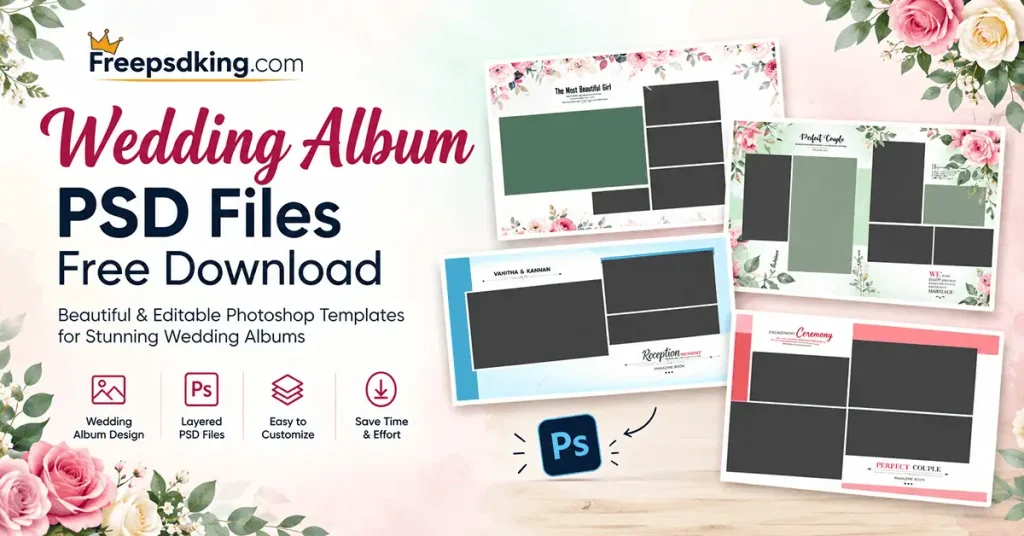
Wedding Album PSD Files Free Download
Table of Contents
Wedding Album PSD Files Free Download — Understanding the Format
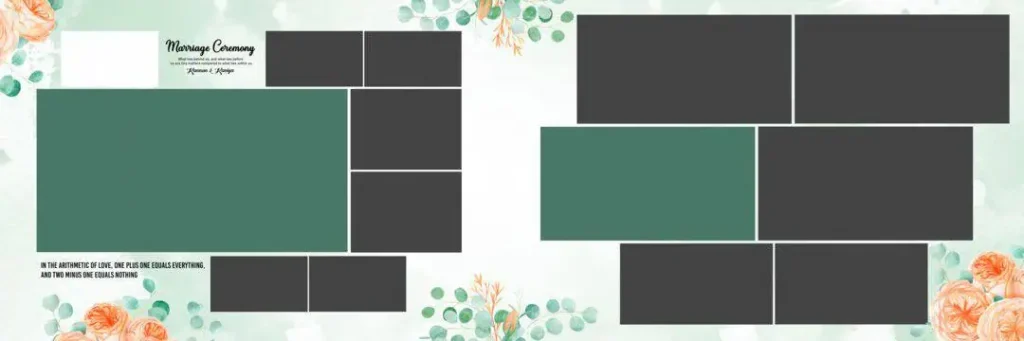
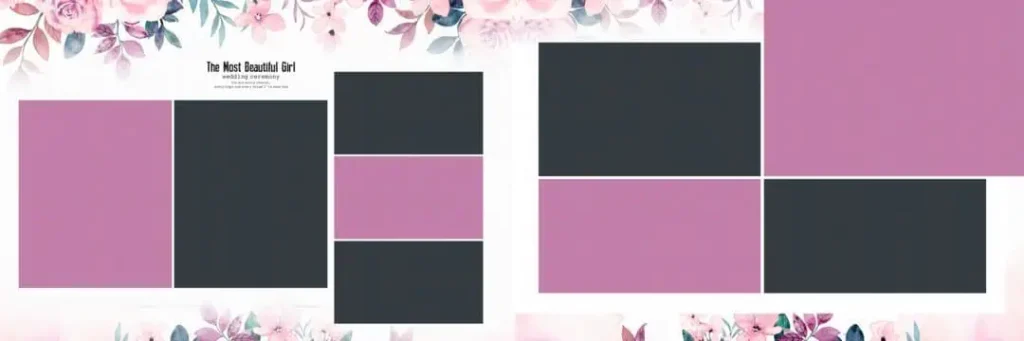
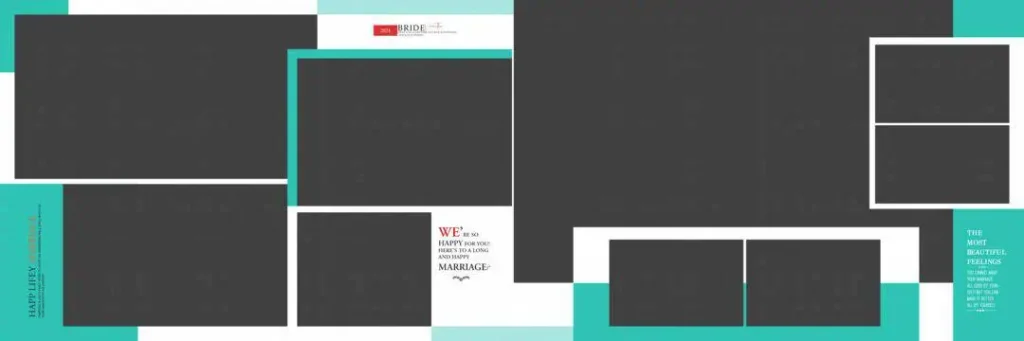
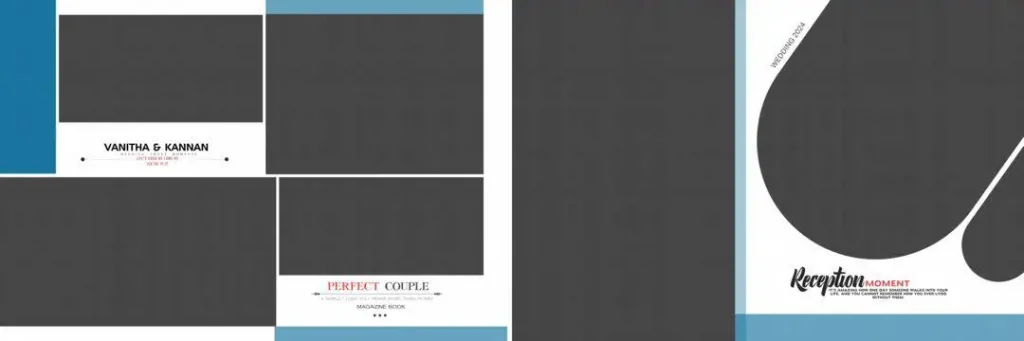
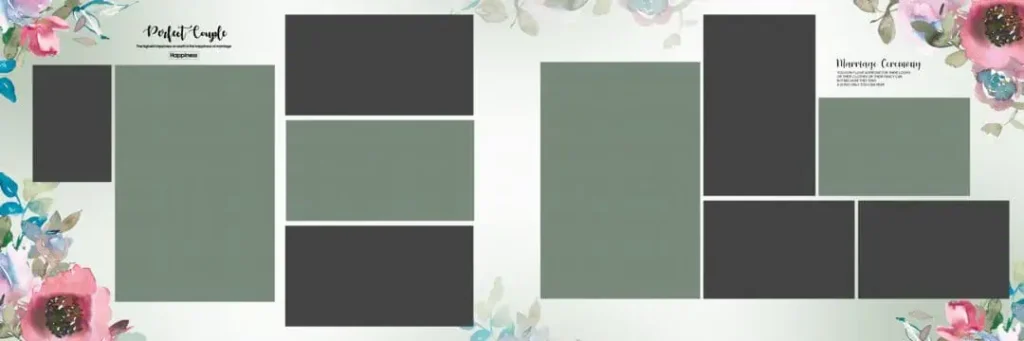
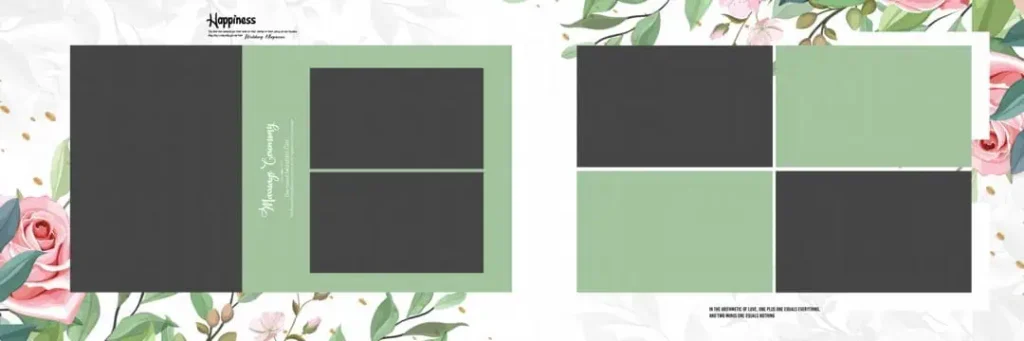
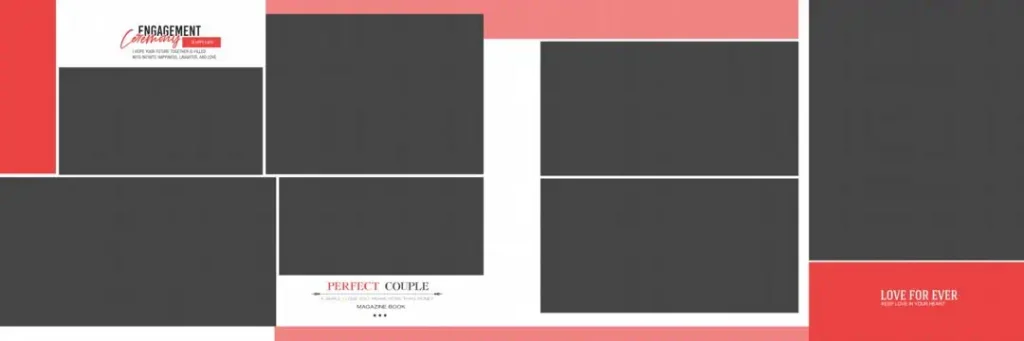
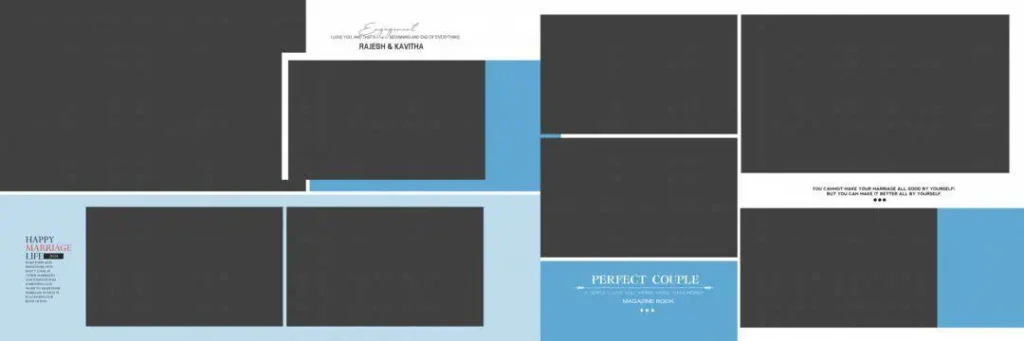
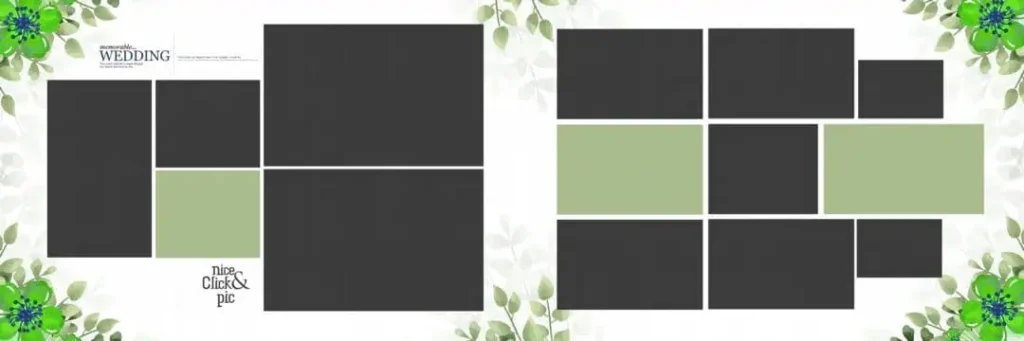
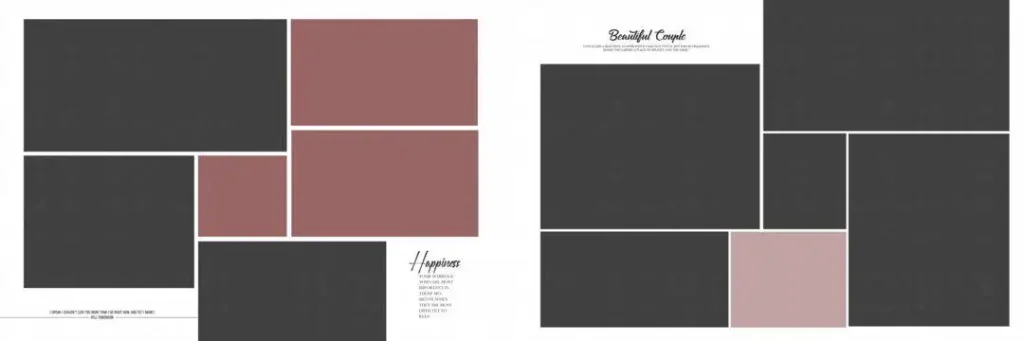
Wedding album PSD files are Photoshop Document files used as starting points for arranging and editing wedding photographs in an album layout. Depending on how a particular file is built, it may contain separate layers for images, backgrounds, decorative elements, and text. These files can help designers customize album pages without building every element from scratch.
The PSD format is useful because it can preserve editable elements, allowing changes to image placement, colors, typography, and composition when the relevant layers are available. However, not every PSD contains the same structure or features. Some files may use a flattened design, while others may provide more flexibility.
For Indian wedding albums, designers may need layouts that accommodate Mehendi ceremonies, Sangeet performances, Baraat processions, wedding rituals, and reception portraits. A suitable composition should support the photographs and story of the event rather than simply filling the page with decorative elements.
#01
#02
#03
#04
#05
#06
#07
#08
#09
#10
Finding Suitable Wedding Album Resources on Freepsdking.com
When exploring Freepsdking.com for wedding album design resources, choose a file according to the requirements of the project. Consider the album’s final dimensions, the number of photographs, the preferred visual style, and the editing software available in your studio.
Designers searching for wedding album design PSD free download ZIP resources should confirm whether the selected download actually includes a ZIP archive and what files it contains. Similarly, searches for Photoshop wedding album templates PSD free download may lead to resources with different layouts and editing options. Check the individual resource page rather than assuming that every template offers identical features.
If you need a panoramic album layout, the terms 12 * 36 PSD file free download and 12×36 PSD file may help describe the dimensions you are looking for. Nevertheless, confirm the document’s actual width, height, units, resolution, and intended print format before using it. No specific download URL, file specifications, or license terms were supplied for this article, so these details should be verified on the relevant resource page before publication.
How to Download and Customize a Wedding Album PSD
Follow these six steps to prepare a wedding album design for your project.
1. Download the selected resource. Visit the relevant Freepsdking.com resource page, if available, and follow its published download instructions. Confirm the file format and any download conditions before proceeding.
2. Extract the ZIP archive. If the resource comes as a ZIP file, extract it using a suitable archive utility. Check the extracted folder for the PSD file, preview images, fonts, or other included assets. The actual contents depend on the download.
3. Open the PSD in compatible software. Open the document in Adobe Photoshop or another application that supports the file’s features. Review the canvas dimensions, resolution setting, color mode, and layer panel before editing.
4. Replace the wedding photographs. Identify the image layers or placeholders provided in the template. Replace them with the client’s selected photographs, using Smart Objects only if the file supports them. Adjust cropping and positioning to keep important faces visible.
5. Customize the composition. Edit available text, colors, backgrounds, and decorative elements to match the wedding theme. Keep typography readable and maintain visual consistency across ceremony, couple, family, and reception pages.
6. Prepare the final output. Check the final document dimensions, image detail, color profile, bleed requirements, and binding area against your printer’s specifications. Save an editable PSD backup, then export the required production file in the format requested by the printing service.
Managing Tight Wedding Album Deadlines Without Sacrificing Quality
Wedding album projects often involve many photographs and several rounds of client feedback. A reusable template can reduce repetitive layout work, leaving more time for selecting meaningful images and refining the album’s visual story. The time saved depends on the template’s structure and how much customization the project requires.
Create a simple workflow before editing. Group photographs by event, such as Mehendi, Sangeet, the wedding ceremony, and reception. Select the strongest images for each section, then arrange them according to the available page compositions. This approach helps avoid repeated photographs and inconsistent storytelling.
Keep project files organized by client and event. Save the original template separately from the working PSD, and use clear filenames for revised layouts. When a client requests changes, this makes it easier to locate the correct version without accidentally overwriting the original design.
Practical Tips for Better Wedding Album Results
- Check dimensions and image detail. Confirm the actual document size and ensure photographs contain enough pixel detail for their intended print size. A resolution setting alone does not guarantee sharp output.
- Confirm color requirements. Ask the album printer which color mode and profile to use. Do not assume every PSD is already configured for the printing workflow.
- Protect important content. Follow the printer’s bleed and binding-area guidelines, keeping faces, captions, and essential details away from areas that may be trimmed or hidden.
- Keep an editable backup. Save the working PSD before flattening layers or exporting the final album. This allows future corrections without rebuilding the entire layout.
Frequently Asked Questions
Are wedding album PSD files free to download?
Download conditions vary by resource. Check the individual Freepsdking.com page for access requirements and any applicable terms before downloading or using a file.
Which software is needed to edit wedding album PSD files?
Adobe Photoshop is a common choice. Other applications may open PSD files, but compatibility with layers, fonts, effects, and Smart Objects can vary.
Can I use wedding album PSD templates for paid client projects?
Commercial use depends on the individual resource’s license. Review its terms before incorporating the design into a paid wedding photography or album printing project.
Why is a 12×36 PSD file useful for wedding albums?
A 12×36 layout describes a nominal 12-by-36-inch format when those units are specified. It may suit panoramic album spreads, but confirm the document dimensions and printer requirements before use.
How can I prepare a PSD template for album printing?
Check document dimensions, image detail, color settings, bleed, and binding allowances. Follow your printer’s export instructions and retain an editable backup for future revisions.
Conclusion
Wedding Album PSD Files Free Download can be a useful starting point for photographers, album designers, and studio owners who want to streamline their Photoshop workflow. Choosing a suitable template, organizing photographs, and checking print specifications can help create a consistent and well-presented wedding album. Resources described as a wedding album design PSD free download should always be checked for their actual features and licensing conditions.
Explore the relevant wedding album design resources on Freepsdking.com when the corresponding page is available. Before downloading, verify the file details and usage rights, then customize the design to suit your client’s photographs and album requirements.